
Tap Counter - Count Me
Tasks, track repetitions, log metrics
Marius Caciulescu
iPhone Screenshots


iPad Screenshots

Description
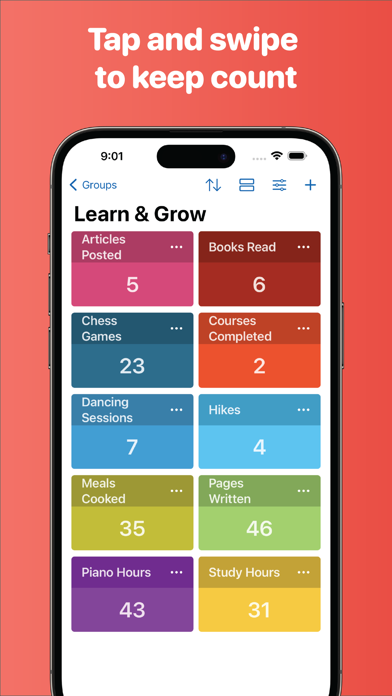
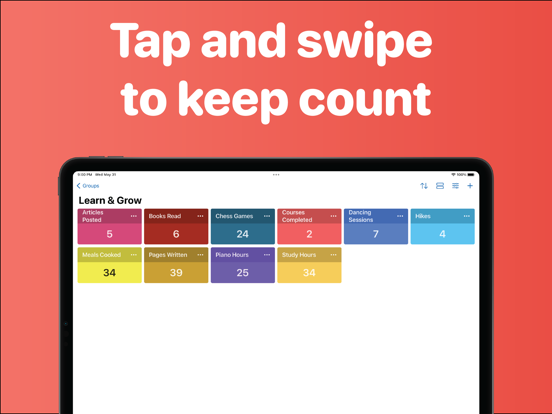
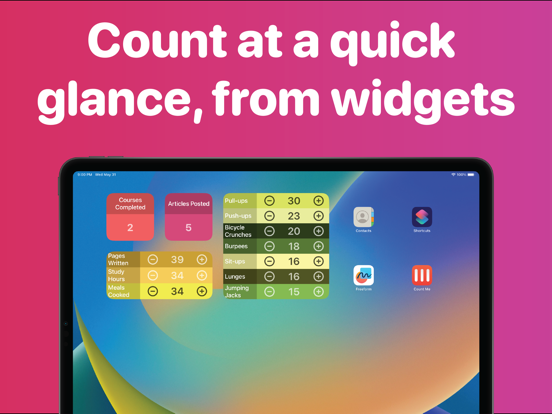
Me allows users to create up to 10 counters with customizable colors. Widgets display counters on the home screen. Tap, double tap, or custom buttons update counters instantly. Adaptive sizes let users switch between compact grid and detailed views.
From daily tasks to workout repetitions to business metrics, Count Me is designed to offer a simple and efficient counting experience right at your fingertips.
Essential Features:
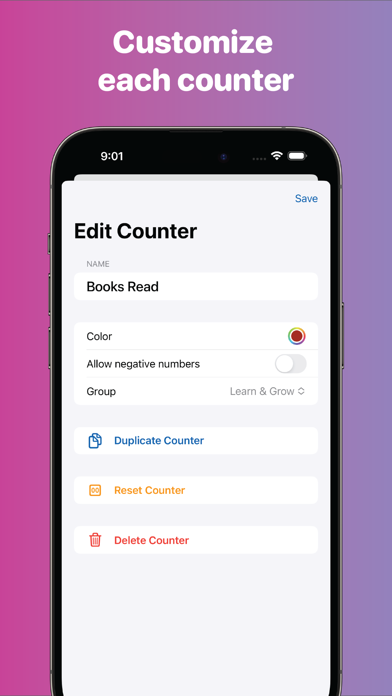
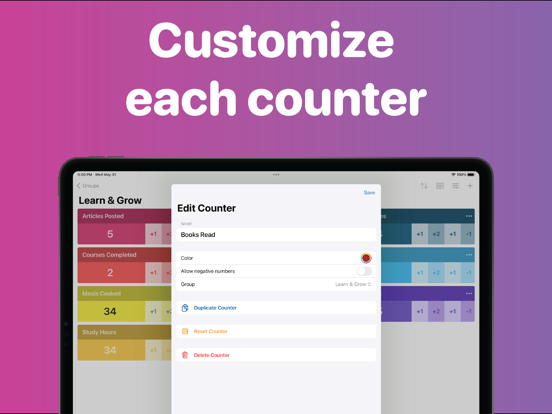
• Create up to 10 counters, each with customizable colors for easy identification.
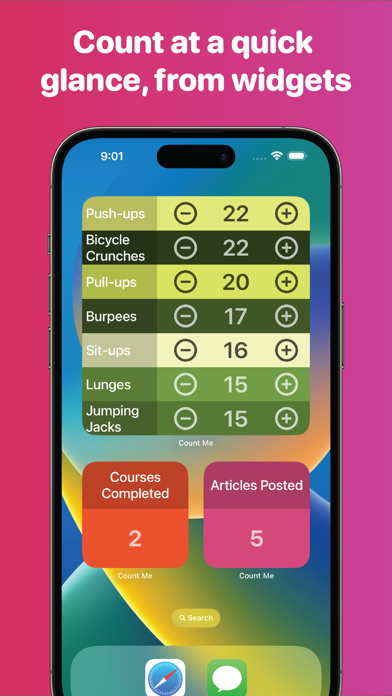
• Widgets: Keep your counters easily accessible and neatly displayed on your Home Screen.
• Update with a Tap: Manage your counters instantly with a tap, double tap, or custom buttons.
• Adaptive Sizes: Switch between a compact grid, detailed list, or full-screen view to match your preferences.
Pro Features:
Unlock an even smoother counting experience with Count Me Pro. With it, you can:
• Use Unlimited Counters: Create and manage as many counters as you need
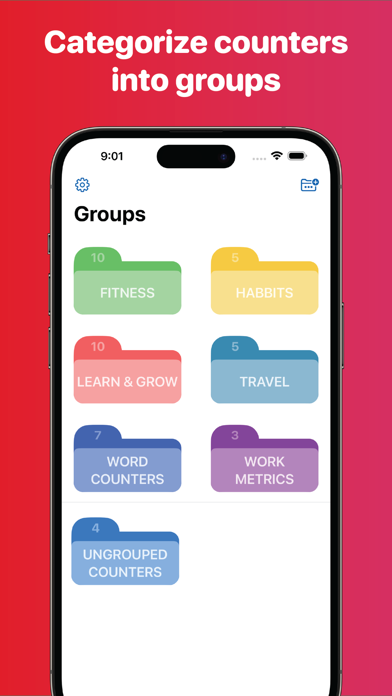
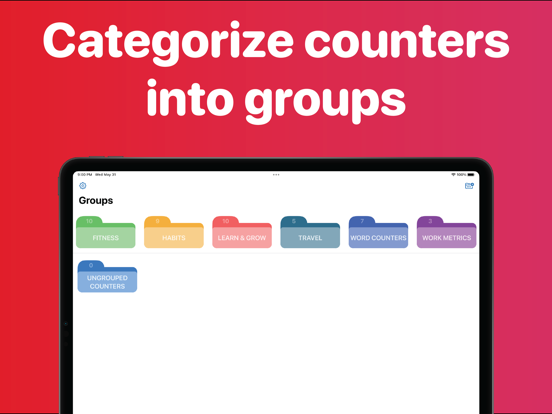
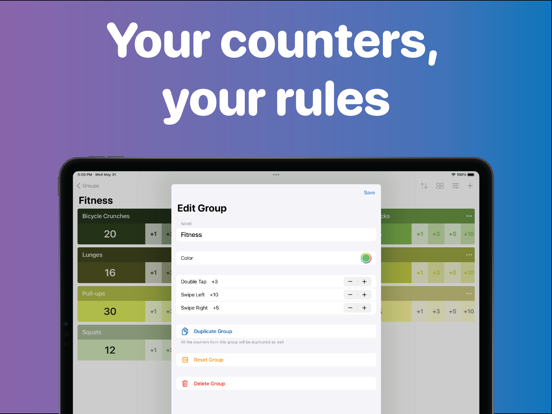
• Organize Your Counters: Group your counters for easier tracking and management.
• Customize Values: Set custom values for tap and double tap inside each group.
• Sort Your Counters: Arrange them by name or value.
• Duplicate and Reset: Reuse counters or start fresh with one tap.
Privacy Policy: https://capps.tech/countme/privacy
Terms of Use: https://capps.tech/countme/terms
App information from Apple App Store. Tap Counter - Count Me and related trademarks belong to Marius Caciulescu.