
iPhone Screenshots





Description
4eyes provides an easy access to home automation systems.
The 4 buttons can be configured to point at video cameras to retrieve images at a configurable interval.
Touch (short press) any of the 4 buttons to retrieve the latest image from a camera.
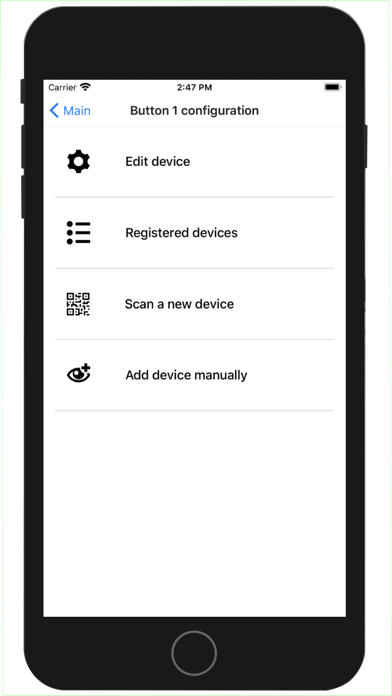
Touch and hold (long press) any of the 4 buttons, to enter or exit its configuration mode.
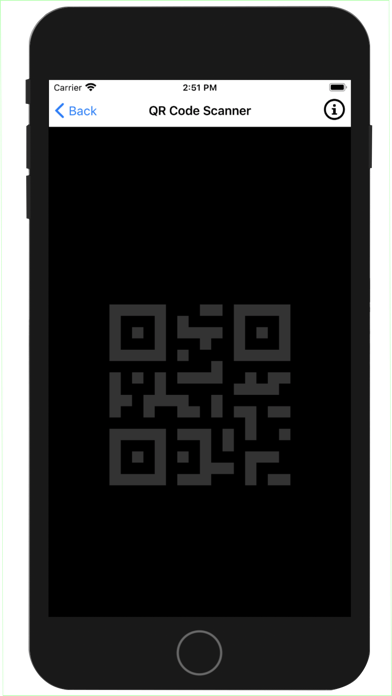
A new device is attached to the button by scanning a QR Code or the current device access information can be entered and saved.
The four buttons have been given numbers from 1 to 4 starting on the top left button in Portrait mode. These numbers are displayed on the Devices registered screen to show which device is assigned to a button.
QR Code examples are available on the QR Code Scanner screen by clicking on the Info button on the upper right corner.