
iPhone Screenshots



Description
Visualize your progress by taking perfectly aligned daily photos.
| See how your body is changing
| Record your child's every day
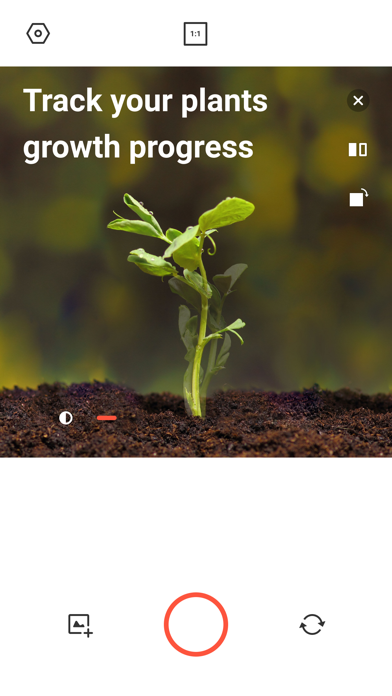
| Track your plants growth progress
| Retake your old family photos
∙ How do I use this app?
1. Download the app,
2. Select the original photo to be layred.
3. Take a new photo to match the original layered photo.
∙ You can adjust the original layered photo like this.
- Transparency : You can adjust the transparency of the layered original photo.
- Camera ratio: Adjust the camera ratio to match the original ratio.
- Mirror image : If the layered photo is a selfie, you can flip the photo horizontally.
- Rotation : You can rotate the photo in 90 degree increments.
∙ Where are the photos saved?
- The photos you take are saved in the default album of your phone.
∙ I have something to say about the app!
- For feedback, please leave a comment or email us at [email protected]! Your comments and suggestions are always welcome
∙ Access rights used in Layered
- Required access rights: camera, album
(If you do not agree to allow the required access rights, you cannot use Layered.)