
iPhone Screenshots

Description
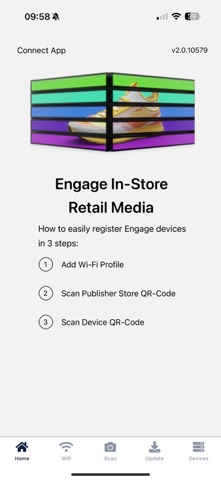
VusionRail Connect is the companion app for setting up and managing your VusionRail in-store displays and electronic shelf labels. Whether you're rolling out a single store or many, Connect makes provisioning, monitoring, and updating your devices fast and effortless.
GUIDED 3-STEP SETUP
Getting devices online is simple. Just scan your Store, choose your Wi-Fi, then scan your Device. Each step shows clear progress and an estimated time remaining, and you can retry a single step if anything goes wrong — no need to start over.
MANAGE MULTIPLE STORES
Save all your stores in one place, give each a friendly name, and switch between them in a tap.
POWERFUL DEVICE LIST
Find any device instantly with search by ID, short ID, or link ID. Filter by hardware model, sync state, battery, Wi-Fi health, and pending firmware. At-a-glance status icons — with a built-in legend — show Wi-Fi signal, battery, and sync health using simple color coding.
EVERYTHING ABOUT A DEVICE, IN ONE PLACE
A single detail screen shows device info, firmware (including scheduled updates), and Wi-Fi configuration, plus quick actions: Content Update, Power Saving, Lock / Unlock, Service Mode, Wi-Fi Update, and Tags.
EASY CONTENT UPDATES
Set background images or videos, add label areas, and drag them into position on a live preview of the display.
SMARTER SCANNING
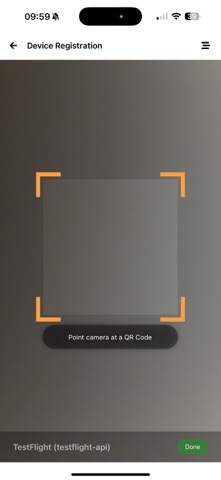
The scanner checks Bluetooth and Location upfront, shows loading states, and gives plain-language guidance when something needs attention. Register a device by its link ID, and copy diagnostics for support when you need it.
WI-FI PROFILES
Save networks, set a default, and edit credentials. Your devices connect automatically using saved profiles.
MULTI-LANGUAGE
Available in English, French, Japanese, Spanish, Polish, Italian, Portuguese, and German.