
Workout-Log
Log workouts, track progress, create programs
Kwonhong Min
iPhone Screenshots
Description
Log workouts with detailed entries, track progress with charts, and manage routines and custom programs. Set bookmarks for quick access. View recent workouts and analyze performance metrics. Export logs and share reports.
Workout - Log, Report, Program
The Beginning of Progressive Overload is "Workout Log". Start it with this App.
It's developed to be optimized for “Workout Logging” for Progressive Overload.
It provides a differentiated service from other applications by reflecting the actual usage environment(Generally Gym) as much as possible.
It is an App that can help all people exercise efficiently and smartly.
[Main Function]
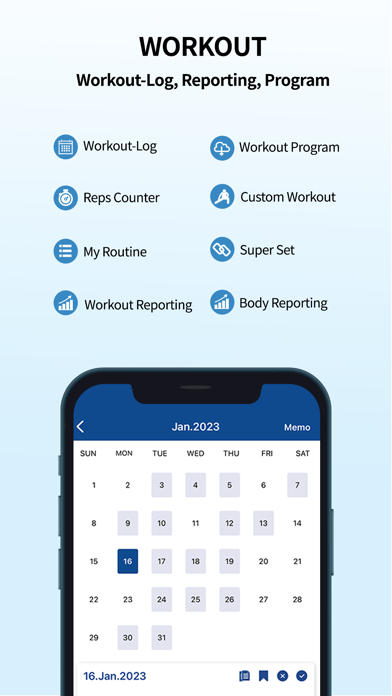
1. Workout Log
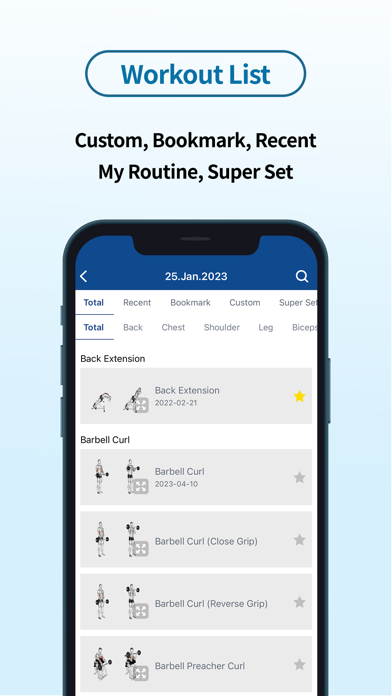
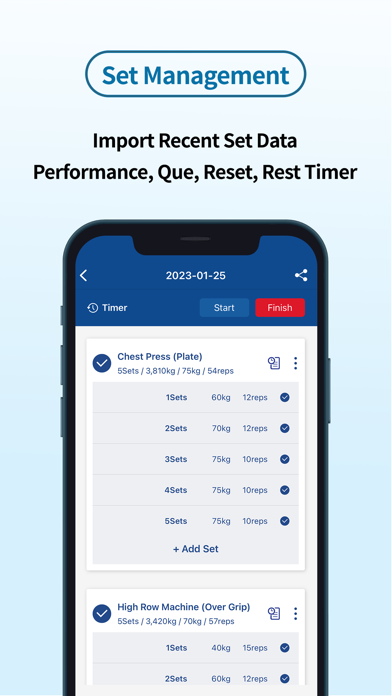
- Bookmark, Recent Workouts, Custom, Routine Management and Import of Recent Workout/Set Information
- Superset Function Provided
- Cue Registration by Workout
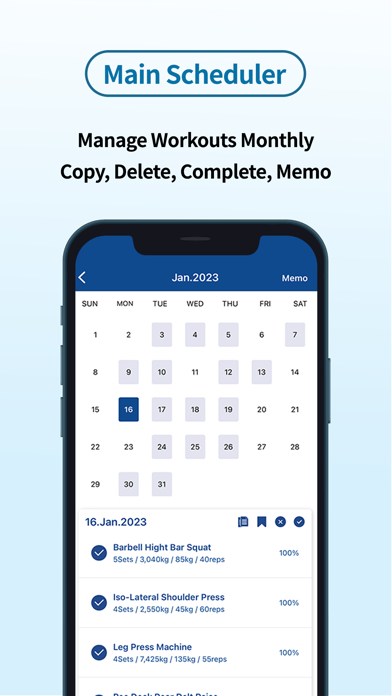
- Copy Workout by Date
- Save Memo by Date
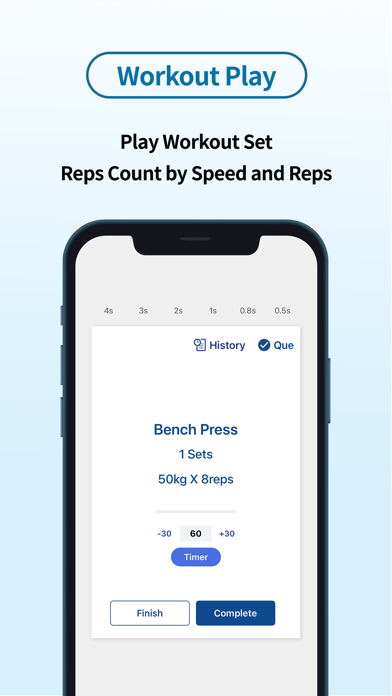
- Exercise Performance and Rest Timer
- Reps Counter
2. Exercise Reporting
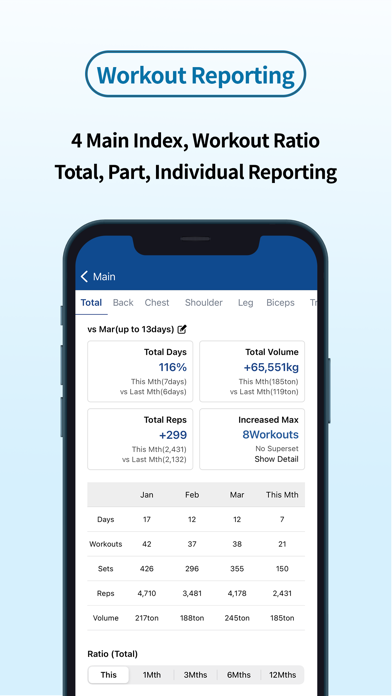
- Comparison of Previous/Monthly Performance
- Comparison of Division (2, 3, 5 Division) Ratio by Part
- Display Max, Volume, and Reps of each Exercise by Date and Increment
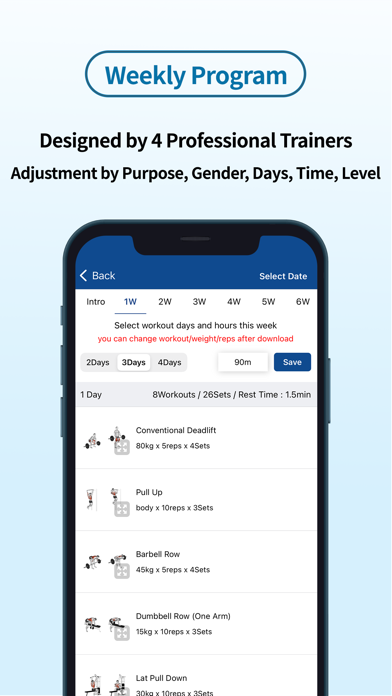
3. Weekly Workout Program Download and Recommendation
- Provides Customized Workout Programs such as Purpose, Level, Exercise days, and Workout Time
- Designed by 4 Professional Trainers
- Difficulty Adjustment by Weekly Workout Awareness
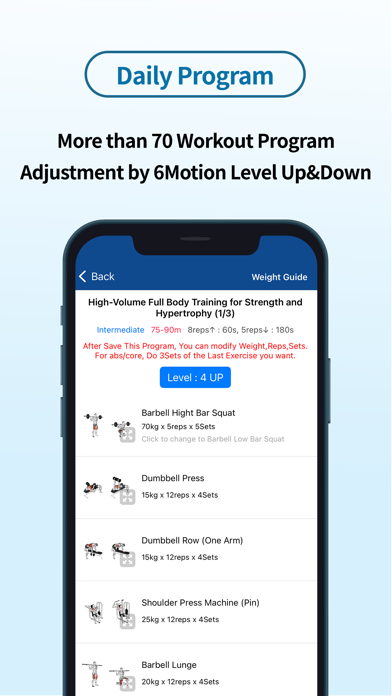
4. Daily Workout Program Download and Recommendation
- Provides 70 Workout programs
- Up/Down Adjustment of Difficulty by 20 Parts/Movements
- Difficulty Adjustment by Weekly Workout Awareness
5. Launch of Google Wear OS service
- Provides a service that enables simple operations such as adding/deleting exercise sets, modifying and performing exercises, and timers using a smart watch
※ Precautions when using a smart watch
- The exercise log app must be installed on your phone.
- After installing the smart watch app, you need to run the main screen of the mobile phone app so that the smart watch and account information are transmitted to the watch so that you can use the smart watch exercise log app normally.
- The exercise add-on is not available on smartwatches. After registering the exercise in the mobile phone app and loading the exercise information from the smart watch, you can add, edit, delete, or perform a set.
▣ Menu after initial login – We recommend that you read how to use the application in the user manual.
▣ Terms of Use: https://pg.accepted.co.kr/Service/EN
=========
Inquiries: [email protected]
Exercise program advisory: Ji Young-seong (https://instagram.com/ji._.coach)