
SuperClock - All in 1 Time App
Set , track progress, switch screens
长宇 林
iPhone Screenshots

Description
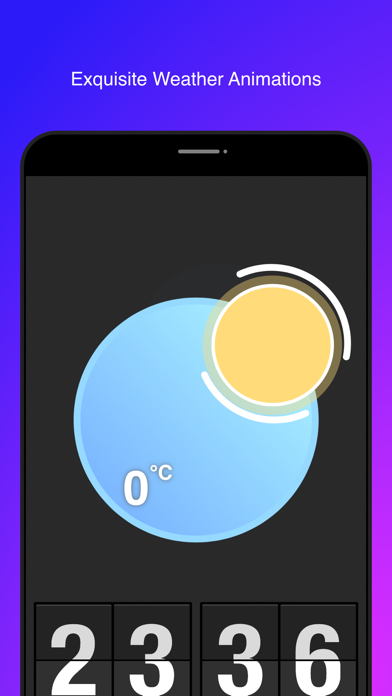
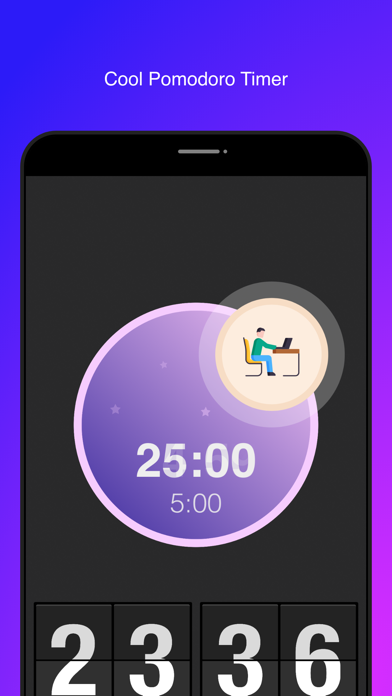
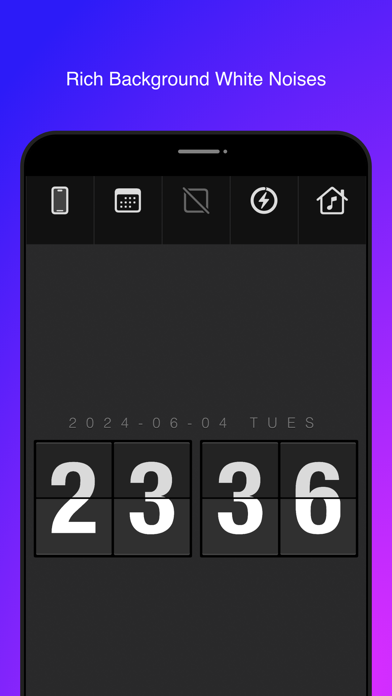
Flip clock allows users to toggle between 24-hour and 12-hour formats. Add a pomodoro timer for focused work sessions. Choose from various white noise backgrounds. Adjust screen orientation settings. Display or hide weather information.
Great flip clock App with many function
Touch screen to show the menu
Super functions on the menu:
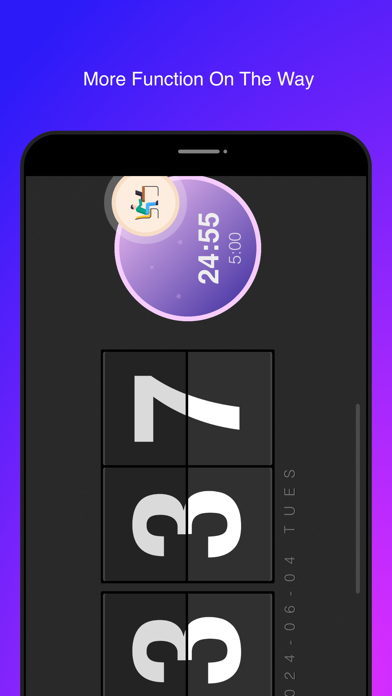
* Add pomodoro timer
- Added cute animation of the power progress when charging.
* Add a variety of background white noise
* Screen turning function, switch between automatic, locked vertical screen, and locked horizontal screen
* 24/12 timing function, switch between 24 hour system and 12 hour system
* Weather information function, switch display and hide weather information function
* Date information function, switch display and hide date information function
Double tap on the clock to switch between hour, minute, and hour, minute, and second modes
Tap the weather icon to update the latest real-time weather online
Slide on left to adjust lightness
Slide on right to adjust sound effect volume
Try plug power to find some fun.
Lottie Animations Support
Thanks Lordicon.com
Thanks LottieFiles.com
Thanks for Adriana Mandjarova
Thanks for Mario Cecci