
ESTA Mobile
Apply for travel authorization
US Customs and Border Protection
iPhone Screenshots
Description
Apply for a travel authorization by submitting personal information and payment. Search for existing applications to check status or retrieve details. Submit required documents and receive confirmation via email.
The Electronic System for Travel Authorization (ESTA) app from U.S. Customs and Border Protection allows Nationals of Visa Waiver Program (VWP) countries to apply and pay for a travel authorization without a visa. The ESTA app is a mobile version of the ESTA application process and information that can also be found on the ESTA website at https://esta.cbp.dhs.gov.
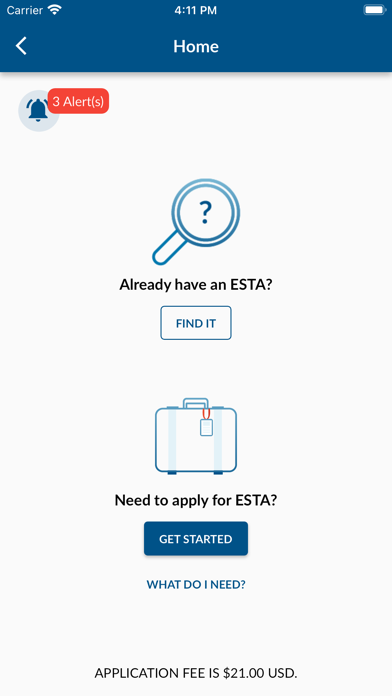
The ESTA app currently has two features available: Apply for New Individual Application and Search for Existing Application.
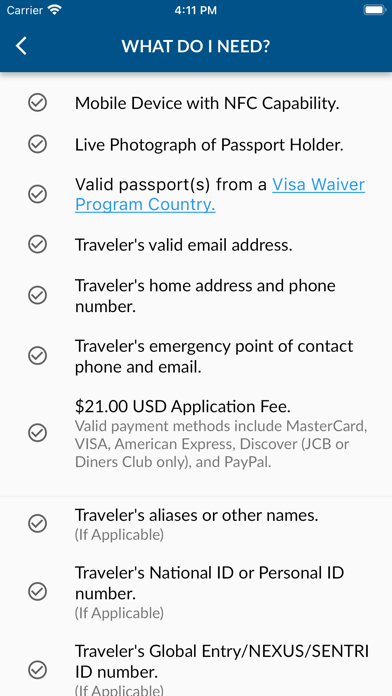
• The “GET STARTED” feature allows travelers to create a new ESTA application, pay for the ESTA and submit the application to be processed by the system to determine if they are eligible to travel to the United States under the Visa Waiver Program without a visa. The system will provide the traveler with an automated response.
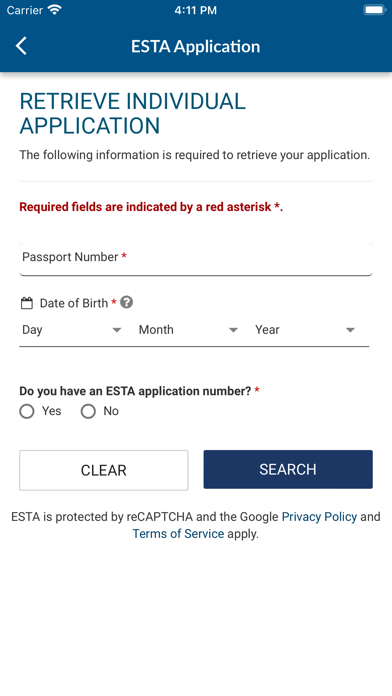
• The “FIND IT” feature allows travelers to check the status of their existing ESTA application..
CBP recommends that you apply for ESTA at the time you book your travel, but no less than 72 hours prior to boarding.