
CentreSuite Mobile
Manage cards, view statements, track expenses
Total System Services, Inc.
iPhone Screenshots



Description
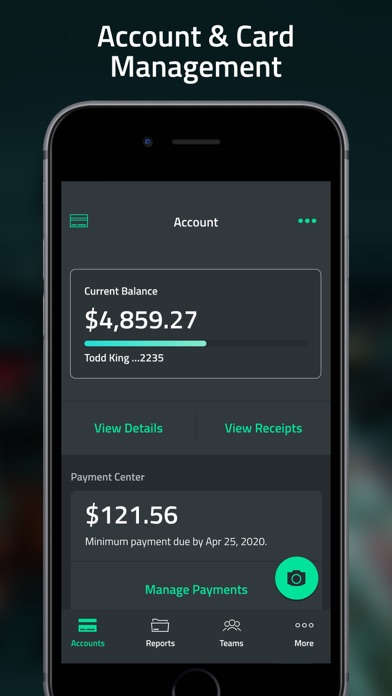
Track expenses, view card statements, and manage spending limits. Set spending alerts and receive notifications. Administrators can monitor cardholder activity, approve transactions, and provide support remotely.
CentreSuite Mobile provides mobile access to a wide array of valuable card, statement, and expense management features and benefits to meet the needs of commercial cardholders and program administrators alike.
- Cardholders enjoy a simpler, less time-consuming process in the palm of their hand - making it a breeze to track expenses and meet corporate requirements
- Administrators can quickly review cardholder activity or provide support at any time and from wherever they happen to be
- CentreSuite Mobile lets you offer a seamless omnichannel experience leveraging the full power of the CentreSuite platform through a smartphone.
Commercial cardholders can:
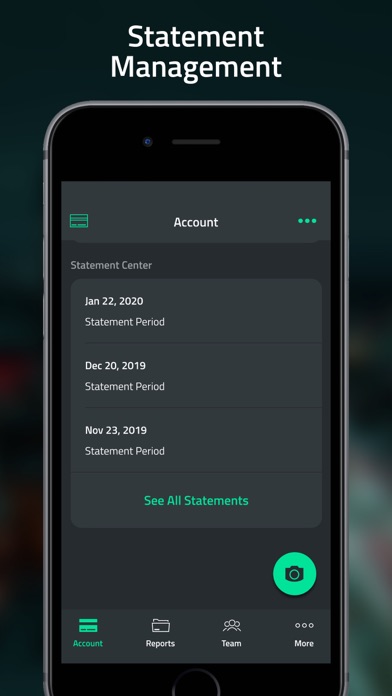
- Track purchases and view statements
- Manage and code transaction with company specific general ledger codes and other allocation settings
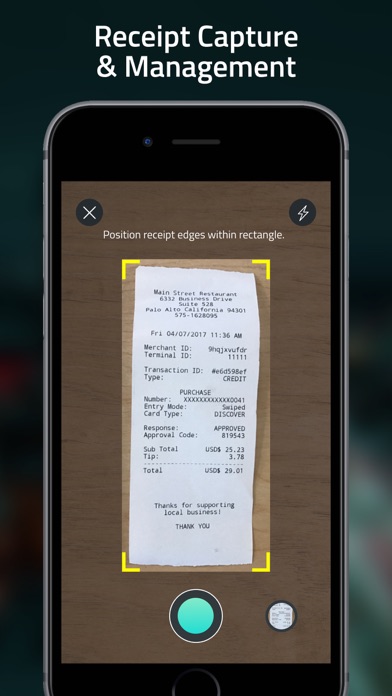
- Efficiently manage receipts with multiple options - (attach, auto assign)
- Create, submit, and manage expense reports
- Make, edit payments and payment accounts - one time and recurring payments
- Get timely updates and receive critical notifications
- Manage account preferences and settings
- Turn card on/off
Commercial program administrators can:
- Ability to manage all direct team members
- Reviewing and approving expense reports
- Track purchases and view statements for team members
- View authorization details
- Managing credit limits, establishing and adjusting velocities to better control spending
- Make, edit payments and payment accounts