
iPhone Screenshots


Description
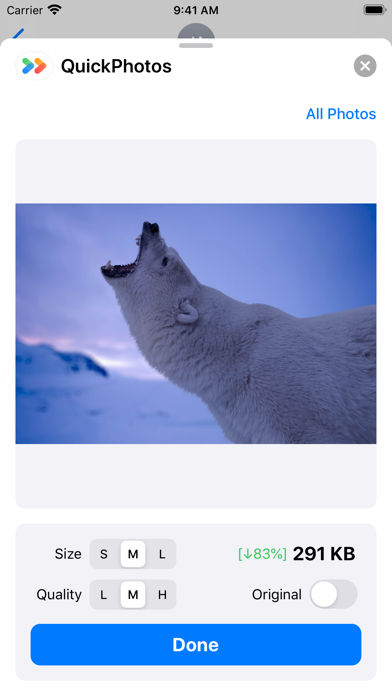
Compress photos and send them quickly in iMessage!
You can choose to send compressed photos in iMessage to save data usage, or send original pictures.
Get started:
1. Open Messages app.
2. Start a new message. Or go to an existing conversation.
3. Swipe left or right over the app drawer to find the QuickPhotos app.
Delete iMessage apps:
1. Open Messages app.
2. Start a new message. Or go to an existing conversation.
3. Swipe left over the app drawer and tap "...".
4. Swipe left over the app, then tap Delete.