
iPhone Screenshots
Description
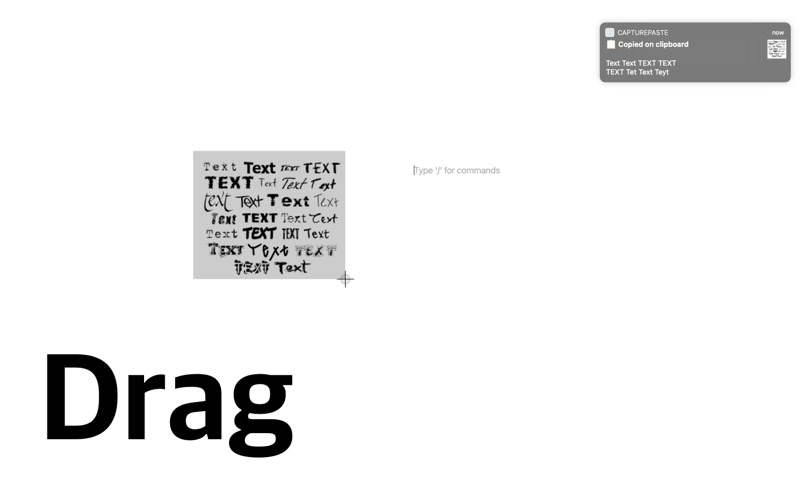
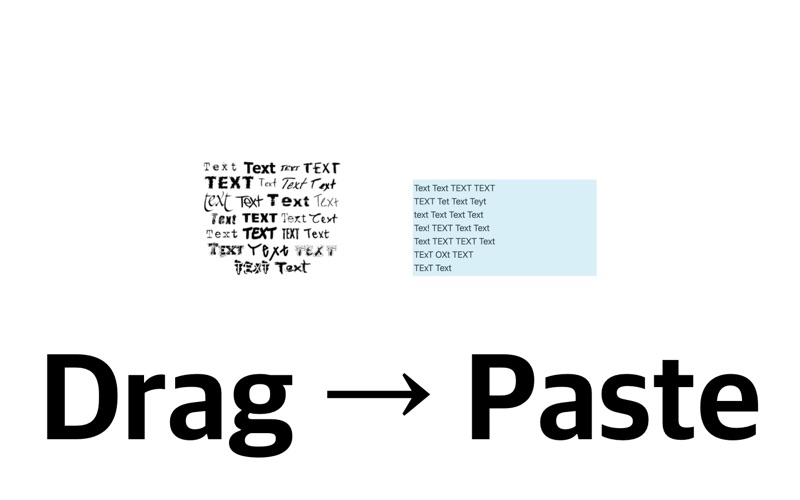
Open the "Capture&Paste" app and then just press "shift + command + 2" and drag to copy the text on the screen.
- When you want to extract letters on the screen while watching a lecture
- When you want to quickly extract the URL, phone number, etc. on the screen at a video conference.
- When you want to quickly extract text from a video while watching it
- When you want to extract information from an image into the text
The feature has a UX that is almost identical to the default screen capture feature.
Capture&Paste supports the following languages:
- English (United States)
- French (France)
- Italian (Italy)
- German (Germany)
- Spanish (Spain)
- Portuguese (Brazil)
- Chinese Simplified
- Chinese Traditional