
iPhone Screenshots
Description
[Easy to save]
∙ You can shoot directly.
∙ You can take a photo from the photo app and save it separately.
∙ You can easily take a document photo.
∙ You don't care if you delete the photo from any photo app that anyone can access.
∙ Cut to the appropriate size and store only the desired part.
[Safe storage]
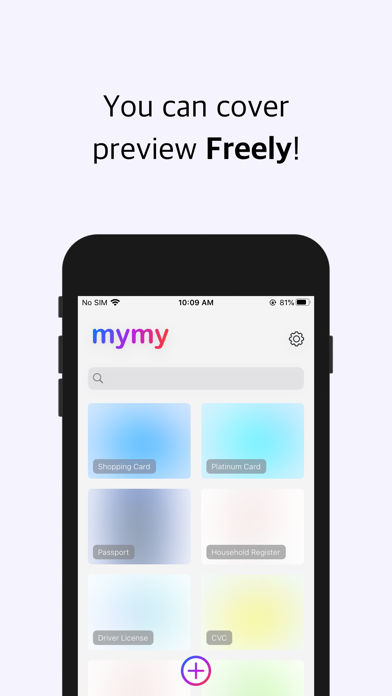
∙ App lock, detailed screen lock, and preview lock can all be set at will.
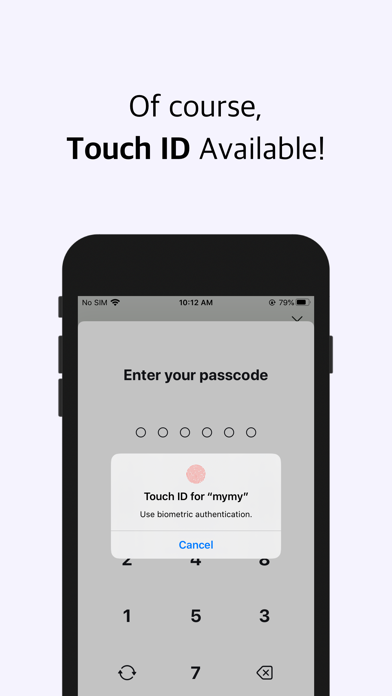
∙ By setting a 6-digit password, you can prevent anyone other than me from accessing it.
∙ Biometric authentication (Touch ID, Face ID) can also be used instead of a password.
[Quick find]
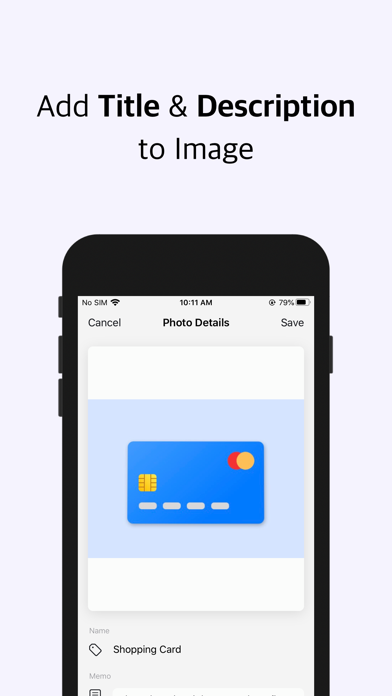
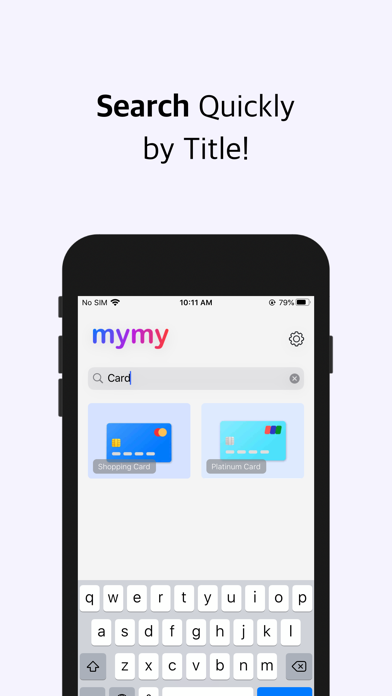
∙ You can write a name and a memo for each photo.
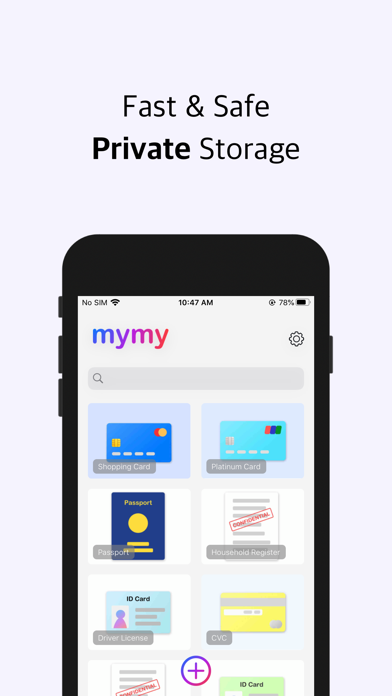
∙ You can quickly find photos by searching by the specified name.
[Data management]
∙ You can simply check how much you are using.
∙ All data is permanently deleted when data is initialized.