
SuperOffice Mobile CRM
Schedule meetings and manage contacts on
SuperOffice AS
iPhone Screenshots


Description
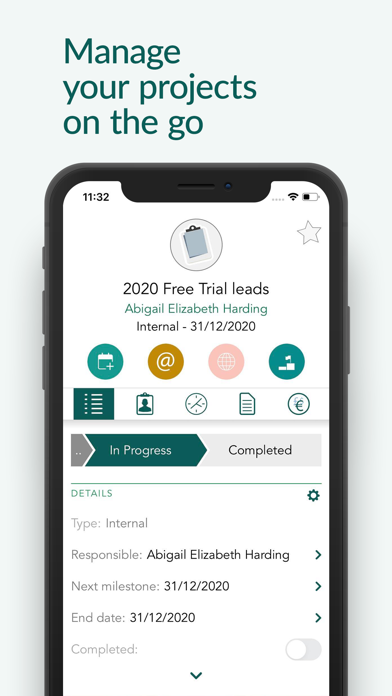
Access CRM data including companies, contacts, activities, documents, projects, sales, and requests. Schedule or reschedule meetings. Communicate with colleagues and save new information. View sales dashboards and update pipeline data.
SuperOffice Mobile CRM app gives you access to your entire CRM system anywhere, anytime.
Schedule or reschedule meetings and activities, communicate to colleagues or save new information – all while on the go.
Make informed decisions faster and easier from wherever you are and see your productivity peak!
Key features
- Access all CRM data - including companies, contacts, activities, documents, projects, sales and requests
- View sales dashboards and pipelines and update information on the go
- Access diaries and create new appointments and activities
- Get reminders of upcoming events or meetings
- Scan business cards and automatically save or update contact- and company information
- Call or message any contact directly from the app
- See any updates on your projects
- Save pictures and documents directly from your smartphone or tablet for your projects and activities
- Immediately know who's calling with caller ID
- Join video meetings on your device
- View all dashboards
About SuperOffice CRM:
SuperOffice CRM software helps businesses manage their customers effectively and plan strategically. SuperOffice CRM provides you with all the tools you need to organize your marketing, sales, and services consistently and efficiently from one place. Integrate all your customer information in one place, so every user in your company will always get a 360-degree view of every customer, ensuring more relevant and personalized customer journeys and handling every time.