
PDF Converter: Tools
Convert, edit, and manage PDF files
Vishalbhai Vaghasiya
iPhone Screenshots
iPad Screenshots



Description
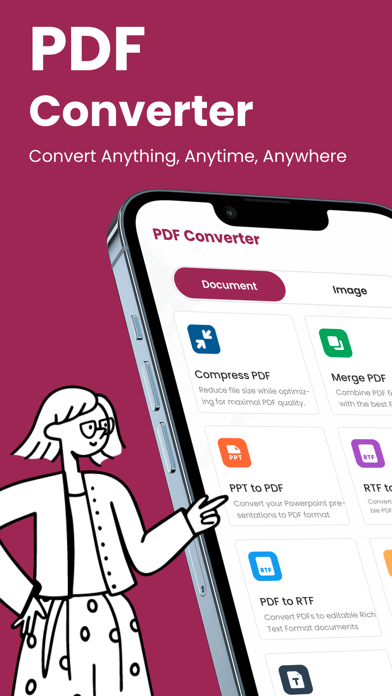
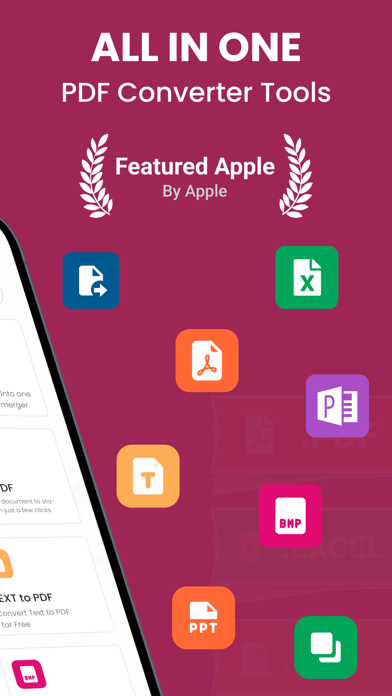
Convert files to and from PDF, including JPG, PNG, BMP, TIFF, Word, Excel, Text, RTF, PUB, and ZIP. Compress, scan, edit, protect, and manage PDF files. Export as multiple formats and share directly.
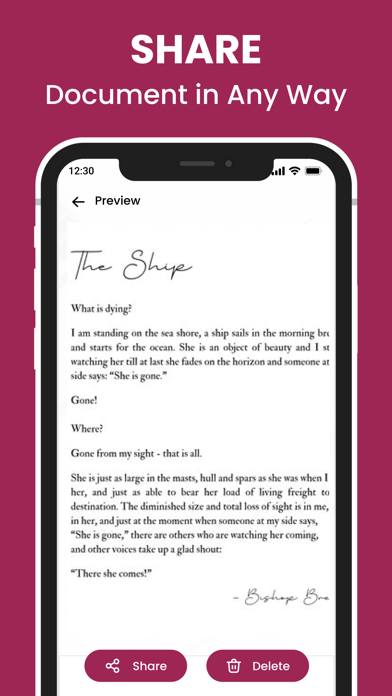
PDF Converter: Tools is a powerful all-in-one PDF tool that helps you convert, compress, scan, edit, protect, and manage PDF files directly on your iPhone.
Designed for everyday users, students, professionals, and businesses, the app supports a wide range of file formats and offers essential PDF utilities in one simple interface.
Complete PDF Toolset
Convert Files to & from PDF
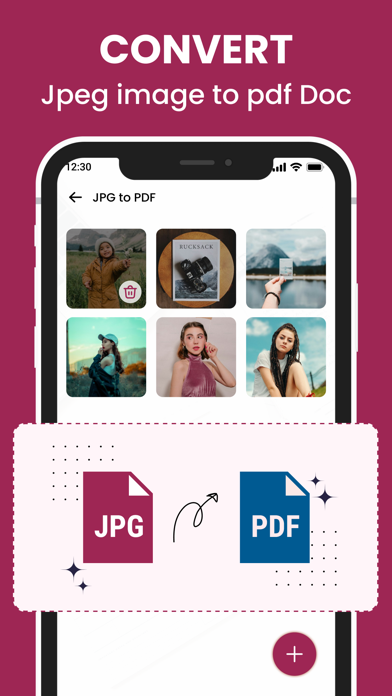
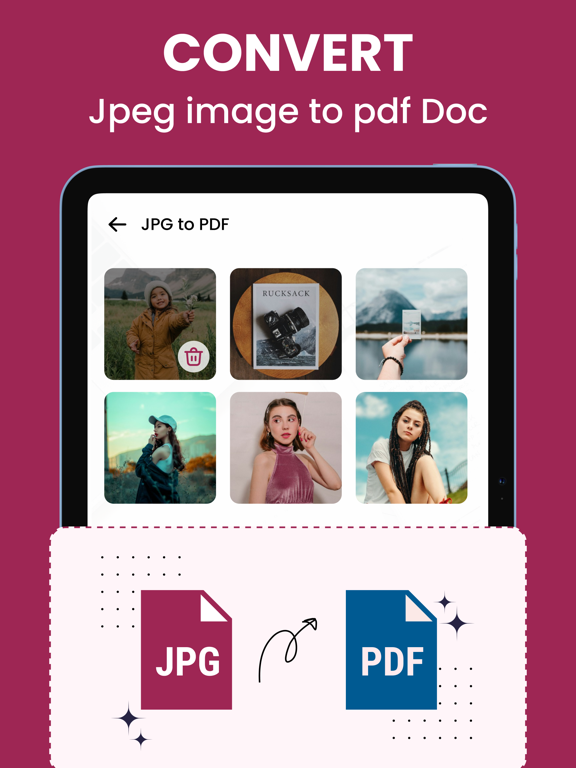
• JPG, PNG, BMP, TIFF → PDF
• Word, Excel, Text, RTF → PDF
• PDF → JPG, PNG, Text, Word
• PUB → PDF
• ZIP → PDF & ZIP Extractor
Compress & Optimize PDFs
• Reduce PDF file size easily
• Maintain readable quality
• Ideal for sharing & storage
PDF Editing Tools
• Merge multiple PDFs
• Split PDFs into separate pages
• Rearrange or remove pages
• Extract selected pages
• Rotate and crop PDF pages
Scan, Sign & Secure
PDF Scanner
• Scan documents using your camera
• Create clean, high-quality PDFs
Sign & Enhance PDFs
• Add electronic signatures
• Apply watermarks
• Insert page numbers
Security Tools
• Lock PDFs with password
• Unlock protected PDFs
• Keep your documents safe
Smart File Management
• Rename PDF files
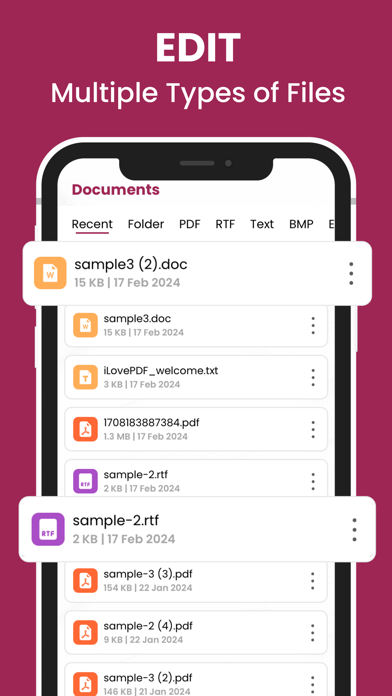
• Built-in PDF reader
• Manage files stored on your device
• No account required
Why Choose PDF Converter & Reader
• Works offline
• Fast & lightweight
• Supports many formats
• Simple & user-friendly UI
• Ideal for students, professionals & businesses
Privacy & Support
• Your files stay on your device
• No subscriptions
• No forced sign-up
Terms of Use
https://sites.google.com/view/privacypolicycenter/terms-conditions
Privacy Policy
https://sites.google.com/view/privacypolicycenter/privacy-policy
App information from Apple App Store. PDF Converter: Tools and related trademarks belong to Vishalbhai Vaghasiya.