
iPhone Screenshots
Description
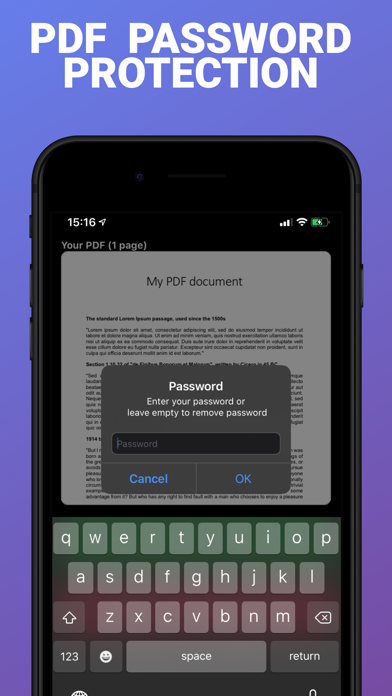
Securely protect PDF documents with a password. Set and remove password protection. Select a PDF file, choose a password, and export to various locations. The password is required to open the document on all platforms.
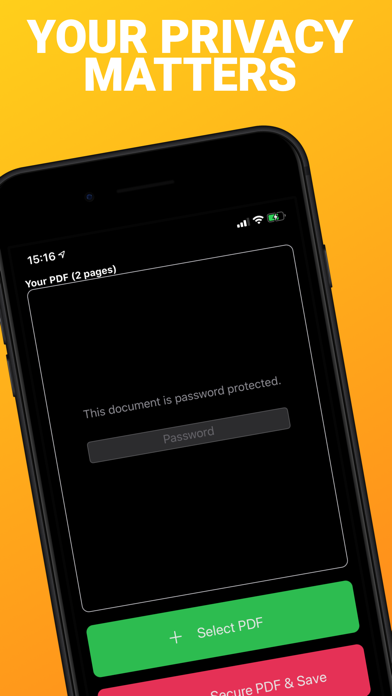
Protect your PDF documents with a password. The PDF won't open without the password. It works on any platform.
PDF Secure also allows you to completely remove the password protection of a document.
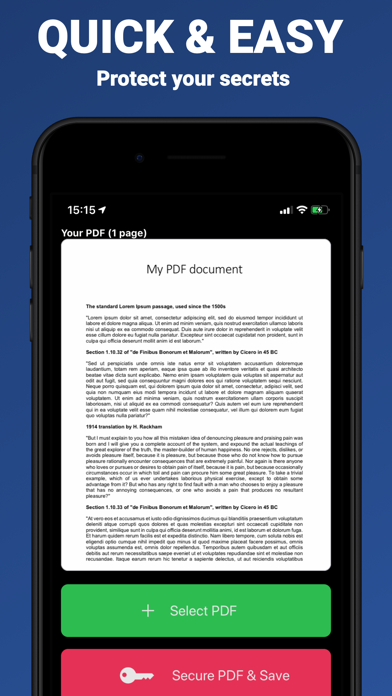
Using PDF Secure is very simple:
• Select a PDF document from your files
• Choose a password (ideally strong) and do not forget it
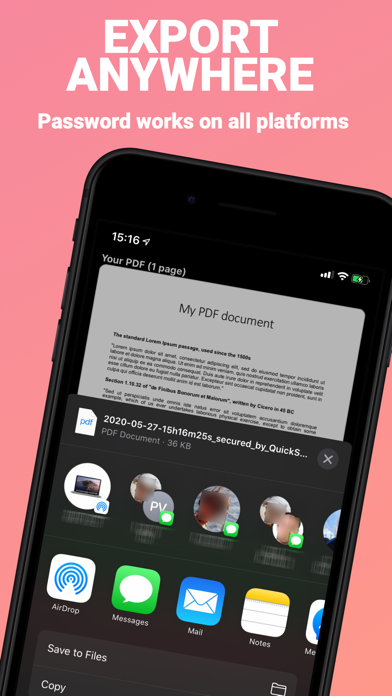
• Export anywhere (Files app, any cloud drive, E-mail, AirDrop, Messages, ...)
→ The password will now be requested at any attempt to open the PDF (on all platforms)
PDF Secure is compatible with the dark mode.
And it's 100% free (no in-app purchases, no ads).
NO DATA COLLECTION. Everything happens on device. Your privacy matters.
Enjoy!