
ASUSTOR Control Center
Find NAS devices on your network
ASUSTOR Inc.
iPhone Screenshots

Description
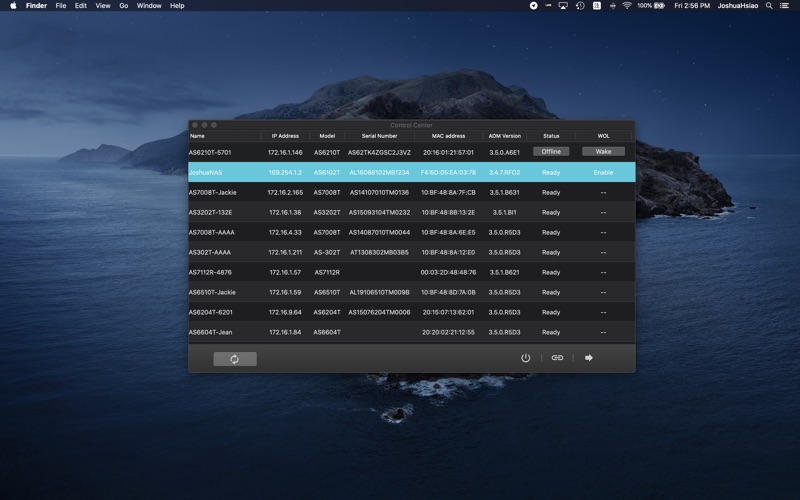
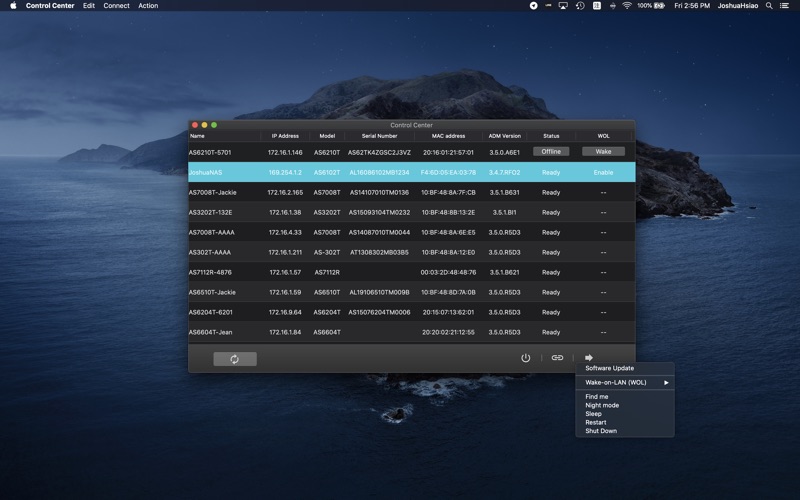
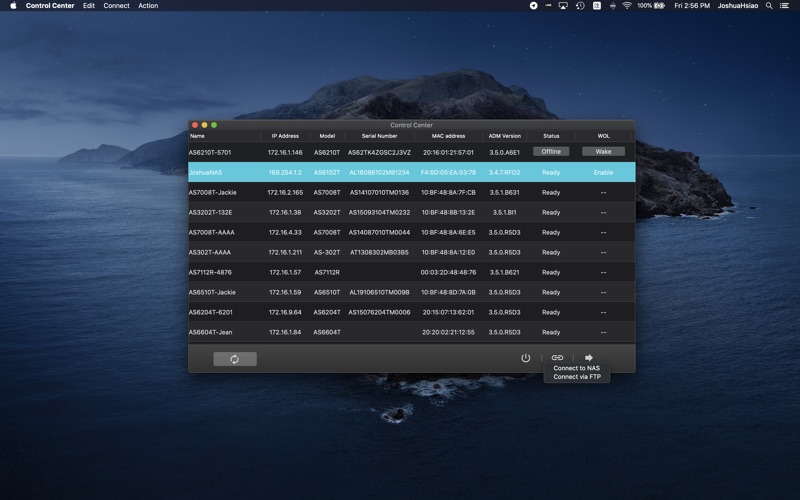
Manage and NAS devices on a home network. View a list of available NAS units. Power off, restart, or put NAS to sleep. Wake NAS using Wake-on-LAN. Access shared files and settings directly from a computer.
ASUSTOR Control Center makes it easy to find your NAS on your home network by providing an easy-to-read list of all available ASUSTOR NAS devices on your network.
ASUSTOR Control Center also supports various functions,
including but not limited to:
- Powering off your NAS
- Putting your NAS to sleep
- Restarting your NAS
- Waking your NAS with Wake-on-LAN technology
ASUSTOR Control Center makes it easier than ever to control your NAS from your computer by providing easy access to shared folders on your NAS, making uploading, downloading and sharing data easier than ever.