
iPhone Screenshots
Description
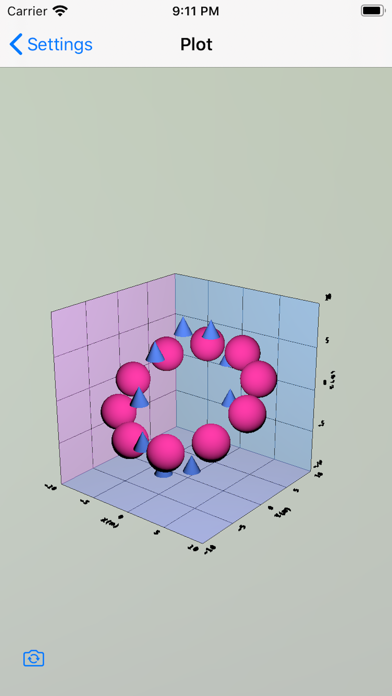
1. Measurement data (CSV file) can be plotted in 3D.
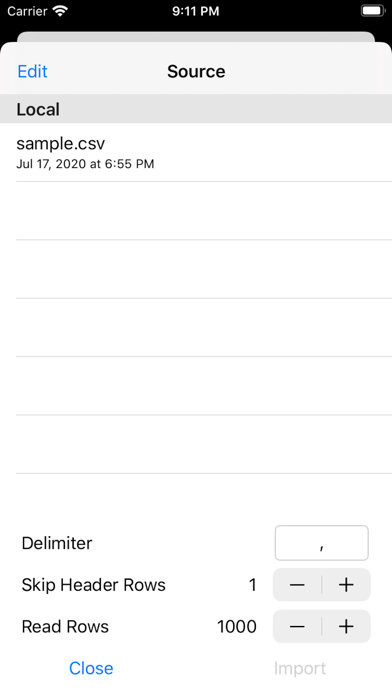
• Interprets delimiters other than commas: tab(\t), space(\s) and so on.
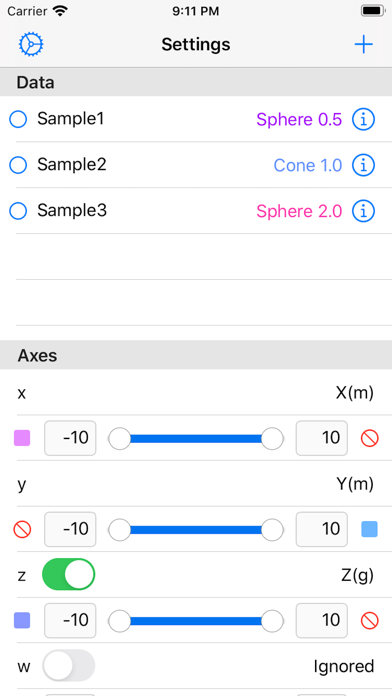
• Imports the 4th element, which is used as density, concentration and so on.
• Imports the value represented with exponential notation "0.0E±0", which is outputted by Excel.
• Internal processing in float type, which has a range of ±1E-38 to ±1E+38 with a precision of 6 decimal digits.
2. You can import CSV file in three ways:
When completing within one device (iPhone/iPad/Mac).
• Create a text file with an application (Notes, Textor, etc.) on the device.
• In the application, tap "share button" and then choose “3dDataPlot”.
Transfer from Mac to iPhone/iPad
• Connect your device (iPhone/iPad) to your Mac via USB cable.
• In Finder on your Mac, select the device in the left sidebar and click "File" on the button bar at the right.
• Drop a text file into “3dDataPlot” folder.
Import from iCloud
• Sign in to iCloud.com from browser (Safari, Chrome, etc.) on your Mac.
• Select “iCloud Drive”.
• Drop a text file into “3dDataPlot” folder.