
Sleepy - Sleep Talk Recorder
Record and snoring automatically
Mantora GmbH
iPhone Screenshots
Description
Records and snoring automatically when sounds are detected. Calibrates background noise for accurate recordings. Offers calming sounds to aid falling asleep. Ensures data privacy during use.
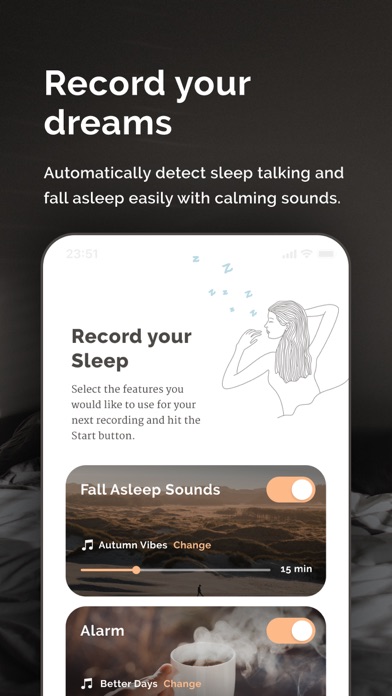
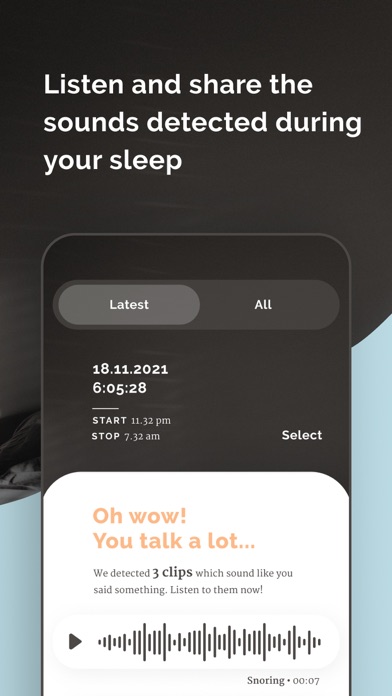
Records your sleep talk, no matter where you are. Sleepy only records when a noise like talking or snoring occurs. It automatically calibrates your room's background noise and adjusts the sleep talk and snoring recording accordingly. And helps you fall asleep with calming sounds. With sleepy, you will never miss your wild sleep speeches again. All while keeping your data private!
HIGHLIGHTS:
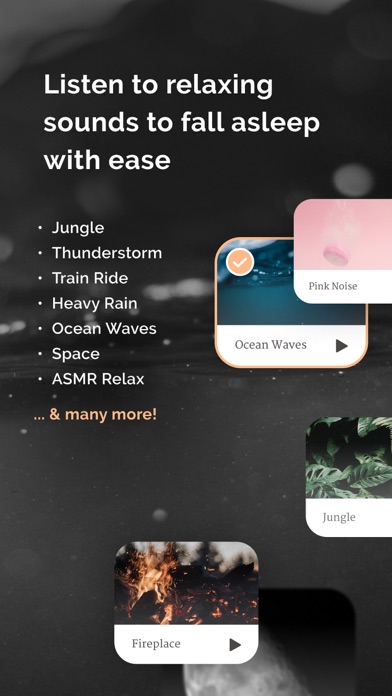
FALL ASLEEP SOUNDS FOR BETTER SLEEP
Sleepy provides you with selection of calming sounds that can help you relive stress and anxiety and fall asleep easier.
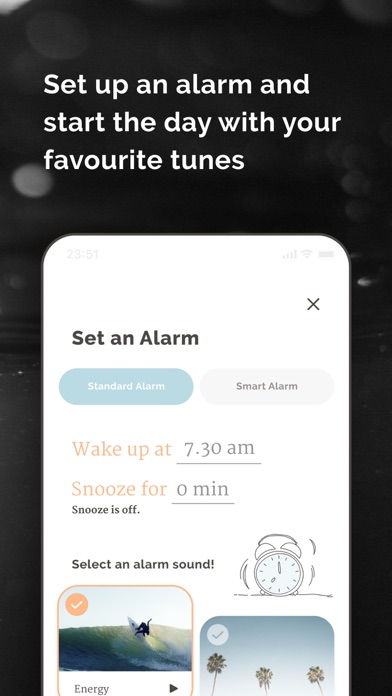
CUSTOM ALARM
A custom designed Alarm helps you getting up easier in the morning with some happy tunes.
AUTOMATIC BACKGROUND NOISE CALIBRATION
Adjusts to every Room automatically. Sleepy calibrates the Background Noise of your room and only records if something out of the ordinary like sleep talk occurs.
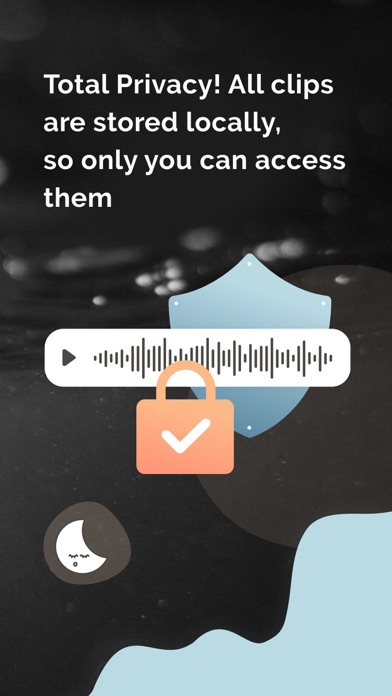
TOTAL PRIVACY
None of your clips are sent anywhere. All your recordings stay private on your phone, and only your phone.
SHARE AUDIO CLIPS WITH FRIENDS
Share your sleep talk recordings with your friends, over multiple social apps you know.
RECORDING DELAY / WAITS TILL YOU FALL ASLEEP
Sleepy lets you set a time in which you usually need to fall asleep, so you don’t record any audio before you are actually asleep.
RUNS IN THE BACKGROUND
Don’t worry about Sleepy eating away at your batterie. Sleepy can run in the background even when your screen is locked.
NICE USER-FRIENDLY DESIGN
We invested a lot of time (and will invest even more in the future) to keep Sleepy's Design User Friendly and nice to look at.
INSTRUCTIONS:
- Connect a charger to your iPhone while recording.
- Place the phone on a solid surface close to your bed.
- Point the microphone towards your bed.
CUSTOMER SUPPORT:
If you have any problems or questions regarding the app please let us know. We are happy to help. You can email our customer support here:
[email protected]