
iPhone Screenshots

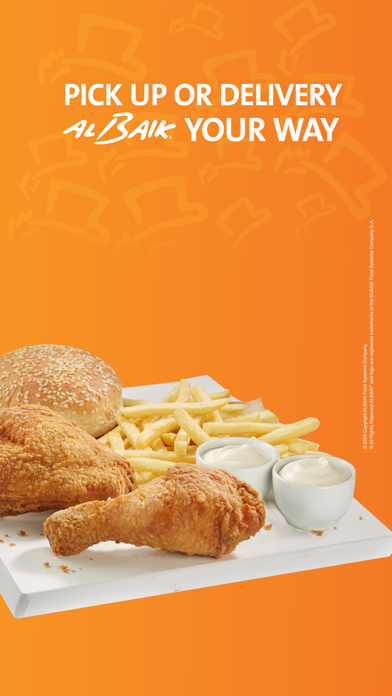


Description
Order meals by selecting delivery location, food category, meal, spice level, and quantity. Confirm order, create or sign in account, and enter payment details to complete purchase.
Welcome to ALBAIK App
Having ALBAIK in your hands makes it convenient to order the meals you love.
Explore the menu, customize and place your order. Whether it’s meals or sandwiches, you will find a variety of options, including chicken, seafood like fish and shrimp, vegetarian choices, breakfast like egg sandwiches and falafel, desserts, and beverages.
Enjoy different ways to order:
- Delivery Service
- Pick-Up from any branch
- Car Pick-Up
- Group Ordering
Do not forget to create your favorite order list for quicker re-ordering.