
iPhone Screenshots


Description
What is MeerCOP?
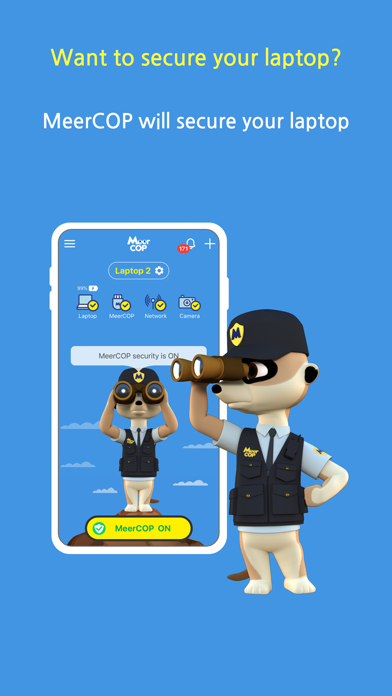
MeerCOP is a powerful laptop security and monitoring app that allows you to remotely monitor and control your laptop.
When you leave your laptop unattended in places like cafés, libraries, or offices, MeerCOP helps protect it from unauthorized use or theft by sending real-time alerts if any suspicious activity is detected.
How to Use MeerCOP
To use all of MeerCOP’s security features, access the monitored device (e.g., your laptop) through a web browser:
- https://laptop.meercop.com
Enter your serial number to activate the service.
A temporary serial number is provided when you sign up at:
- https://www.meercop.com
After testing, you can purchase additional licenses if needed.
Worried About Leaving Your Laptop Unattended?
Do you feel uneasy leaving your laptop behind, even for a moment?
Now you can relax.
Download MeerCOP and keep your laptop safe at all times.
Key Features
Real-time alerts on your smartphone when events occur:
Laptop movement (shock) detection
Laptop open/close detection
Power connection/disconnection detection
Network connection/disconnection detection
Keyboard input detection
Mouse movement detection
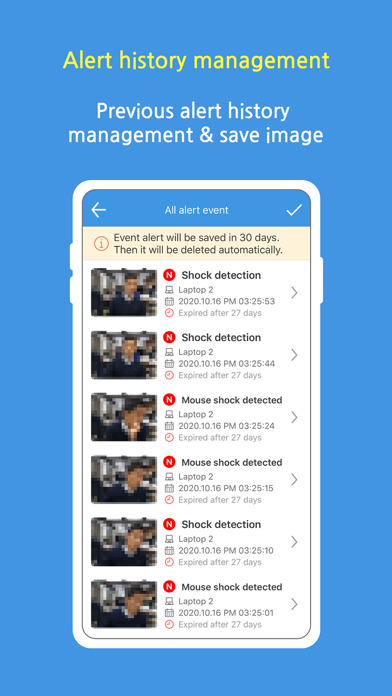
Sends photos taken before and after an alert directly to your smartphone
Displays battery level and sends alerts when it drops below 30%
Remote snapshot capture
Alert history management
Download captured images
App Permissions
File Export Access
Required to save alert and snapshot images to your smartphone’s photo gallery.
Learn More
- http://www.meercop.com
For inquiries or suggestions, please contact: [email protected]