Bekonix Mobile
Build hardware, code firmware, design behaviors
Bekonix, Inc.
iPhone Screenshots


Description
Create connected products without coding. Design hardware setups, write firmware, define behaviors, and build apps for control. Manage project stages from concept to final design. Integrate components and software for end-user experiences.
The no-code way to create smart, connected products from concept to final design.
Our goal is really to help you create smart, connected projects and products from concept to final design.
So that means everything from putting together the hardware components, the firmware, the behaviors and even the end-user mobile app to control it...
The fact is, just setting up the environment to create hardware, software and app experiences is a daunting task. Add to that the programming obstacles even experienced teams face iterating a new product and you have a recipe for frustration.
The Bekonix Platform lets you try out ideas in minutes that would take days or weeks the traditional way. What’s more, since no programming is required, motivated creatives can jump in and not just talk about making a smart, connected product but invent it in real-time.
Quick development that anyone can do. This is why we chose a no-code, drag and drop approach so it’s not just about changing how things are made, it’s also about who can make them. We’d really like to help open up these capabilities to all kinds of motivated creatives to make all kinds of things.
Tell a story with rich color transitions, sparkles, and natural motion effects. Set up fantastic home, business, and holiday lighting. Make retail displays and animated signs. Enhance your crafts. Create a work of art. Then control it from your iPhone or iPad.
The Bekonix platform has three parts:
• Bekonix Designer (Mac): Design interactive LED animations on a graphic timeline.
• Bekonix OS (NEW!): Firmware installation for Adafruit Itsy Bitsy and Feather boards.
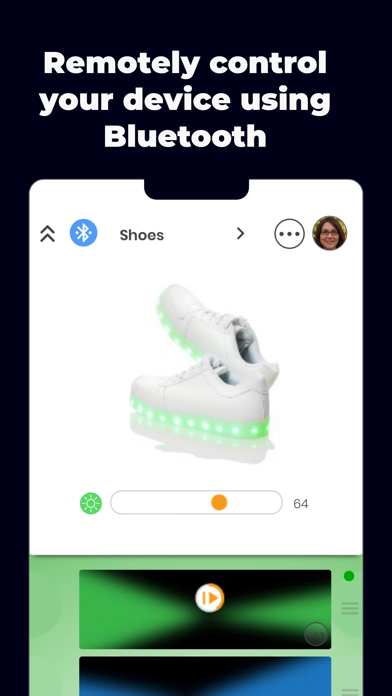
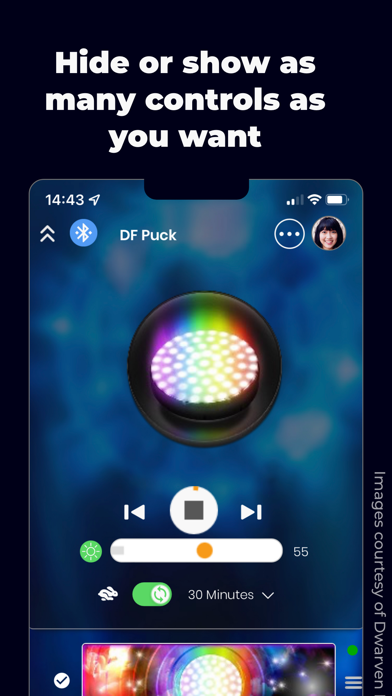
• Bekonix Mobile (iOS): Control your hardware over Bluetooth.
We worked hard to make it easy. Simply connect LEDs to your hardware and choose a preset on your iPhone or iPad. Because we're makers too, we included tons of advanced options for designers, artists, and people who want to get even more creative.
Here's how it works:
1. Design your layout and lighting effects in Bekonix Designer.
2. Connect LEDs to your Bekonix OS hardware. (We support a wide variety of addressable LED strips, strings, matrices, and other formats, as well as sensors and other peripherals.)
3. Upload your projects from your computer to the hardware over Bluetooth.
Then use Bekonix Mobile to select programs on your hardware, monitor sensor input, schedule programs to play on special days, and more.