
Smart Comic Reader
Zoom panels, import comics, tap to move
Onne van Dijk
iPhone Screenshots
Description
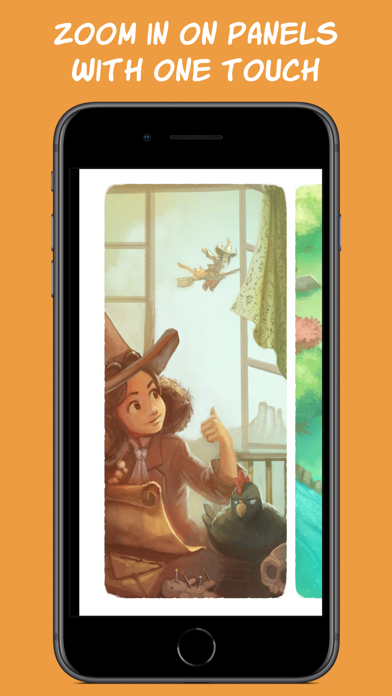
Read comics by importing files and using zoom to focus on panels. Tap the screen edge to navigate panels and rotate the for optimal display. Adjust panel boundaries with double taps for precise viewing.
A different kind of comic reader that offers a better way to read comics on a smaller screen.
How it works:
1. Import any comic into the app.
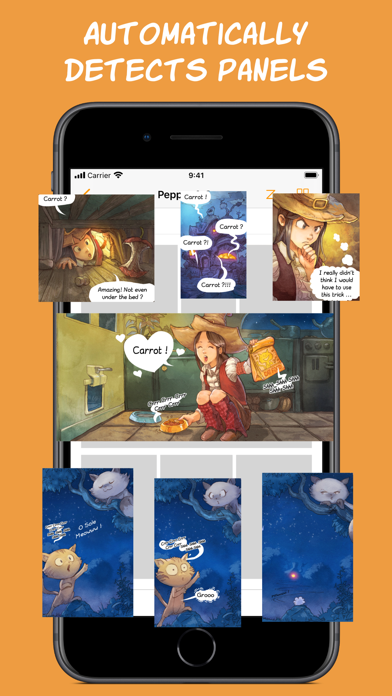
2. Double tap on a panel and watch the app automatically detect its boundaries and zoom in on it.
3. Tap on the side of the screen to easily move to the next panel. If needed, the app will rotate the comic to make maximum use of your screen space.
Key Features
============
Smart Reader:
- Automatically zoom in and move between panels for a smooth reading experience.
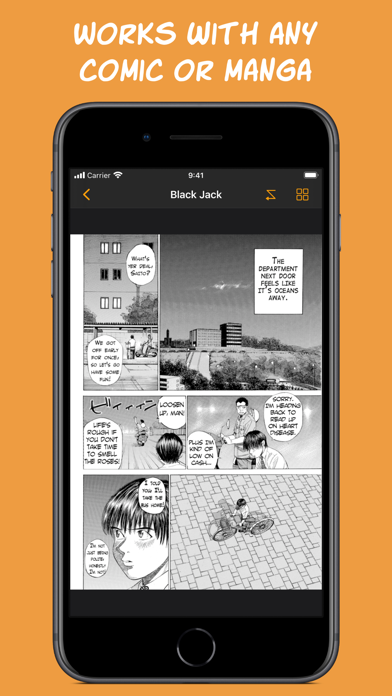
- Works with any comic, western or manga, no matter the art style. Panels do not need well-defined edges to be detected.
- Always stay in control, let the app guide you over the page while you can always manually zoom and pan.
Comic Collection:
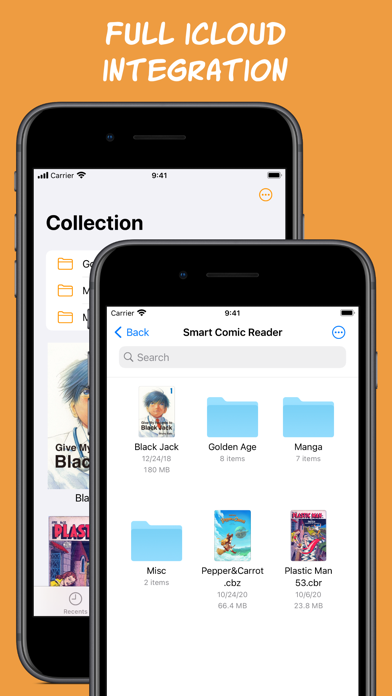
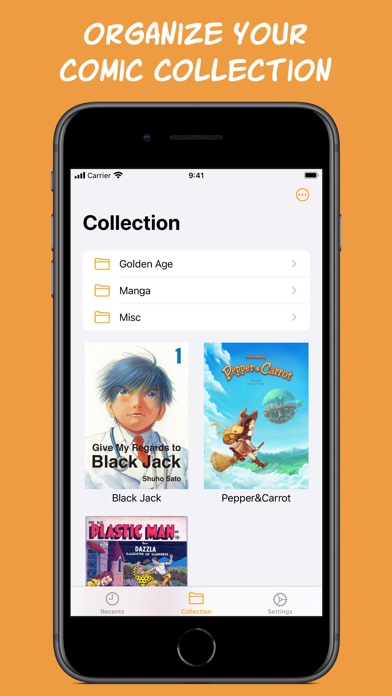
- Import comics from anywhere and organize your comic collection.
- Comics are stored in iCloud to save storage space and keep your collection in sync across devices.
- Your Smart Comic Reader collection is a regular folder on your iCloud Drive that you can access and manage from any iCloud connected device, like a Mac, or a Windows device using iCloud for Windows.
- Also works locally if iCloud is disabled.
- Supports comics in CBZ/ZIP, CBR/RAR and PDF formats.
And many more features to come!
If you have any questions or suggestions, please do not hesitate to send them to: [email protected].
Comics in video and screenshots:
“Pepper&Carrot”, David Revoy, CC-By
“Plastic Man”, Quality Comics, Public Domain
“Say Hello to Black Jack”, Shuho Sato