
iPhone Screenshots

Description
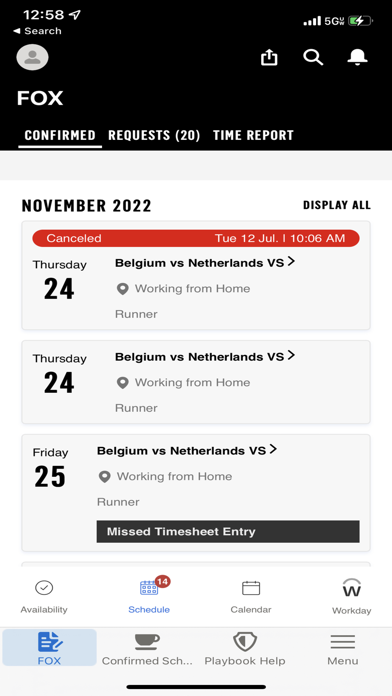
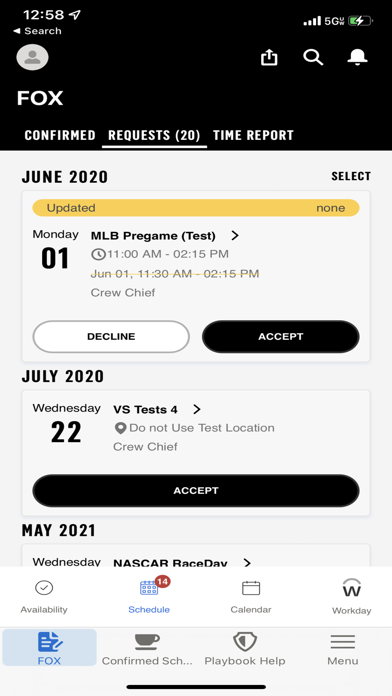
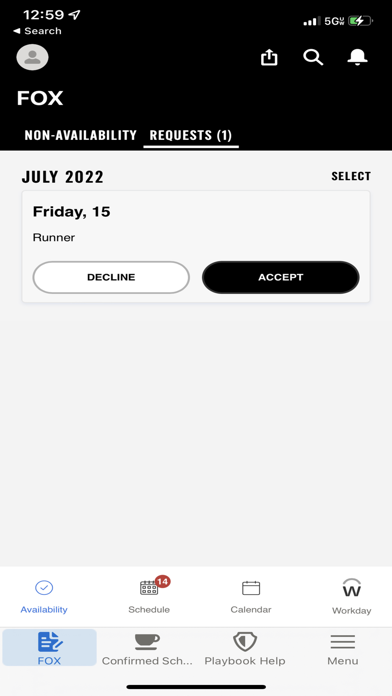
Manage availability by accepting or declining requests. Add non-availability for specific dates or times, including recurring entries. View confirmed shifts with details like location, scheduler info, finance code, and position.
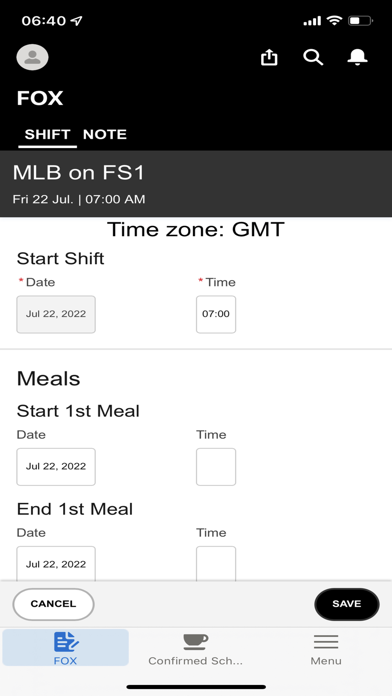
Fox Playbook Application for freelancers helps them manage their availability, respond to the requests sent by Fox Crewing teams, and submit their time sheets to get Paid for the work they performed.
Use the Fox Playbook app to:
• Accept/Decline Availability requests.
• Add Non-Availability for a desired time or date and also duplicate it as a recurring one.
• View the Confirmed Shifts & details about the Shifts (Location, Scheduler details, Finance code, position etc.)
• View the Confirmed Shifts in a Calendar view
• Get real time alerts about shift changes/updates
• Get reminders about missed time sheets.
• Ability to directly open Workday application from within the app.