
iPhone Screenshots

Description
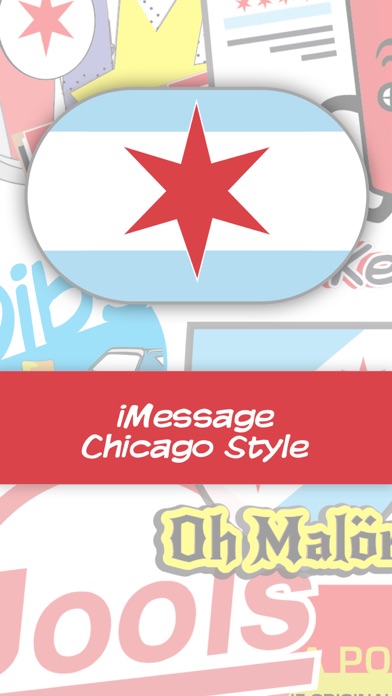
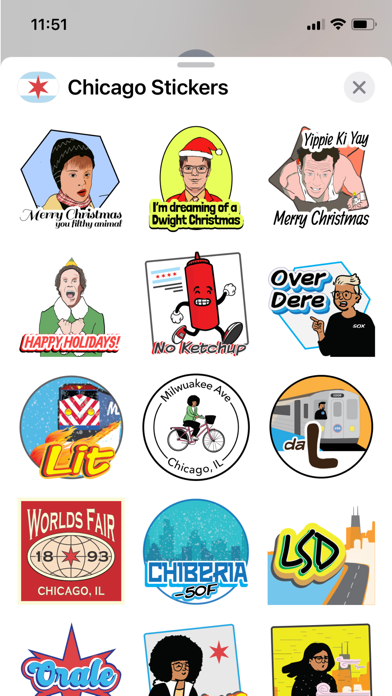
Send and receive featuring -specific phrases, slang, and local culture. Customize messages with themed visuals. Share directly in iMessage conversations. Access a curated collection of regional expressions and imagery.
Express your Chicago love
Stickers focused on Chicago lingo, culture and things seen / heard around Chicago
Using Stickers on iMessage:
Note: iMessage App Store can be down in an iMessage conversation once you tap on the
"A" icon to the right of the Camera icon
1. Install the App via the iMessage App Store
2. Navigate to iMessages, and open up a conversation.
3. If you don't see iMessage Apps -Tap on the "A" icon to the right of the Camera icon
4. When you see your iMessage Apps, scroll to the right to right to find Chicago Stickers.