
iPhone Screenshots

Description
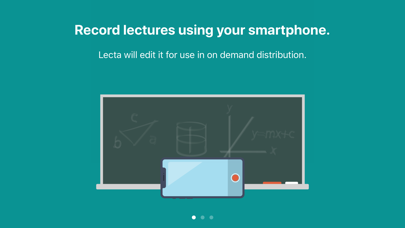
Create On Demand optimized lecture videos in 4 easy steps:
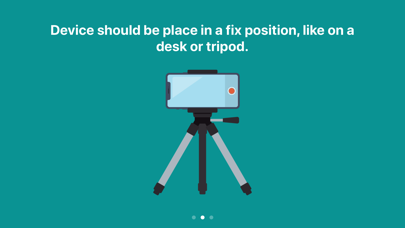
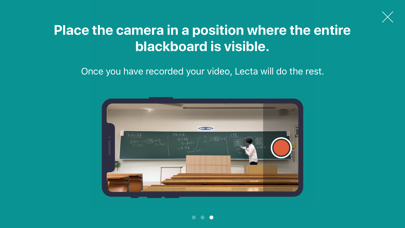
1. Film lecture with entire blackboard in view.
2. Open video in Lecta.
3. Identify the blackboard using the selection tool.
4. Watch Lecta do the rest!
The optimized video will be saved to the Photos app. The resulting videos can be up to 1/20 the size of the original. A 10 minute 1080p videos take around 2 minutes to process.
- Privacy Policy
https://public.splyza.com/legal/20200604/pp.pdf
- Terms of Use
https://public.splyza.com/legal/20200604/terms.pdf