
Kyvol
Add devices and manage your account
Shenzhen VanTop Technology & Innovation Co., Ltd.
iPhone Screenshots
Description
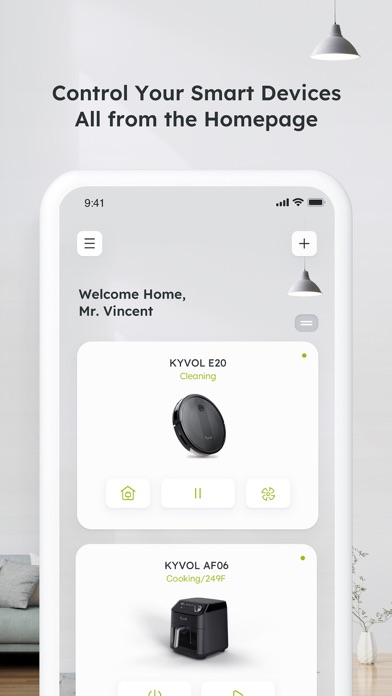
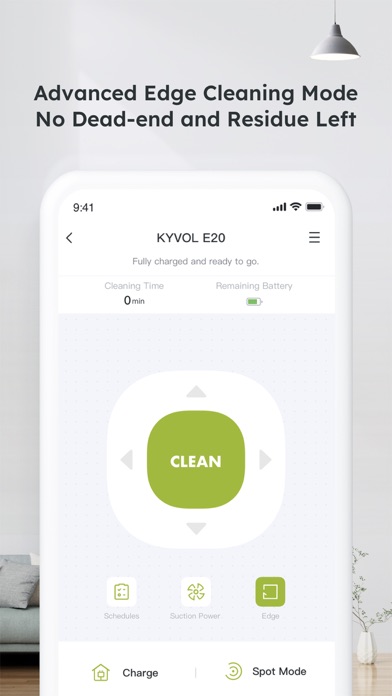
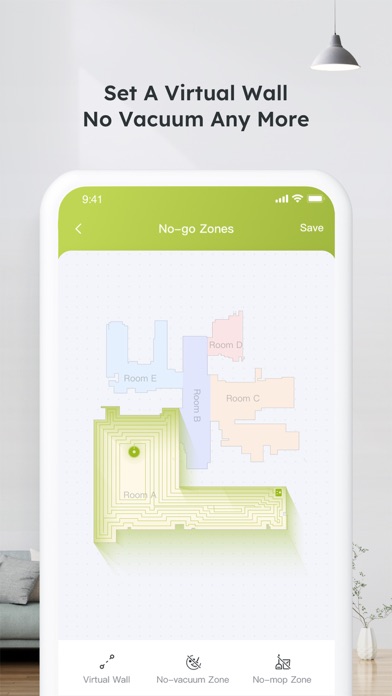
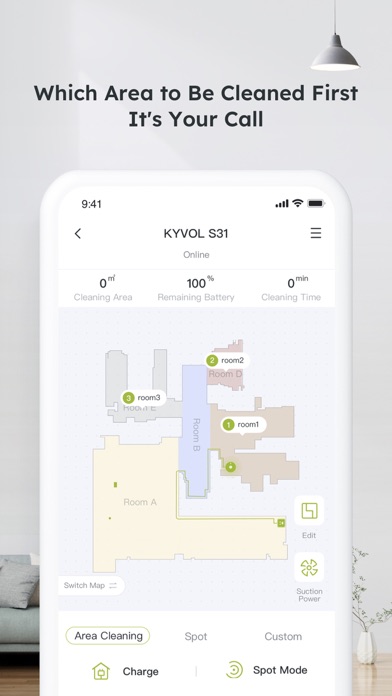
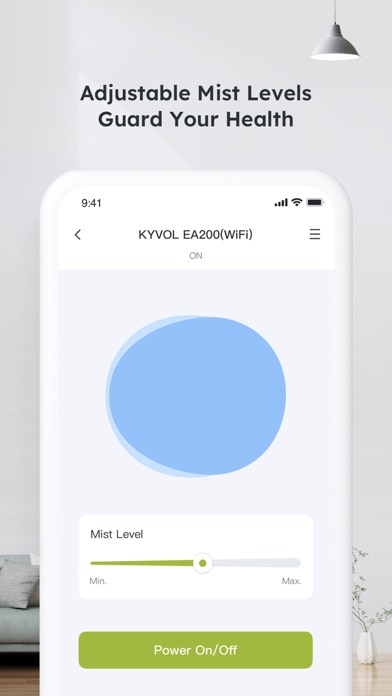
Manage and control connected devices through a centralized interface. Add devices via setup wizard, view device status, and adjust settings remotely. Receive notifications for device activity and troubleshoot issues within the .
How to use Kyvol app
Step 1. Download the appDownload the app from Appstore
Step 2. Register your account:After downloading the app, create an account with your Email address. If you already have a Kyvol account, you can log in directly.
Step 3. Add your devices to Kyvol app: Open the Kyvol app and follow the setup procedure to pair new devices with your smartphone
Step 4. Use your devices: After the pairing the succeed, the new device will show up in the device list. You can simply tap the icon and start enjoying the Kyvol smart home experience.