
iPhone Screenshots

Description
Your commands could install updates, open your garage, run a script, or anything else you decide.
1. Go to triggercmd.com and created an account.
2. Install a TRIGGERcmd agent on your computer.
3. Setup commands you want to trigger remotely.
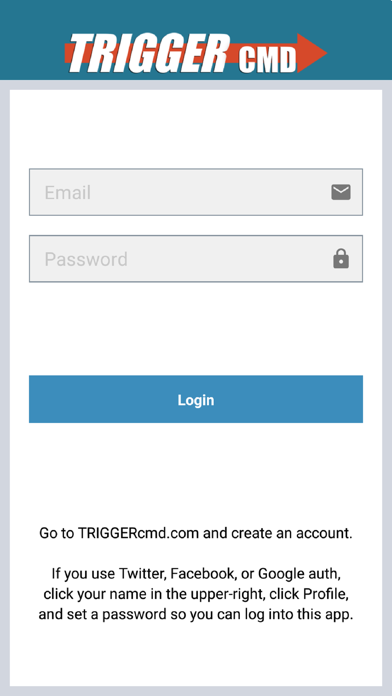
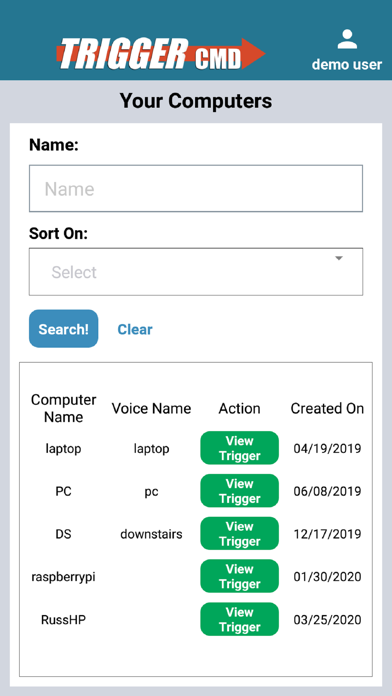
4. Log into this app and trigger your commands.
Each command gets a trigger. Only the triggers are stored in the cloud, not the actual commands.
If you use social authentication (Facebook, Twitter, or Google) to create your account, you'll also need to set a password in your user profile. Click your name in the upper-right after logging in at triggercmd.com to access your profile.