
QuiCut-Video Editor & Maker
Edit videos, merge clips, split footage
Shenzhen Top View Technology Co.,Ltd
iPhone Screenshots

Description
Edit videos by trimming, merging, and splitting with support for multiple aspect ratios. Add text with customizable fonts and colors, adjust size and position, and rotate text. Include stickers or personal photos for enhanced video customization.
QuiCut is a simple, full-featured video editor, making it easier to create beautiful and customized videos on your phone.
Features:
Video Editor
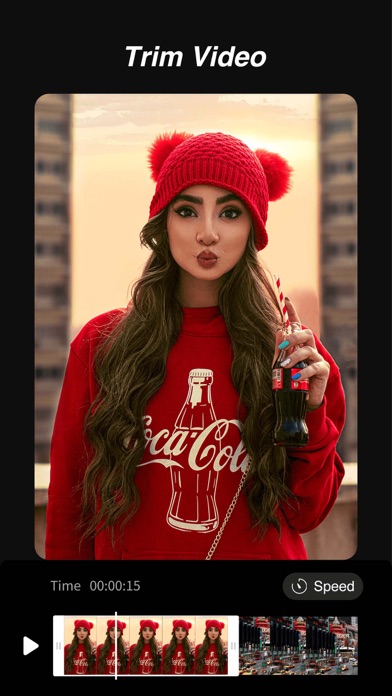
+ Trim Video.
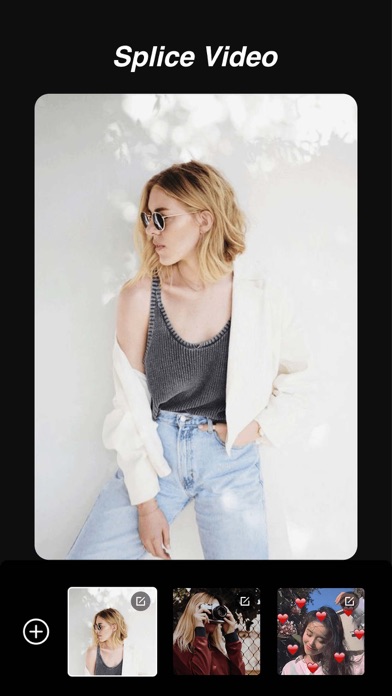
+ Merge videos, splicing multiple videos
+ Split video (Scale 9:16, 16:9, 1:1, 4:3, 2:1, etc. are supported)
Stickers,emoji and Texts
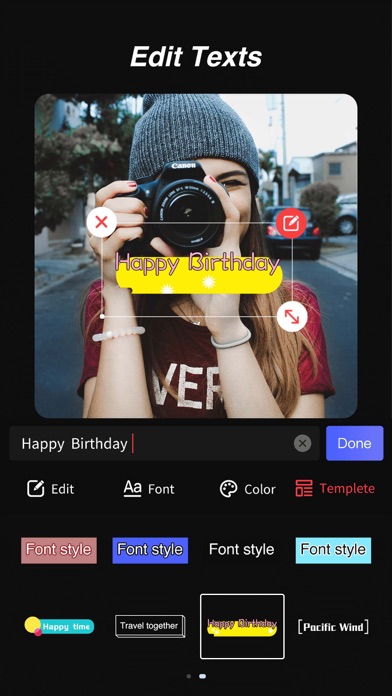
+ Add text, subtitles, define various fonts & colors
+ Easy to adjust size, position of the text
+ Rotate any angle of the text
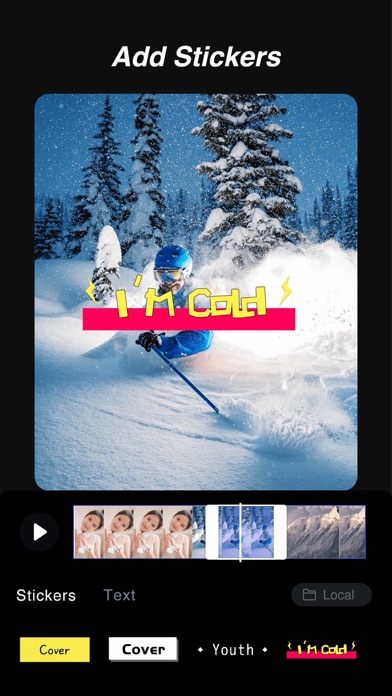
+ Multiple stickers, or your own photos can be added to your video
+ Adjust the position, size, display-time in the timeline of stickers and emoji
Music and Recording
+ Add music to your video
+ Record for video
+ Extract music from other videos
+ Adjust the volume of the original film & background music
Filter
+ Multiple Video Filters
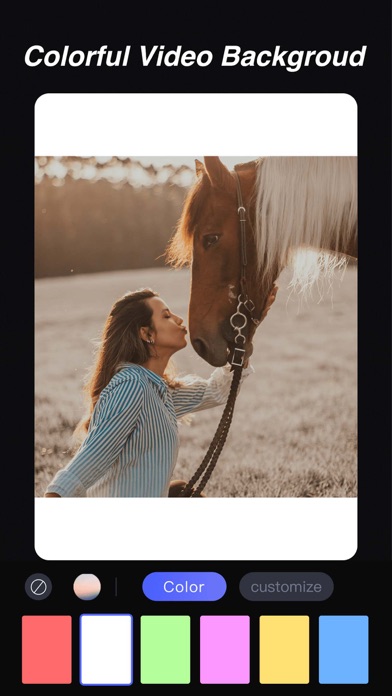
Customized Background
+ Alternate video background
+ Pure color background, customized background for you to choose
Video Collage
+ Support 6 kinds of video collages
Rotate
+ Can rotate 90°, 180°, 270°
Transform MP4 to gif
+ Make it easy to trim your video and make a gif
QuiCut Subscriptions
1. With a QuiCut Pro subscription, you have access to all functions and paid materials including stickers, filters, etc.
2. QuiCut provides monthly ($4.99/month) and annual ($17.99/year) subscription. Annual subscription supports a 3-day trial period.
3. Payment will be charged to iTunes Account at confirmation of purchase.
4. Subscription automatically renews unless auto-renew is turned off at least 24-hours before the end of the current period.
5. Account will be charged for renewal within 24-hours prior to the end of the current period, and identify the cost of the renewal.
6. You can manage your subscriptions and cancel the auto-renewal from App Store Account Settings.
Subscription Notice
http://survey.szsszykj.com/api/Protocol/detail?id=12
Terms of Use
http://survey.szsszykj.com/api/Protocol/detail?id=10
Privacy Policy
http://survey.szsszykj.com/api/Protocol/detail?id=11