Meshman 3D Viewer PRO
View and convert 3D models offline
Victor Bovio
iPhone Screenshots




Description
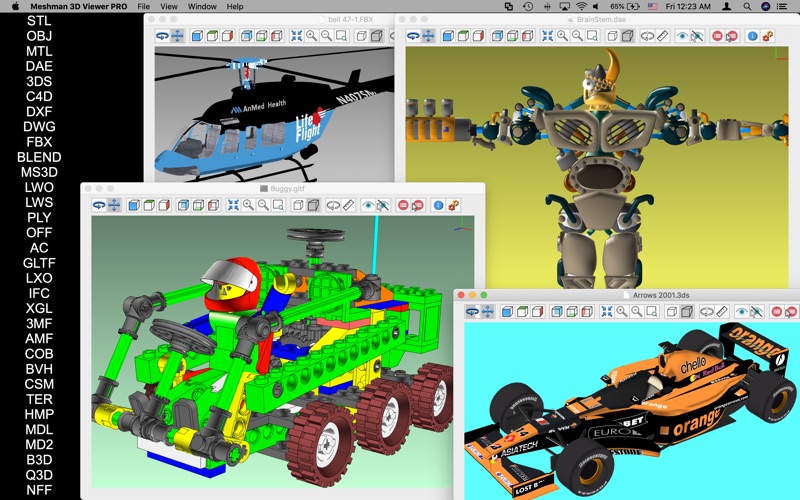
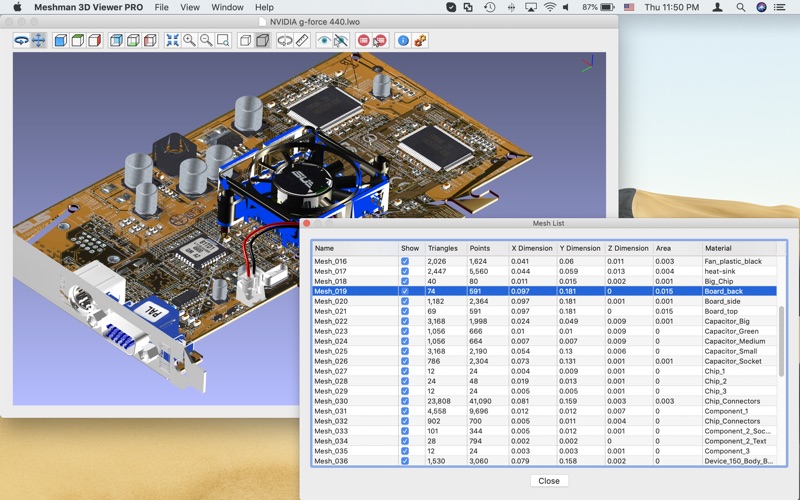
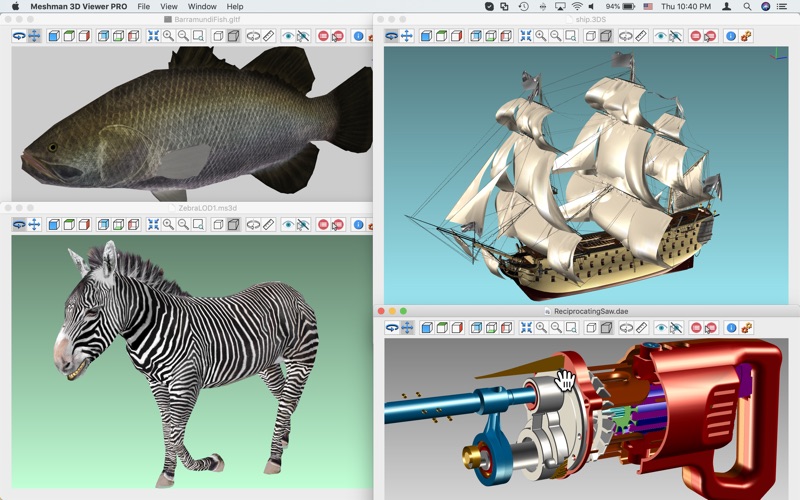
View and convert 3D models in formats like STL, OBJ, DAE, 3DS, FBX, and USD. Load files from cloud storage or local device. Export models in various formats. Adjust lighting, materials, and camera settings.
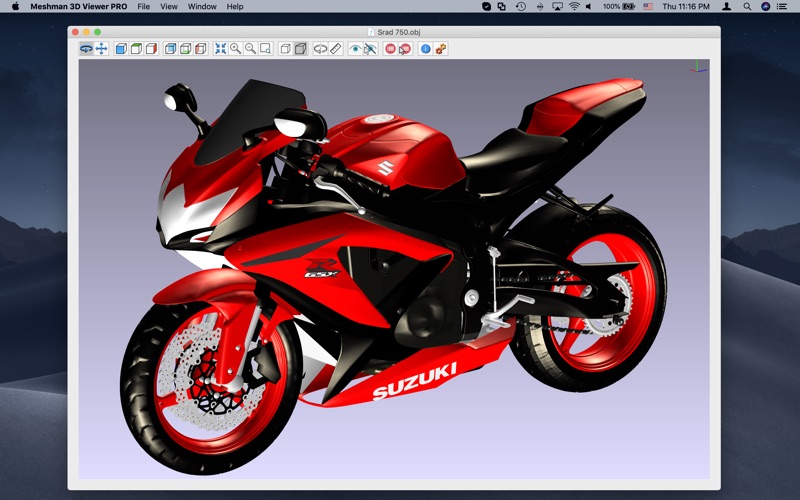
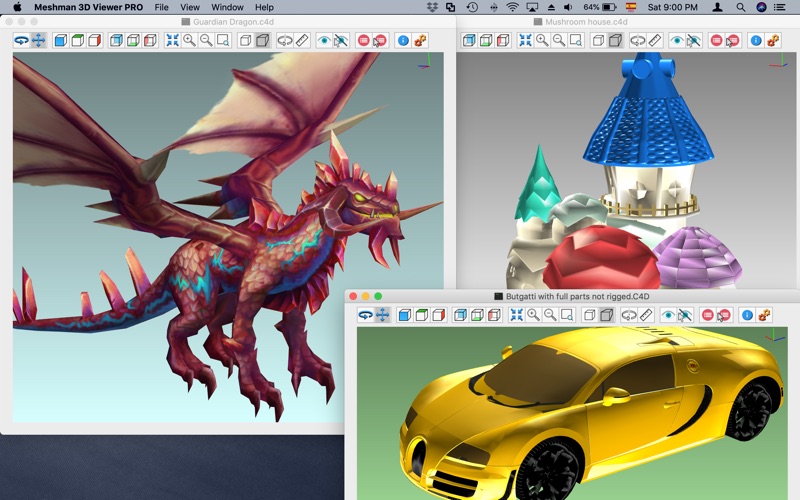
Meshman 3D Viewer PRO is a great app to view and convert an extensive list of supported 3D model files along a powerful set of features:
- Supported file formats to load:
* STL (Stereolithography, both ascii & binary)
* OBJ (& MTL, Wavefront Object)
* DAE (COLLADA file format)
* 3DS (3DS Max)
* ASE (3DS Max)
* DXF (AutoCAD Exchange Format)
* DWG (AutoCAD Native Format)
* FBX (Autodesk Filmbox)
* C4D (Cinema 4D)
* USD (& USDZ, Universal Scene Description)
* BLEND (Blender 3D)
* MS3D (Milkshape 3D)
* LWO (LightWave)
* LWS (LightWave Scene)
* PLY (Stanford Polygon Library, both ascii & binary)
* OFF (Object File Format)
* AC (AC3D)
* GLTF (GL Transmission Format)
* GLB (GL Transmission Format, binary format)
* LXO (Luxology Modo)
* IFC (Industry Foundation Classes)
* XGL (GL XML Format)
* ZGL (GL XML Format)
* 3MF (3D Printing)
* AMF (Additive Manufacturing Format)
* COB (Caligari Object)
* X (DirectX 3D File)
* BVH (Biovision)
* CSM (Character Studio Motion)
* 3D (Unreal)
* TER (Terragen Terrain)
* HMP (3D GameStudio Terrain)
* MDL (Quake I & 3D GameStudio)
* MD2 (Quake II)
* B3D (BlitzBasic 3D)
* Q3D (Quick3D)
* Q3O (Quick3D)
* NFF (Neutral File Format)
* SMD (Valve Model)
- Export to STL, DXF, OBJ, 3DS, DAE, PLY, OFF, PDF.
- Load from a ZIP or RAR file one or multiple model files.
- Batch export files from one format to another.
- Supports most image file formats for textures *.
- Can load large models, as big as 2 GB.
- Graphic operations for Rotating, panning, zooming.
- Measure distance between points within your model.
- Hide surfaces selecting them by point & click.
- Obtain info on the whole model or by parts: triangle count, bounding box, area, volume.
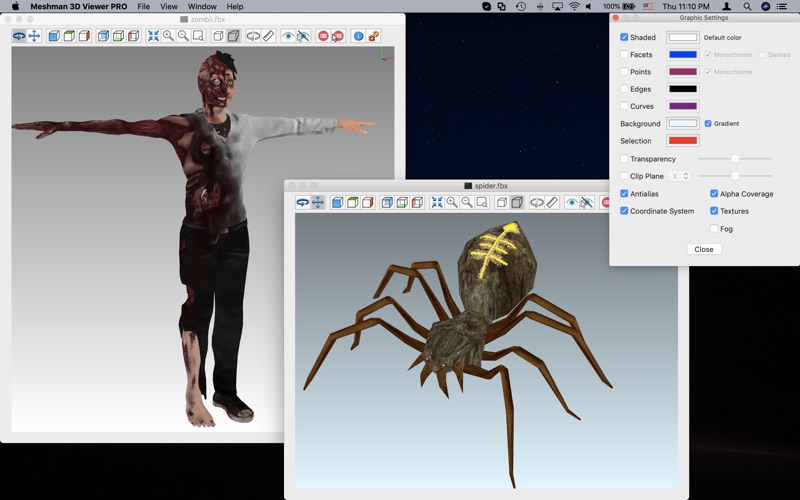
- Set up rendering options: faces, edges, points, antialias, transparency, texturing, fog.
- Render using a clipping plane (useful for viewing interiors).
- View your model in Orthogonal or Perspective mode.
- Save Screenshots (with transparent background option).
- Open multiple files, view in fullscreen, print them.
- Native support for Apple Silicon & Intel processors.
- Retina Macs fully supported.
Please contact us for support, questions, feature request or any other inquiry.
[email protected]
* For models that use external textures and material files, the app may ask for the directory location.
* Supported Image formats include: PNG, JPEG, BMP, GIF, TIFF, TGA, PSD, HDR, DDS, EXR, RAW & more.