
iPhone Screenshots

Description
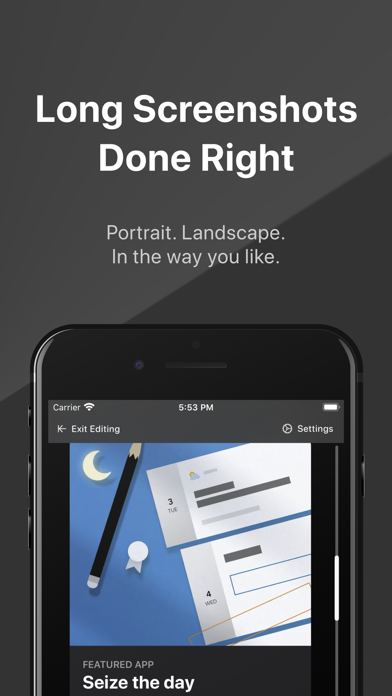
Scroll to create your long screenshots with a great productivity.
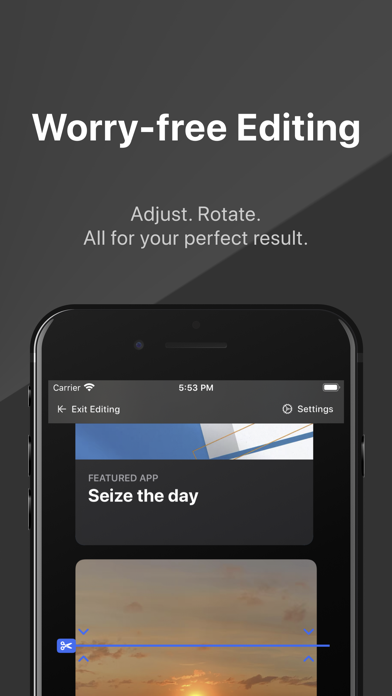
- Every stitch point is editable, so no worry if anything went wrong.
- Support both portrait and landscape mode, you can even change the image orientation inside the editor.
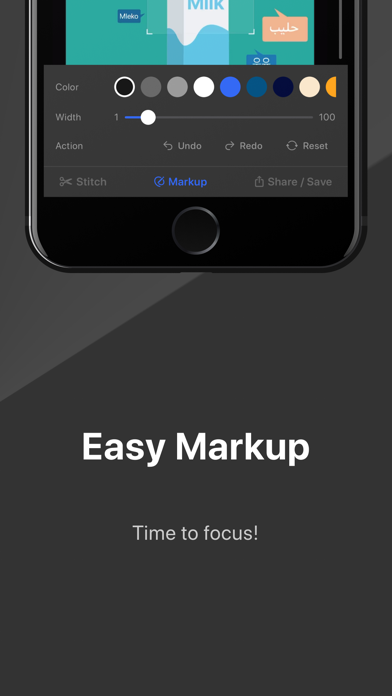
- Easy markup. Highlight content when needed.
- Provide rich settings, make Pics21 your personal long screenshot assistant.
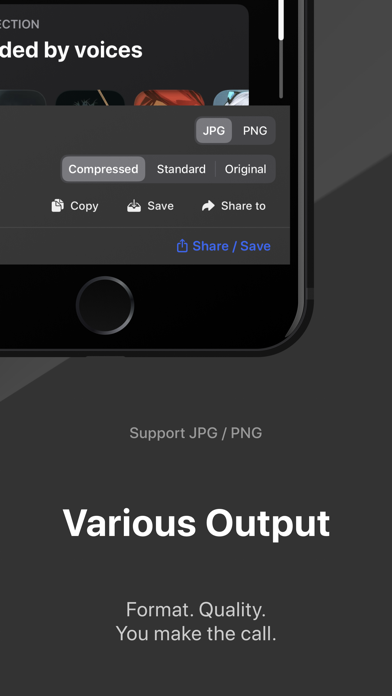
- Provide JPG/PNG output format with several quality options.
If you meet a bug or have any suggestions, please email to [email protected]
Text Tutorial:
1. Add Screen Recording into Control Center: Please skip this step if you have already added. Go Settings -> Control Center -> Customize Controls, and tap the plus icon in front of Screen Recording.
2. Open your target app and choose Pics21 Stitch for broadcast: For example, open App Store, and access Control Center. LONG PRESS Screen Recording button, choose Pics21 Stitch.
3. Start to record with Pics21 Stitch: Then tap Start Broadcast and return to your target app within 3 seconds.
4. Scroll at your ease: When you see the red oval in the top left corner, start to scroll the screen. Stop scrolling with the proper position in your mind.
5. All set: Wait for 3 seconds. Tap Go to Application and check it out!