
Multi-Timer; Stopwatch & Timer
Track time, measure sessions, manage tasks
Koki Osada
iPhone Screenshots


Description
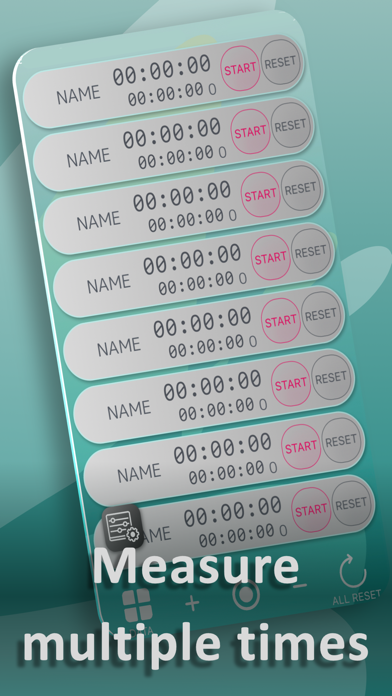
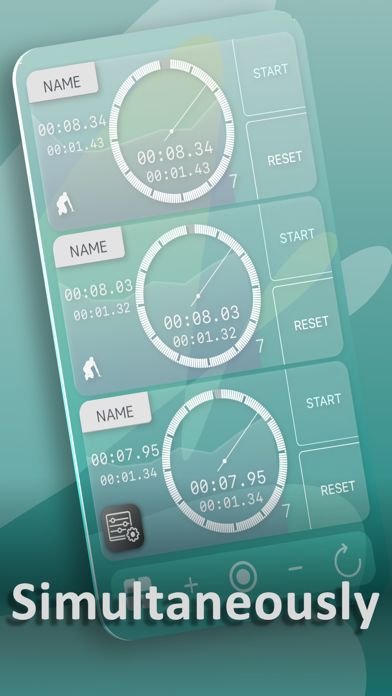
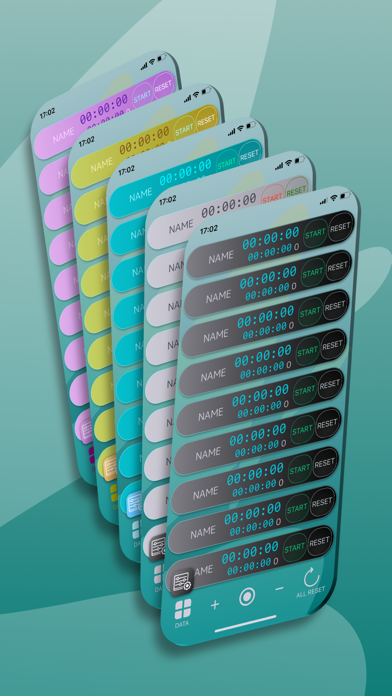
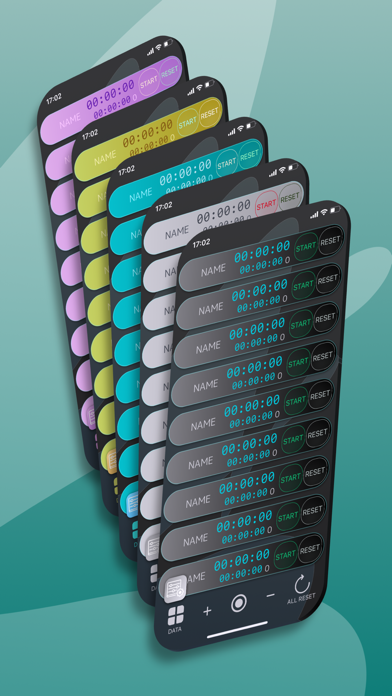
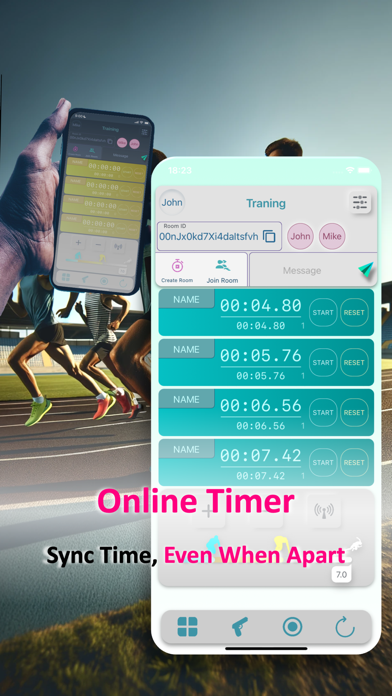
Track multiple stopwatches at once for simultaneous timing. Start, pause, and reset individual timers. View elapsed time and total duration for each. Save and export session data for review. Sync with other devices for real-time updates.
All basic features are available for free!
Perfect for coaches, athletes, and anyone who needs to measure multiple times simultaneously!
Whether you're managing training sessions, studying, cooking, or working out, this powerful and easy-to-use app supports your time management needs — all in one place.
As a runner myself, I created this app from the perspective of athletes and team managers who want precise and flexible timing tools.
■Stopwatch Features
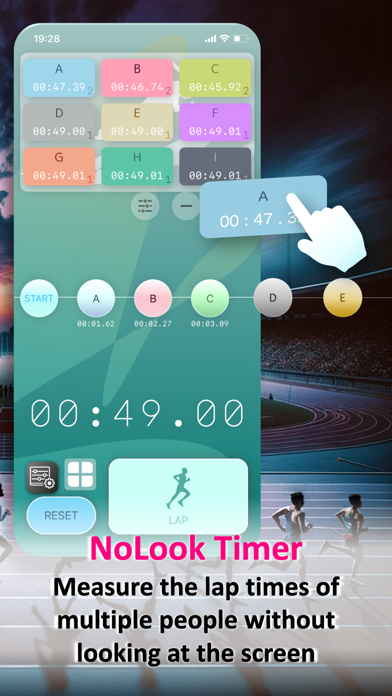
Run 20+ stopwatches simultaneously (device-dependent)
Record lap and split times
Save and review data with a built-in calendar view
Ideal for track & field events, swimming, cycling, or any situation where multiple stopwatches are needed
■Video-Synced Timing (Premium Feature)
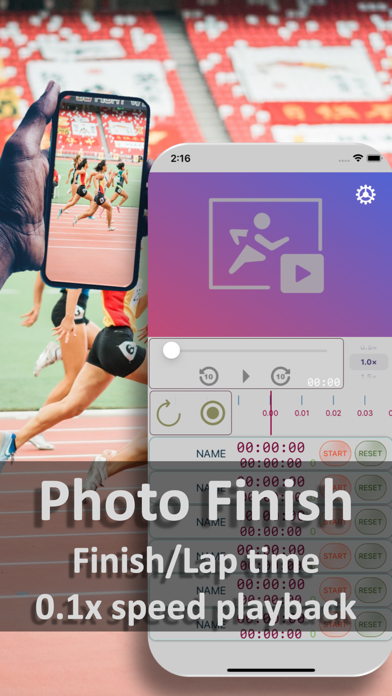
Sync stopwatch with video playback: slow motion, fast-forward, or pause
Accurate measurement of sprint finishes and lap times
Easily record multiple runners’ laps by pausing the video and logging times
Export to Excel or Google Sheets for detailed analysis and sharing
■Interval Timer
Supports up to 99 repeats and 5 customizable intervals
Set sound alerts (on/off), vibration, and background operation
Perfect for Tabata, HIIT, or circuit-style training
■Recommended For
Team managers and coaches
Runners and athletes
Fitness and strength trainers
Students measuring study sessions
Chefs or anyone needing precise cooking timers
Anyone who wants to track and save time efficiently
How to Use
Switching Modes: Swipe horizontally to toggle between Stopwatch and Timer.
■Stopwatch
Tap START, STOP, LAP, or RESET as needed
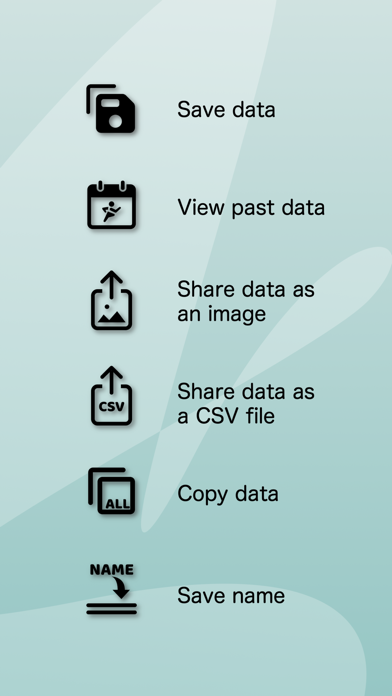
Save data via the bottom-left data icon → Save → add a title
Tap the stopwatch screen to rename players (tap the "×" next to the name)
View saved data: tap Data → Calendar → select a marked day → choose a title and player
■Timer
Add up to 5 intervals by tapping the "+" button
Set repeat count by tapping the repeat icon
Tap the sound icon to toggle sound or vibration
Countdown begins automatically when the timer starts
Reset any time with the RESET button
Sound Effects: Courtesy of OtoLogic