
CapCut: Video & Photo Editor
Edit videos, add effects, create captions
BYTEDANCE PTE. LTD.
iPhone Screenshots


Description
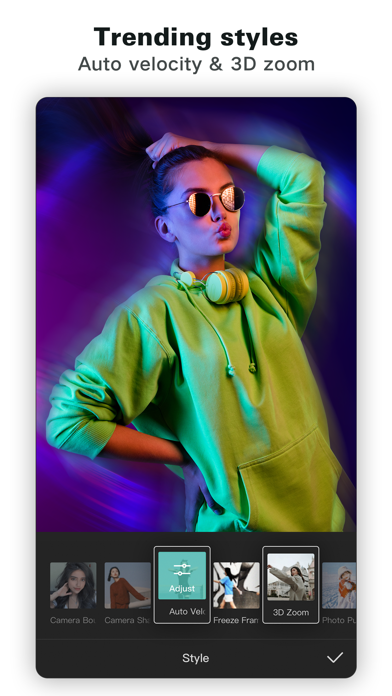
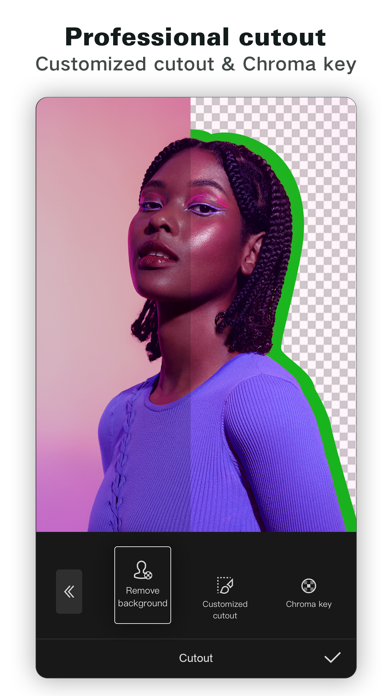
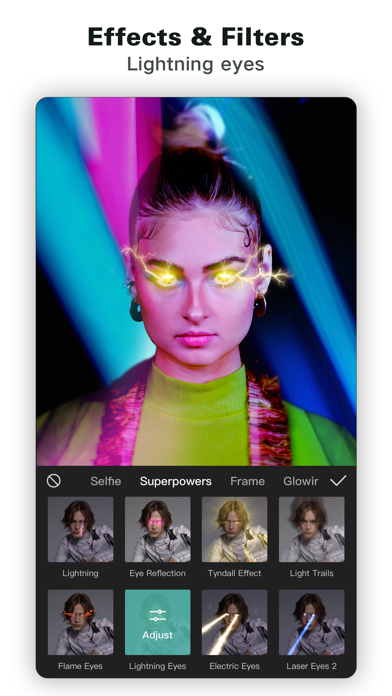
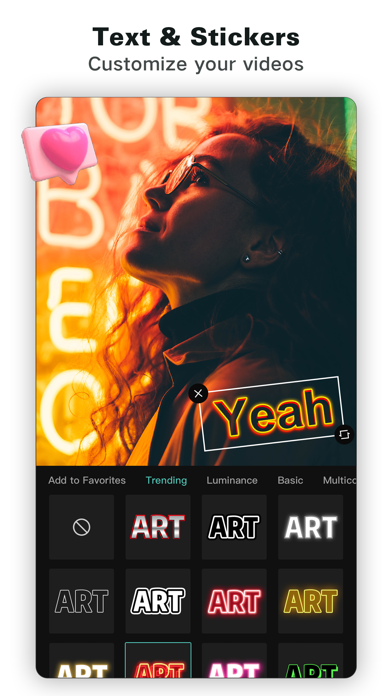
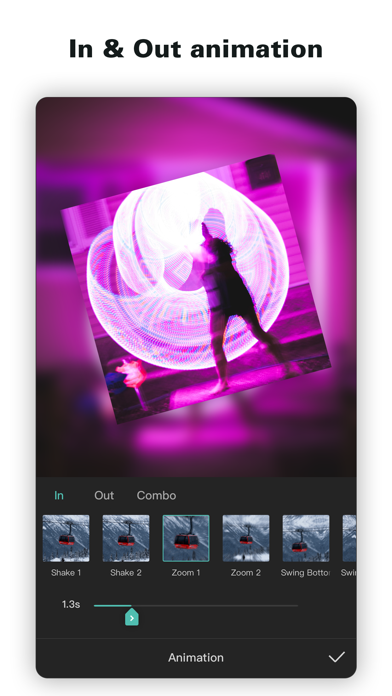
Trim and shorten clips, split or merge videos. Apply filters, adjust brightness and contrast. Add text, stickers, and effects. Use keyframe animation, slow-motion, and chroma key. Remove background, add auto captions, and convert text to speech.
CapCut is an all-in-one video editing solution that offers essential editing features, creative effects, AI tools, filters, stickers, and fonts, and a wide range of video templates to empower users to easily create incredible videos regardless of their editing experience.
Powerful video maker
Got a story to tell or a trend to try? CapCut helps creators shape videos with speed, style, and control.
• Trim, split, merge, and arrange clips with ease.
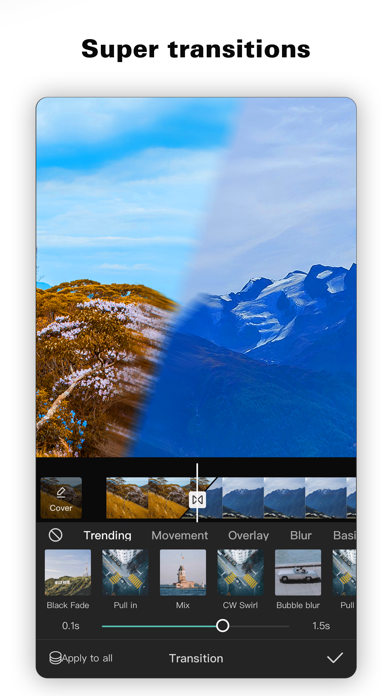
• Adjust speed, timing, and transitions for smoother edits.
• Add music, sound effects, text, stickers, and effects.
• Create everything from quick edits to polished videos.
• Export high-quality videos for TikTok, YouTube, Instagram, WhatsApp, and Facebook.
All-in-one photo editor
Got an image to polish or a post to design? CapCut helps creators shape visuals with ease, style, and flexibility.
• Remove backgrounds, retouch details, and enhance photos.
• Adjust lighting, color, contrast, and filters in a few taps.
• Add text, stickers, and creative elements with ease.
• Refine portraits and selfies with face and body retouch tools.
• Make covers, collages, thumbnails, and polished images.
AI features
Got an idea in motion? CapCut helps creators move faster with AI tools that make the creative process feel lighter and smoother.
• Turn clips into highlight videos with auto-editing tools.
• Find standout moments and shape footage more quickly.
• Generate custom images with advanced AI models.
• Turn text or images into videos with powerful AI tools.
• Edit photos, posters, thumbnails, and promo visuals with less friction.
Templates, effects, and inspiration
Got a concept to start with or a look to explore? CapCut helps creators keep ideas flowing with templates, effects, and inspiration.
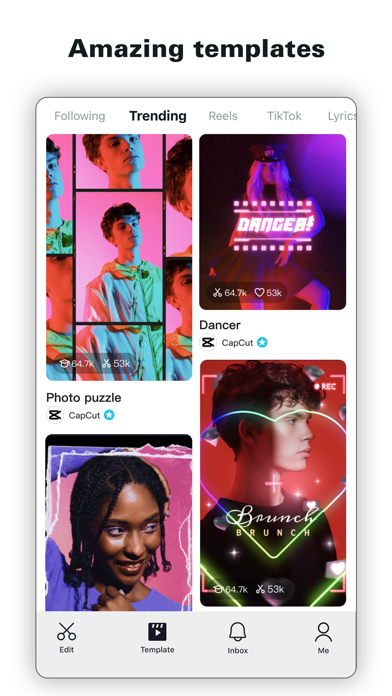
• Start with templates for videos, photo edits, and collages.
• Explore effects, filters, and styles for every mood.
• Find inspiration for reels, covers, and short videos.
• Mix text, stickers, and creative assets with ease.
• Keep up with trends while making every edit your own.
Subscriber benefits
Got bigger creative plans? CapCut gives creators more freedom to make them happen.
• Unlock advanced editing tools, exclusive templates, and creative assets.
• Export videos in up to 4K at 60 fps with no watermarks.
• Get monthly AI credits for more creative generation.
• Enjoy expanded cloud storage across your projects and devices.
• Access new features, content, and updates as they arrive.
Made for every user
Got something to share, build, or promote? CapCut supports creators at every step, from everyday posts to bigger creative goals.
• For everyday users: Edit daily photos and videos, try templates, follow trends, and share across favorite apps.
• For content creators: Make videos, thumbnails, text-based posts, and edits that help your work stand out.
• For businesses: Create product posters, product images, promo videos, and marketing assets more efficiently.
• For growing brands: Move from idea to publication-ready materials faster and with less effort.
Start creating with CapCut
Explore more ways to edit videos and photos with ease. Try fresh templates, discover new effects, and turn ideas into posts, images, and videos that feel like your own. Create for TikTok, YouTube, Instagram, WhatsApp, and Facebook—and make every post count.
Terms of Service
https://www.capcut.com/clause/terms-of-service
Privacy Policy
https://www.capcut.net/clause/privacy
Contact Us
Any questions about CapCut? Please contact us at [email protected].
Facebook: https://www.facebook.com/capcutapp
Instagram: https://www.instagram.com/capcutapp
YouTube: https://www.youtube.com/capcutofficial
TikTok: https://www.tiktok.com/@capcut