
D4W Mobile
Manage patient records and appointments
CENTAUR SOFTWARE DEVELOPMENT CO. PTY LIMITED
iPhone Screenshots

Description
Manage patient appointments, view treatment plans, and access practice schedules. Enter and update patient information. nd send invoices. Track inventory and manage appointments remotely. Sync data with Dental4Windows.
D4W Mobile is an app that allows you to do certain core functions within Dental4Windows, Australia’s #1 Dental Practice Management system, developed by Centaur Software.
D4W Mobile is designed to work alongside Dental4Windows and help you achieve your goals.
Activation of the D4W app requires the Centaur installation team to make changes to your database to enable the service.
Please complete the D4W Activation Form here -
https://pages.centaursoftware.com/D4W-Mobile-Activation-Page
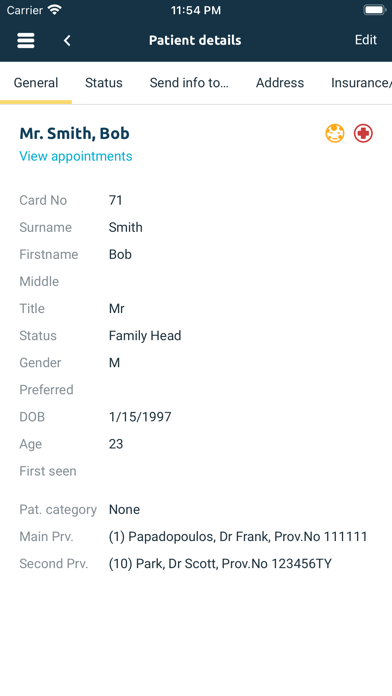
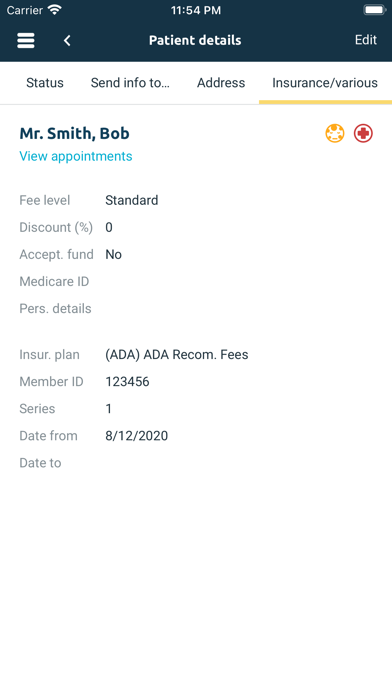
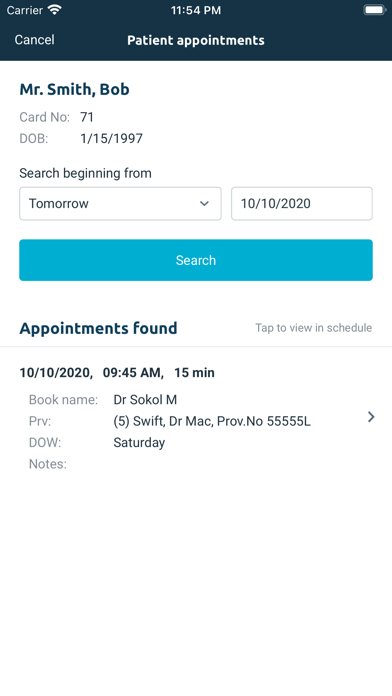
This App allows dentists and other clinic staff to work with some patients' information (appointments, personal details) in any place outside the office, with internet access and a mobile smartphone or tablet. It also has multiple location capability.
Release 2 - Functionality
- Secure Login
- Preferences
Appointments
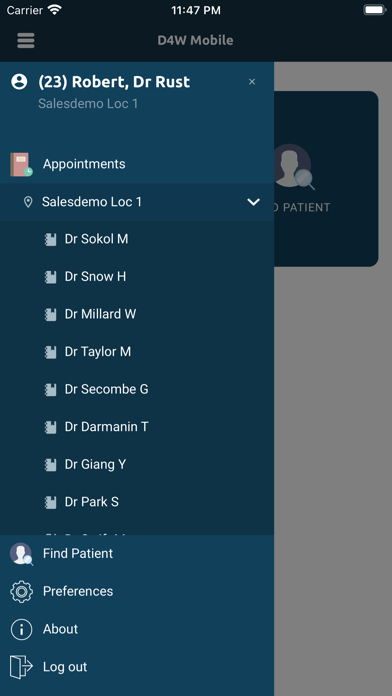
- Practice Location Selection
- Book Selection
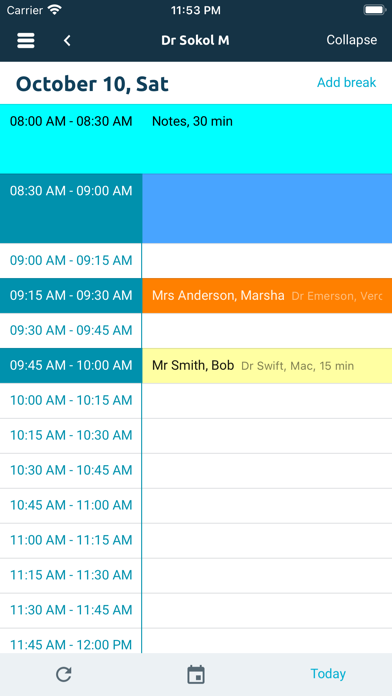
- Single Day View – Expanded or compact
- Calendar Selector
- Today’s Appointments
- Days Scrolling
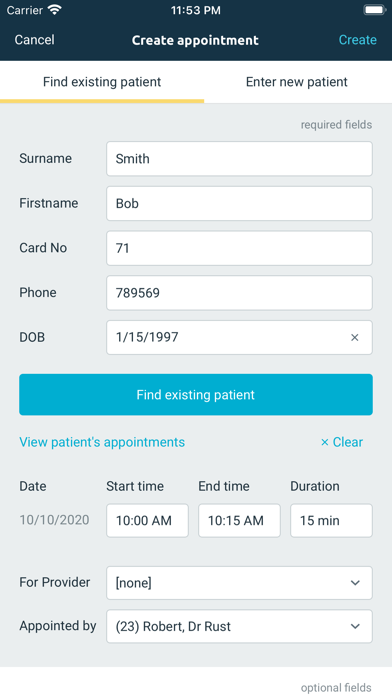
- Create an appointment for existing or new patients (Head and Member)
- Show Arrived, Checked In, Checked Out
- Find Slots
- Add/Modify/Delete/Cut/Copy/Paste Breaks
- Add/Modify/Delete/Cut/Copy/Paste Preset slots
- Add/Delete Nonstandard slots
- Swiping left and right to view other appointment books
Patients Details
- Find a Patient
- Patient Details – View and Modify
- Create New Patient record
- Modify Existing Patient Record
Release 3 - New functionality
- Patients: Send Info To
- Treatment: View/Edit existing clinical notes
and more.
Release 4 - New functionality
- SMS Manager
- eAppointments support
and more.
Release 5 - New functionality
- Touch / Face ID biometric protection
- Users Activity Monitor support
- Appointments Multiple Book View
- Interface and security improvements
and more.
Release 6 - New functionality
- Phones "landscape mode" (when rotate mobile phone) support
- Patient "Photo" tab
- Security option to "Show/Hide patient contacts" details
- Multi-location databases "User Aliases" support
- Various fixes and optimisations.
Release 7 - New functionality
- Migrating to .NET Multi-platform App UI (MAUI)
- Several minor fixes.
Release 8 - Functionality/Quality Improvements
- Patient phone numbers hyperlinked so you can click and call the patient directly
- Allow to Insert (create) a new appointment within an existing BREAK or PRE-SET SLOT
- Line breaks entered within Appointment book notes are now reflected in D4WEB/D4W.