
Remote Access Plus
Systems and resolve issues anytime
Zoho Corporation
iPhone Screenshots


Description
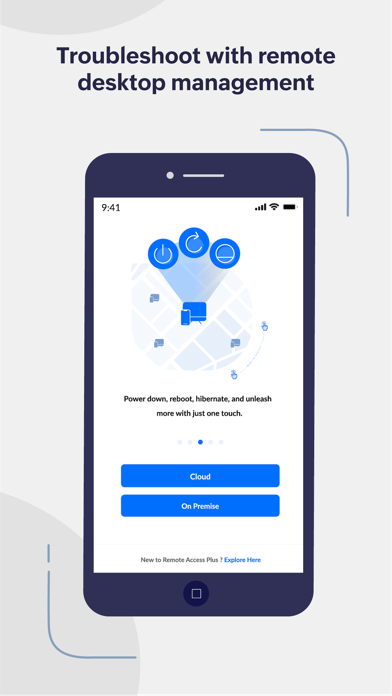
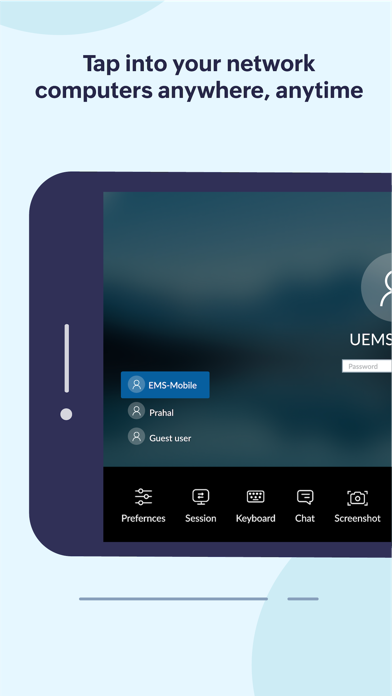
And control Windows, Mac, and Linux computers remotely. Troubleshoot issues, view system details, and manage files. Connect to both cloud and on-premises instances from the mobile .
Access and troubleshoot Windows, Mac and Linux endpoints anywhere, anytime!
Remote Access Plus is all you need to redefine your troubleshooting routine. Remote Access Plus helps you access remote computers irrespective of their location and lets you resolve troubleshooting requests at a lightning speed.
Remote Access Plus is available on cloud and on-premises. You can access both the instances from the mobile app.
What can I do using the Remote Access Plus application?
Access endpoints right from your mobile device
1. Connect to remote computers on the go with unattended remote access
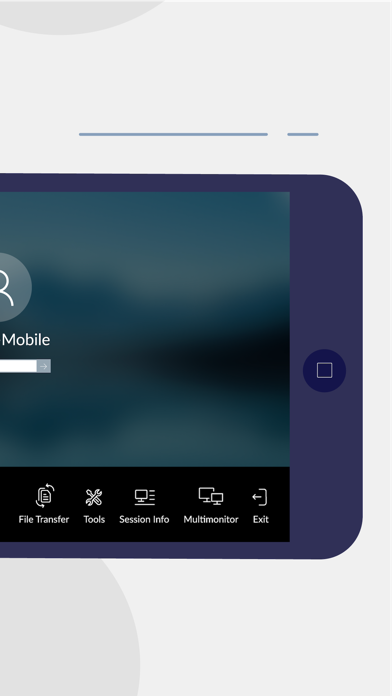
2. Seamlessly switch between multiple monitors connected to client computers
3. Perform administrative operations using "Quick Launch"
Diagnose computers without hindering productivity
1. Access command prompt and execute commands using systems account
2. Cut-down production costs by turning off the computers with no active users
3. Wake computers on LAN and kick-start your troubleshooting without hick-ups
How do I activate?
1. Install the Remote Access Plus mobile app on your mobile device.
2. If you are using the Remote Access Plus on-premises solution, provide the server name, the port being used, followed by the credentials.
3. If you are using the cloud edition, log-in to your Remote Access Plus account
4. You can now access your Remote Access Plus console from your mobile device