
iPhone Screenshots
Description
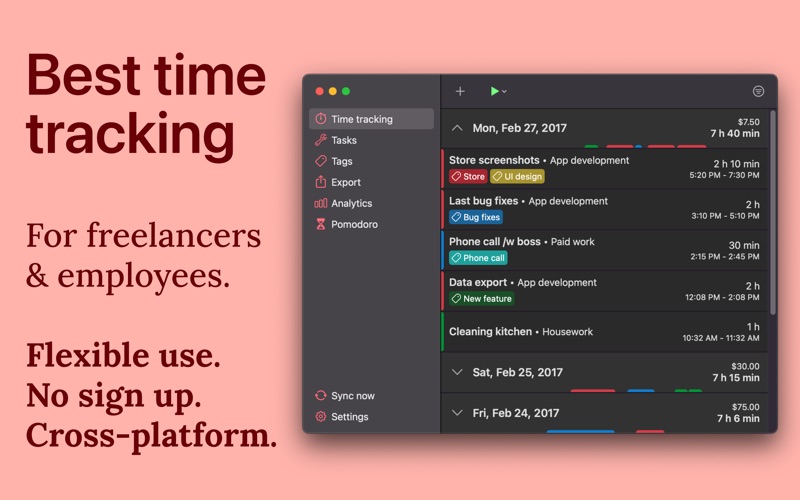
Easily track your work hours - organize, analyze and export them. Perfect for freelancer, hourly workers, employees or anyone else who wants to keep track of his or her working time. Completely without ads or subscription.
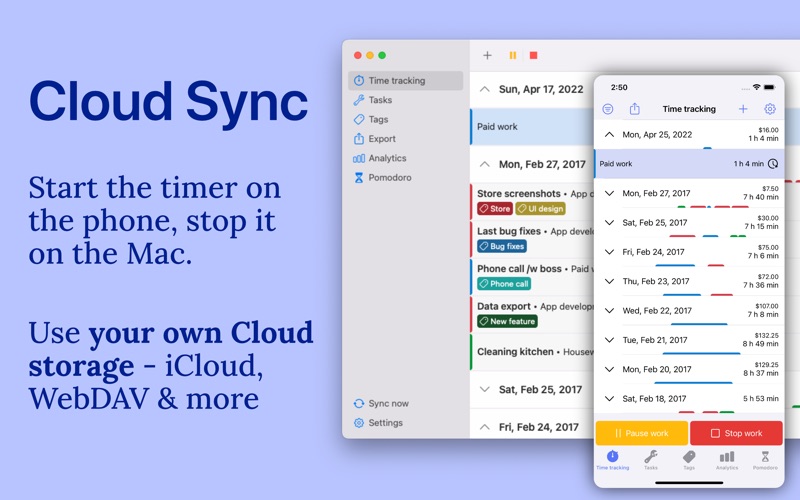
• Cross-platform time tracker app, works for all your devices (iOS app available!) incl. Cloud sync*
• Use your own Cloud storage for the sync (OneDrive, Google Drive, Dropbox, iCloud, WebDAV)
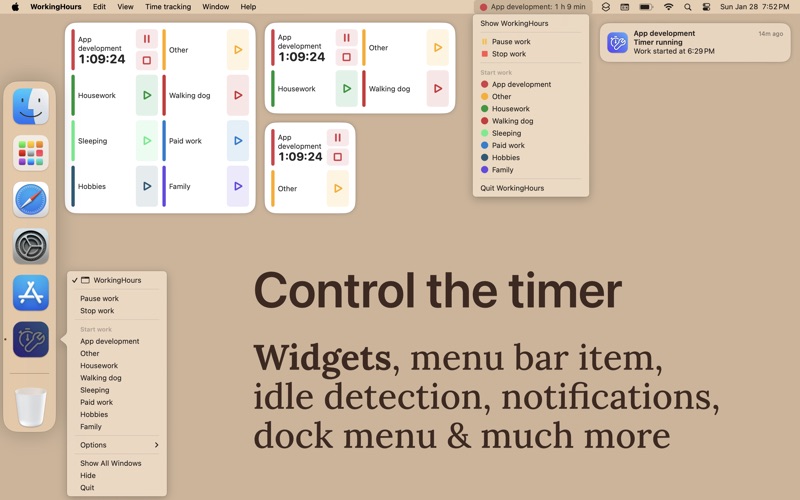
• Start/pause/stop your working time without opening the app - via widget, notification, Dock Menu or Menu Bar*
• Edit your work units afterwards to correct mistakes
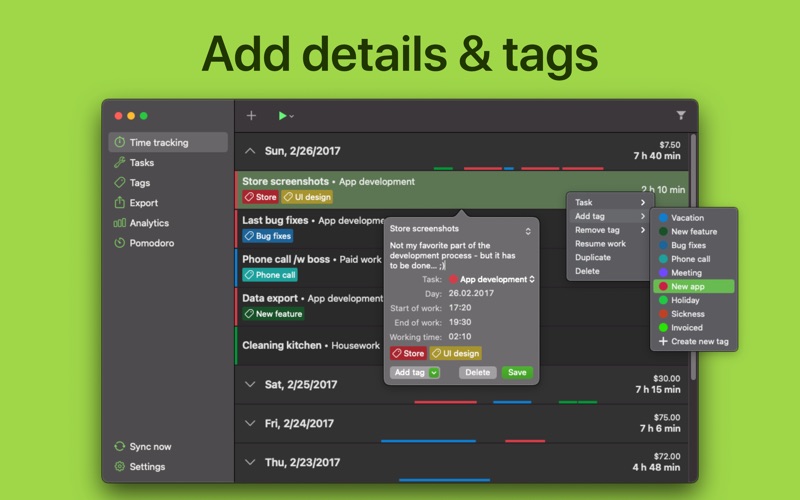
• Assign tasks or tags to work units
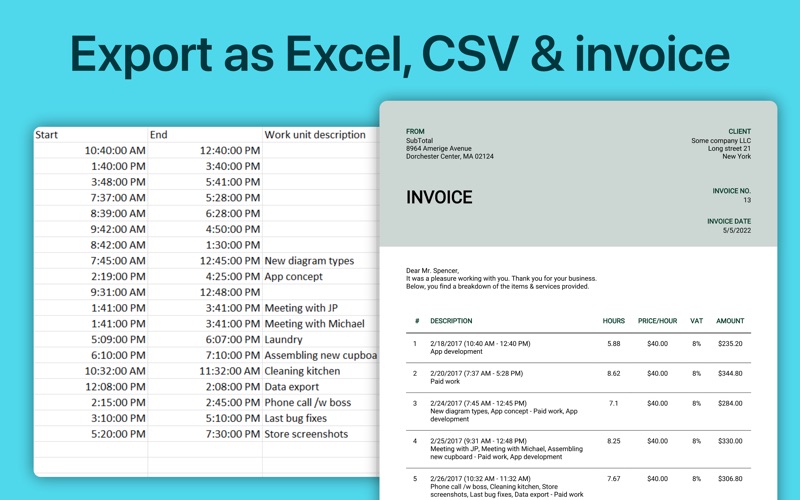
• Data export as Excel sheet, CSV file or PDF invoice*
• Special tags allow adjustments of the worked time and earnings
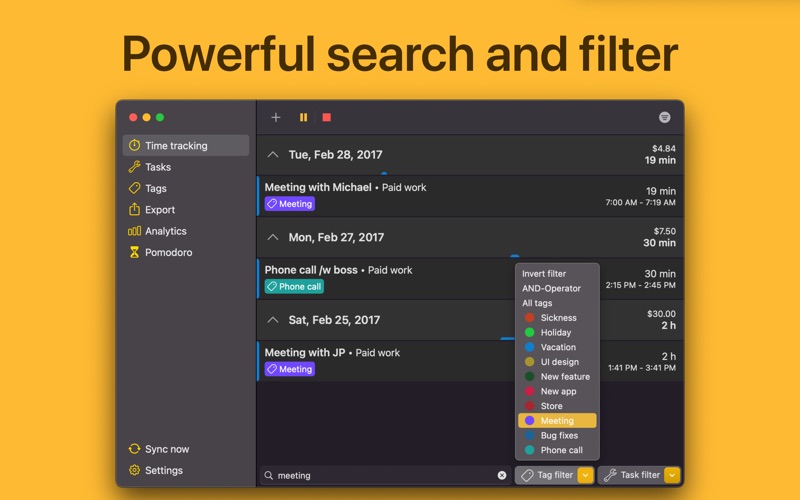
• Filter work units by tag and task
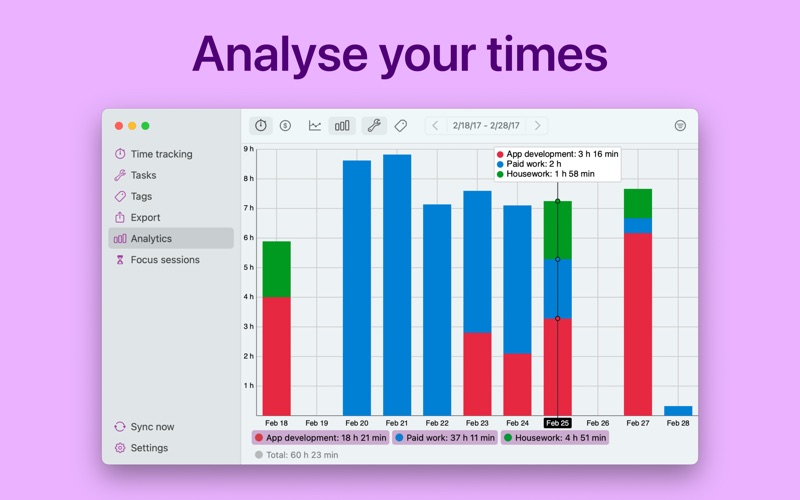
• Analyze working time and earnings via graphs
• Calendar integration: see your appointments in-app and quickly transform them into tracked work time
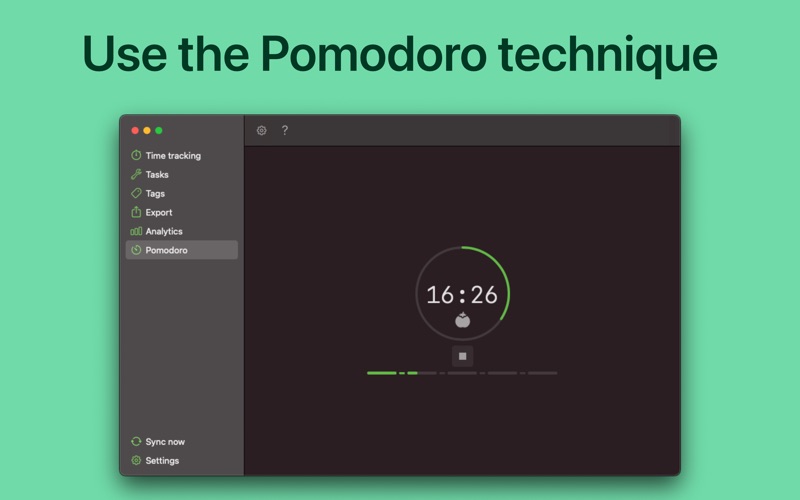
• Be productive with the Pomodoro technique - WorkingHours reminds you when you finish a work session
WorkingHours - the easiest and fastest time tracking / timesheet app for macOS, iOS & more!
* Pro version feature - Free 7 day trial period of the Pro version included. Pro version is a one-time-purchase, no subscription. Purchase will be bound to App Store account. App licenses for other platforms need to be purchased separately. More details in the FAQ