
kubenav - Kubernetes Dashboard
Manage clusters and view resource details
Rico Berger
iPhone Screenshots


Description
Manage clusters by viewing resource status and details. Access logs, events, and container shells. Edit, delete, or scale workloads. Monitor resource usage and workload health.
kubenav is a mobile app to manage Kubernetes clusters. The app provides an overview of all resources in a Kubernetes cluster, including current status information for workloads. The details view for resources provides additional information. It is possible to view logs and events or to get a shell into a container. You can also edit and delete resources or scale your workloads within the app.
- Available mobile: kubenav provides the same experience as kubectl for mobile.
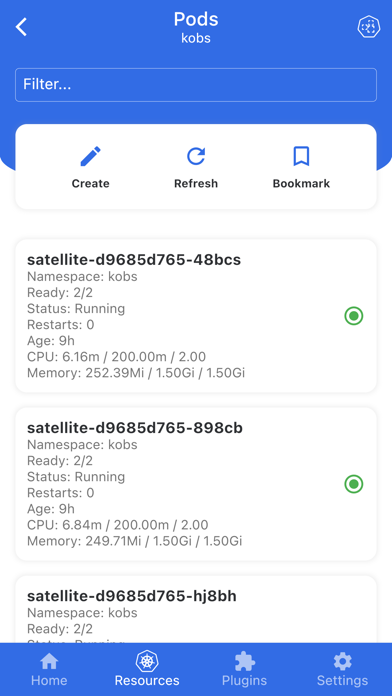
- Manage Resources: All major resources like Deployments, StatefulSets, DaemonSets, Pods, etc. are supported.
- Custom Resource Definitions: View all Custom Resource Definitions and mange Custom Resources.
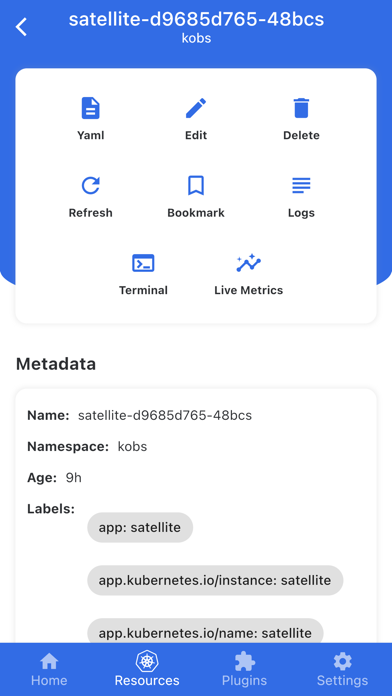
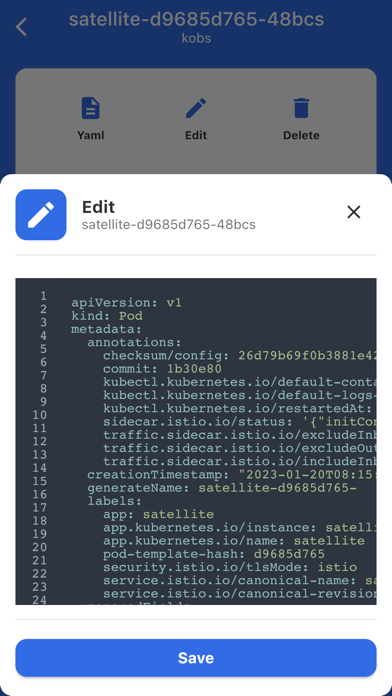
- Modify Resources: Edit and delete all available resources or scale your Deployments, StatefulSets, DaemonSets.
- Filter and Search: Filter the resources by Namespace and find them by their name.
- Status Information: Fast overview of the status of workloads and detailed information including Events.
- Resource Usage: View the requests, limits and current usage of Pods and Containers.
- Logs: View the logs of a container or stream the logs in realtime.
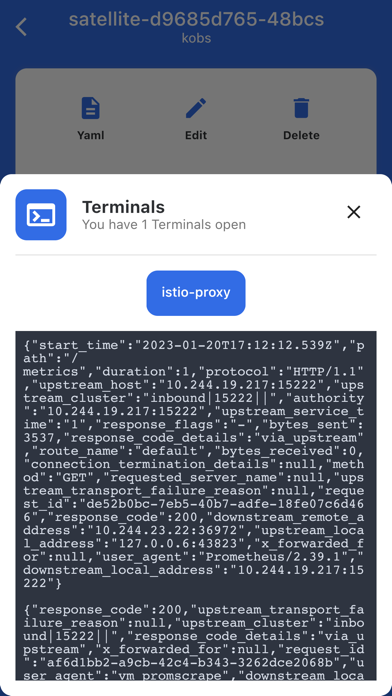
- Terminal: Get a shell into a container, right from your phone.
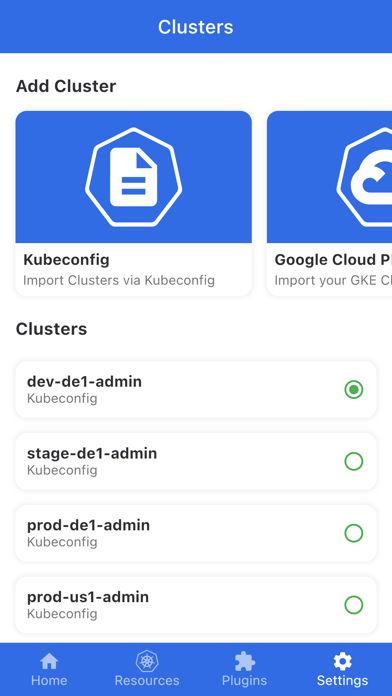
- Manage multiple Clusters: Add multiple clusters via `kubeconfig` or your preferred Cloud Provider, including Google, AWS and Azure.
- Port-Forwarding: Create a port-forwarding connection to one of your Pods and open the served page in your browser.
- Prometheus Integration: kubenav allows you to view your Prometheus metrics directly in the dashboard and to build your own dashboards via the Prometheus plugin.
Terms & Conditions: https://www.apple.com/legal/internet-services/itunes/dev/stdeula/
Privacy Policy: https://kubenav.io/privacy.html