

123 votes - Medical - First release: 2020-02-13T08:00:00Z
Screenshots






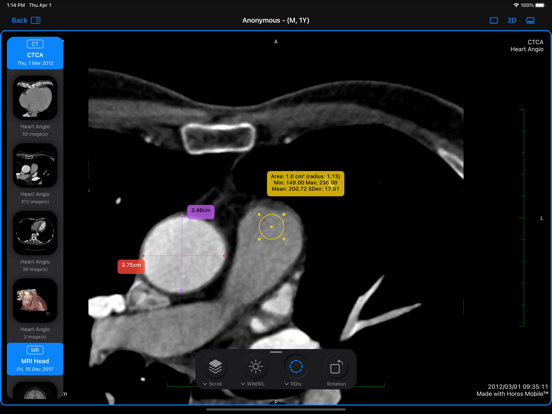

Description - 17+
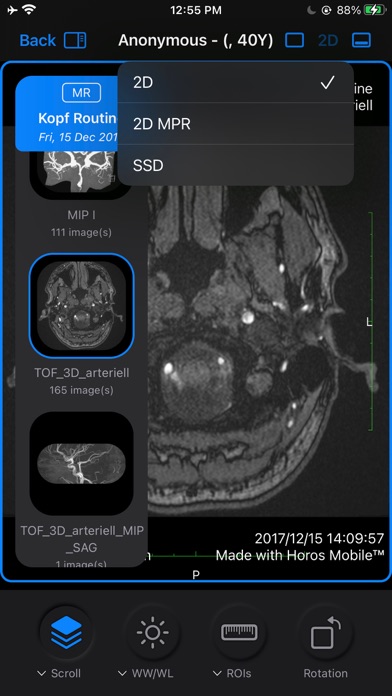
Horos Mobile™ is a DICOM medical image viewer for iOS devices.

With this app, you’re no longer confined to your office or required to be near your computer to review medical images. You can access, view and manipulate DICOM images from your iOS devices, including iPhone and iPad, anywhere and at any time.

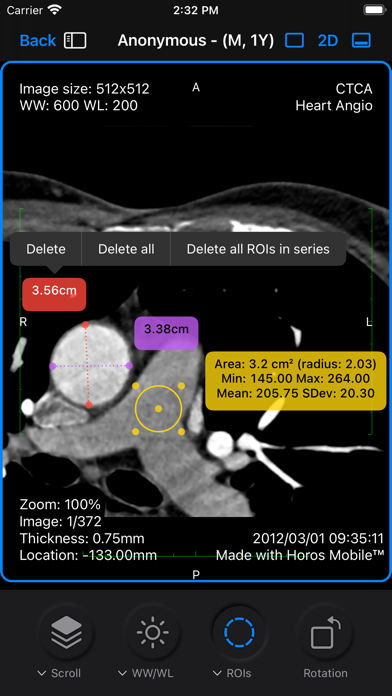
Horos Mobile™ displays DICOM format images from all modalities including ultrasound, CT scanner, MRI, PET, etc. This app includes easy-to-use processing tools including zoom, pan, WW/WL, ROI measurement etc.

Important: Horos Mobile™ (iOS)  is not (yet) CE- or FDA-certified and should not be used for primary diagnosis.

>> Key features

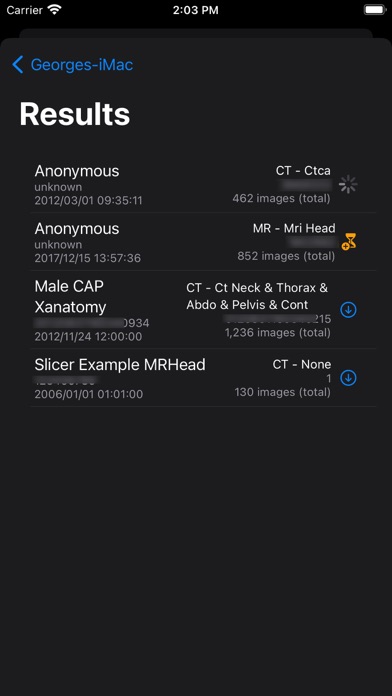
DICOM Nodes (Bonjour) -import directly from your Horos Desktop workstation
Send and retrieve studies between devices
iCloud Drive, Dropbox and Google drive support for importing images.
Support for custom DICOM Nodes
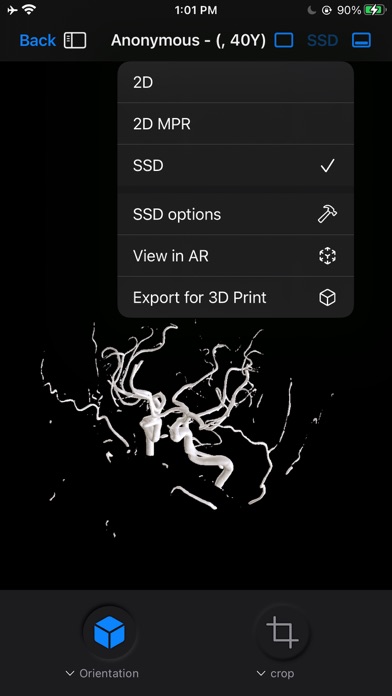
3D SSD rendering on device
Orthogonal MPR
Multiple Windows (split Screen mode)
Link images in multi-window mode

Supports Patient Folders (automatically created)
Supports same file types as Horos Desktop (including JPEG/JPEG2000 etc)
Adjust WW/WL with one-finger drag
WW/WL presets
Scroll (adjustable scroll speed) and on screen navigation controls
Zoom (pinch to zoom gesture)
Pan images (two-fingers drag)
Rotate images (use the special rotation tool)
Draw Line Measurement ROI
Angle ROI (measure angle)
Point ROI (measure pixel values)
Area ROI (min, max, SD, area)
Text ROI (enter your own annotations)
Arrow ROI (point to areas you have annotated)
On-screen annotations (toggle)
On-screen navigation controls (toggle)
Loop through images mode (toggle)
Cine Mode (when on-screen controls activated)
Sort images by "Instance" or "Location"
Meta Data (read only)

**No resolution restrictions in imported images**

Horos Mobile™ requires an active subscription, after the initial 3 day FREE trial.

Subscriptions automatically renew on a monthly basis from the date of original purchase (unless auto-renewal is turned off at least 24 hours before the end of the current period). Does not support Family Sharing.
Subscriptions may be managed within iTunes Account Settings.
Any unused portion of a free trial period will be forfeited when a subscription is purchased.