Color As Hue
Choose colors with confidence and clarity
Roberto Antonio Campusano Acosta
iPhone Screenshots
Description
Learn about theory, including basics, wheels, and combinations. Identify meanings and moods. Create and save custom palettes for design projects. Share palettes with others.
It is a well known fact that color affects our mood, making us feel: cheery, happy, sad, energetic, elegant, calm, etc. Unfortunately, our memory, when it comes to choosing colors, is indeed very poor. “Color as Hue” is here to alleviate the frustration that most of us experience when having to make color decisions. You will become an instant expert in the topic:
1 - Learning the basics of color
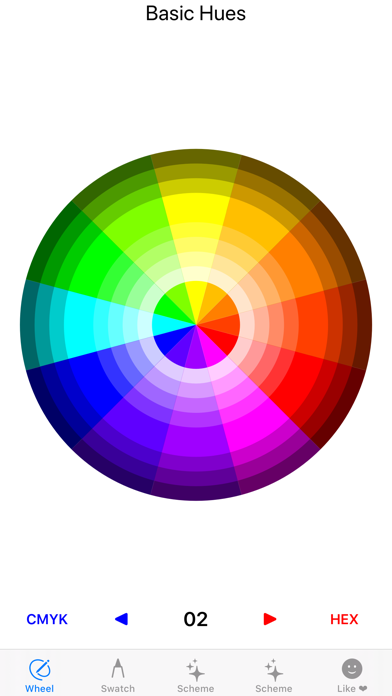
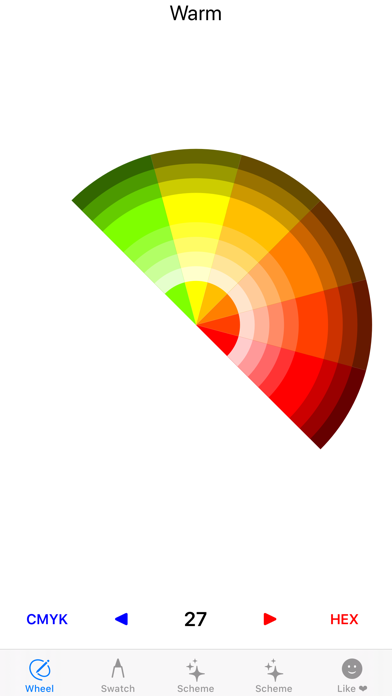
2 - Becoming familiar with the color wheel
3 - Finding color combinations that work
Here are some of the color concepts you will master:
01 Achromatic
02 Analogous
03 Clash
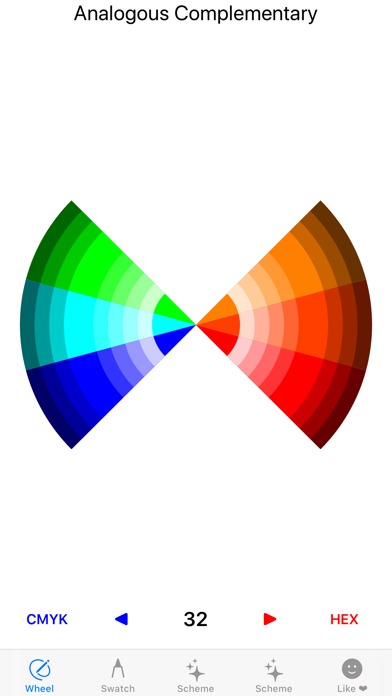
04 Complementary
05 Monochromatic
06 Primary
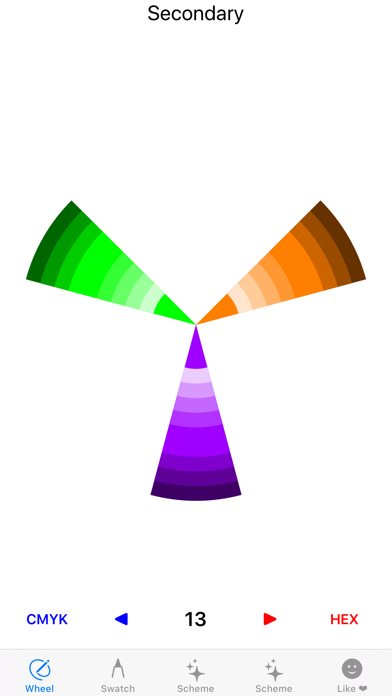
07 Secondary
08 Tertiary
09 Split-Complementary
10 Triad
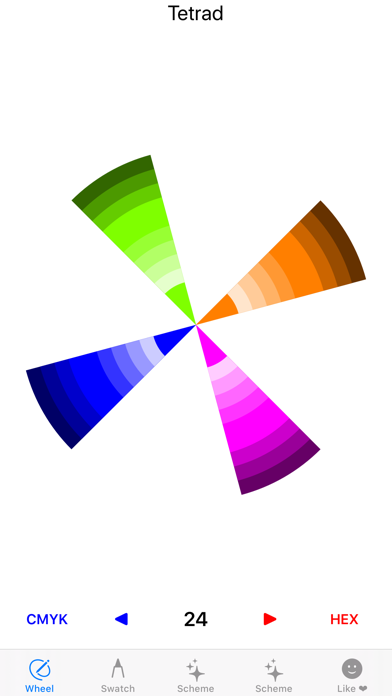
11 Tetrad
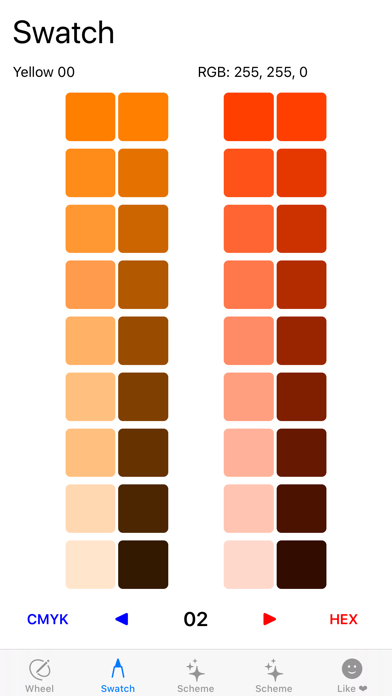
12 RGB Color codes
13 CMYK Color codes
14 HEX Color codes
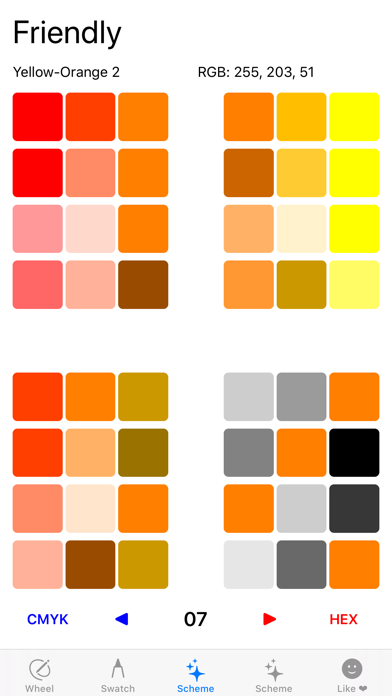
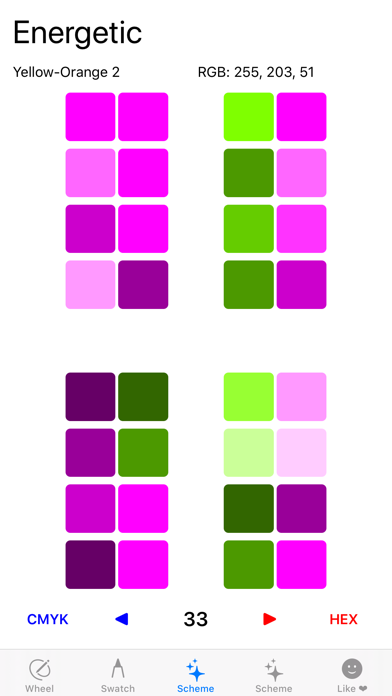
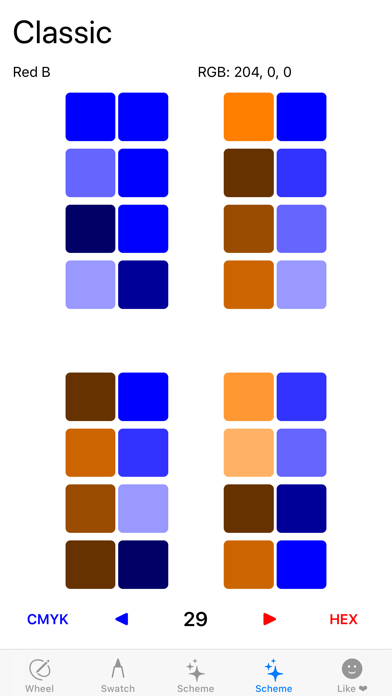
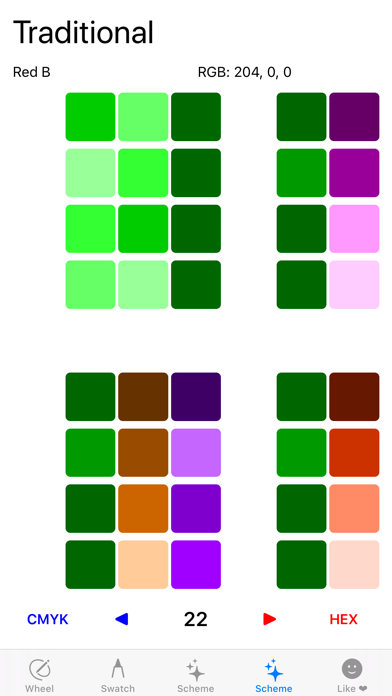
With 22 professional color schemes for you to pick from, you will be able to make the correct color decision every time, creating the mood you want for every occasion. Use these concepts and schemes to choose colors for house painting, architecture, websites, blogs, applications, advertising, brochures, posters, flyers, catalogues, promotions, shows, museums, and more. Here is the list of the color schemes you will find in “Color As Hue”:
01 Soft
02 Friendly
03 Welcoming
04 Romantic
05 Moving
06 Elegant
07 Tropical
08 Calm
09 Energetic
10 Subdued
11 Professional
12 Rich
13 Powerful
14 Vital Color
15 Earthly
16 Fresh
17 Traditional
18 Refreshing
19 Classic
20 Dependable
21 Regal
22 Magical
No more guess work, “Color As Hue” provides winning color schemes for any project. Get Yours Today!