
iPhone Screenshots



Description
Backup data automatically when connecting to the device. View backup status and manage connected devices. Transfer files between iDevice and . Format the and check storage usage.
The iXflash Cube app works with PIODATA's MFi certified iXflash Cube (Type A and Type C) backup device, which has been certified to work with all Apple “i” Devices (iPhone, iPad) utilizing the lightning or USB-C port.
The iXflash Cube App provides the following useful functions when connects to iXflash Cube device:
A) As soon as the iDevice connects to the iXflash Cube device, the backup process will be initiated automatically, no further action is needed by the user. In addition, the iDevice will be charged at the same time.
B) One Touch Backup: Back up all videos and photos stored on iDevice
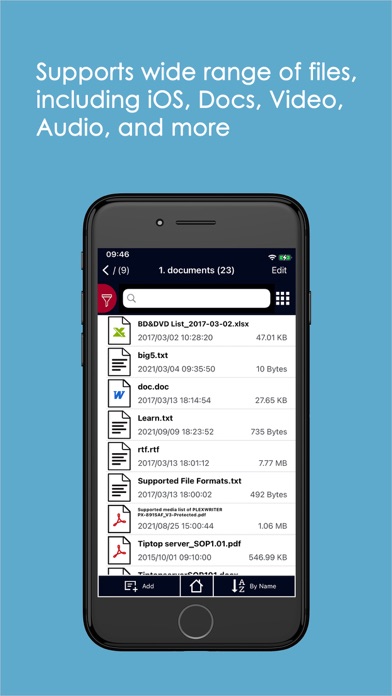
C) View all content stored on the iXflash Cube
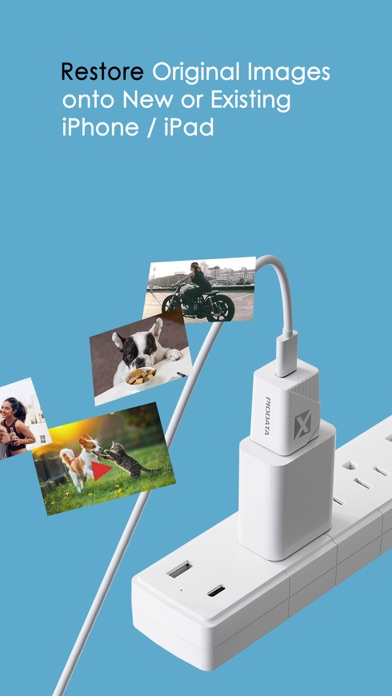
D) Restore all videos and photos stored on the iXflash Cube onto your iDevice(s)
E) View all content stored on the iXflash Cube APP, stored on your iDevice (Does not require connections to iXflash Cube device.