
LearnByCheating CheatSheet app
Create cheat sheets, flashcards, and tutorials
Stephen Carey
iPhone Screenshots


Description
Create and organize CheatSheets with customizable topics and two-column entries. Add FlashCards and Tutorials for any subject. Share or exchange files with others. Use as study aids, work references, or personal learning tools.
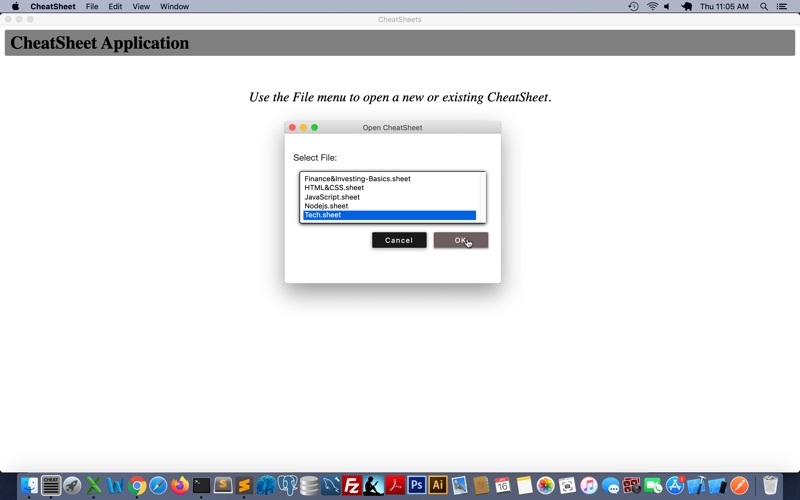
The LearnByCheating CheatSheet app lets you create your own CheatSheets, FlashCards, and Tutorials for any topic you want. Create as many as you need. You can also use files created by experts, or exchange them with friends, colleagues, or classmates. Use them as study aids or for reference. Use them for work, school, hobbies, or general reference.
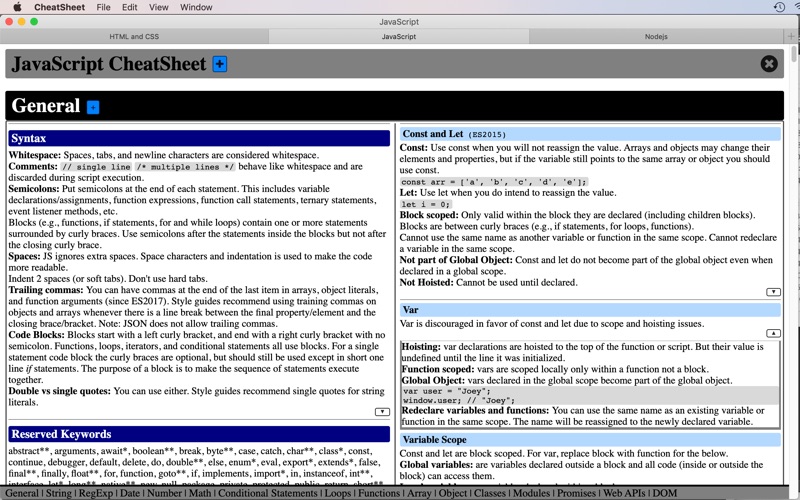
A CheatSheet is broken up into topics, displaying two columns of information. You can add as many items as you like under each topic. Each item has optional hidden content that you click an arrow to see. This avoids clutter, and can be used to quiz yourself, provide examples, or show more detailed information.
There is a table of contents along the bottom that takes you to each topic heading when clicked. There is also a search box to find info quickly.
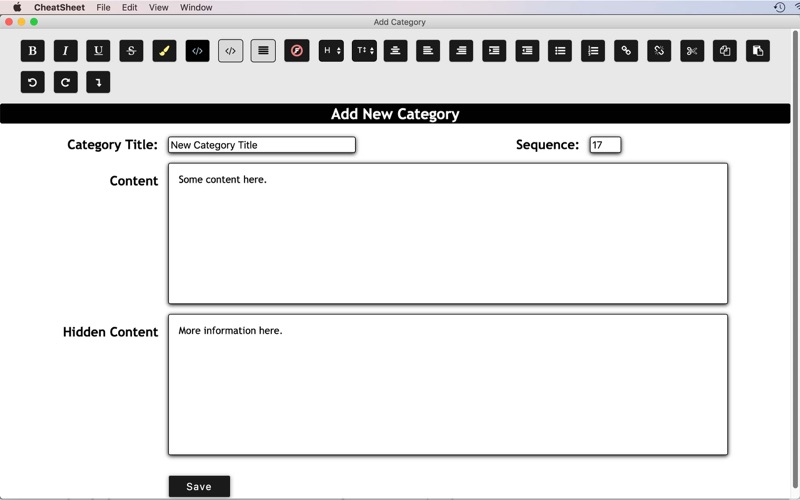
Topics and items can be added, edited, rearranged, or deleted at will. There are styling options such as subheading format, bold, italic, underline, strikethrough, highlight, colored background, bullet points, tables, images, and more.
Optionally, add flashcards and/or tutorials to each CheatSheet listed in a separate window.
Organize your information with the CheatSheets & FlashCards desktop app.