
Keyboard Translator: Chat Tool
Translate text in real time
Jafar Najafov
iPhone Screenshots



Description
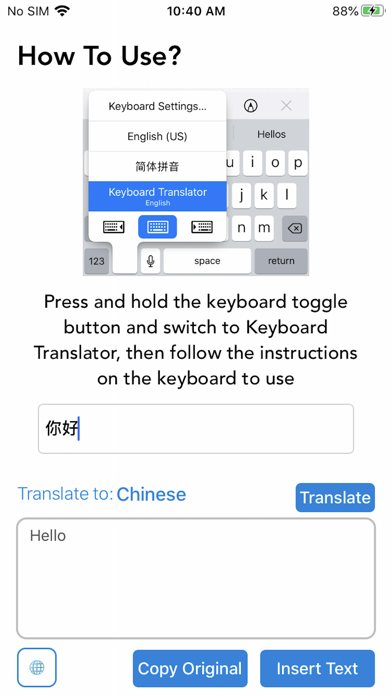
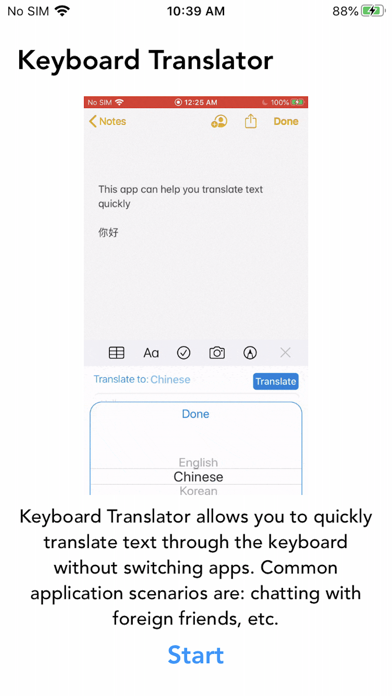
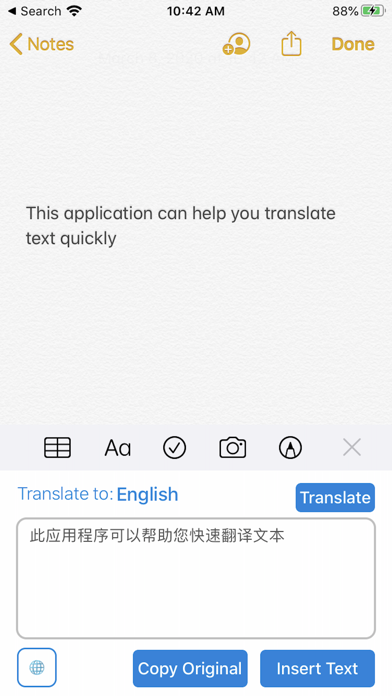
Translate text in real time within any application using the . Switch to translation mode by holding the switch button, insert text, and click translate to insert the translated result.
”Keyboard Translator“ can translate your text in real time in any application via the keyboard, without switching to another translation app!
Comparison of translation steps:
# With "Keyboard Translator":
1. Enter your text
2. Press and hold the switch button on the keyboard to switch to "Keyboard Translator"
3. Click "Insert Text" to insert the text to be translated
4. Click "Translate" to complete the translation
# Without "Keyboard Translator":
1. Enter your text
2. Copy the text
3. Open a translation app
4. Paste your text
5. Translate the text
6. Copy the translated text
7. Reopen your app
8. Paste and send
it's also a universal translator app, support english to korean, English to arabic etc...
you can translate text within keyboard quickly, for quick translations, arabic text etc...
Pro version features:
1. Remove watermark text
2. Support 28 languages
3. Unlimited Translation