
iFacialMocap
Record expressions, export FBX, send files
DevelopW LLC
iPhone Screenshots
Description
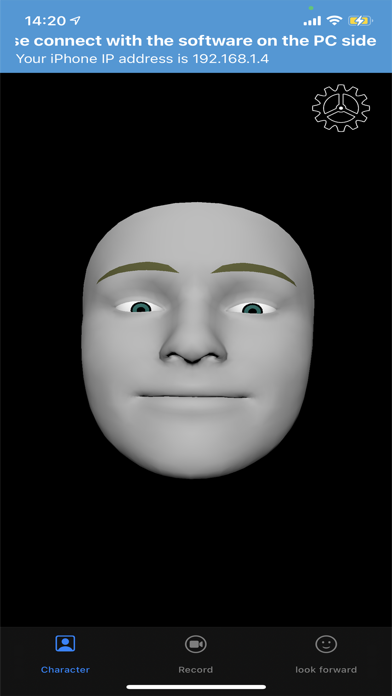
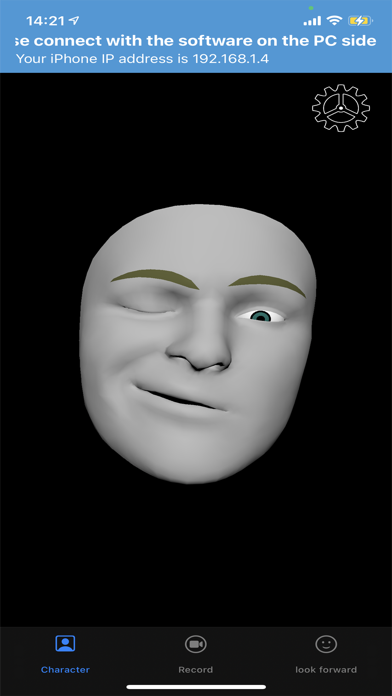
Capture facial expressions in real time using facial tracking. Record sessions and export FBX files via email. Import VRM models on PC-side software. Sync with 3DCG applications for real-time communication.
iFacialMocap allows you to capture facial expressions in an iOS app and communicate in real time with 3DCG software on your PC. You can also do an FBX export by email.PC-side software allows you to import VRM models.
To export FBX, turn on the REC mode and record. And when you press the mail button, the version selection screen of FBX appears, and when you press the OK button, the FBX file is saved in the File folder and the mailer starts.
Detailed usage is available at the following URL:
https://ifacialmocap.com/
This app can create face animations by communicating with Maya, Unity, 3dsMax and Blender in real time. In addition, animations created in real time can be baked.
This app can load VRM avatars within the iOS app. In addition, this app is linked with VMagicMirror on the PC and VRM related apps such as Luppet and HANA_APP.
To use, first start this app, then start "iFacialMocap to SoftWare app" on your PC and enter your iPhone's IP address.
(Donwload from PC use :https://ifacialmocap.com/download/
)
Next, create up to 52 morph targets (BlendShape or ShapeKey) according to the naming convention.
Finally, use 3DCG software to load the script / add-on and press the connection button.
Very accurate facial motion capture can be performed very easily.
This app uses ARKit on devices that support ARKit facial tracking, and MediaPipe with the front camera on other supported devices. The camera image and resulting depth data are only used to send motion capture data to the user's PC. That data is not stored in the iPhone. To get depth data from Apple's API, access to the camera is required.
This application is only used for communication with PCs within the same network and does not send information to third parties.
TrueDepth is not required on supported devices. Tracking accuracy depends on the device and capture conditions. Camera access permission is required.
Examples of devices that support ARKit facial tracking:
・iPhone
iPhone13 mini
Phone13 Pro Max
iPhone13 Pro
iPhone13
iPhone12 Pro Max
iPhone12 Pro
iPhone12
iPhone 11 Pro Max
iPhone 11 Pro
iPhone 11
iPhone XS Max
iPhone XS
iPhone XR
iPhone X
・iPad
iPad Pro 12.9-inch (5th generation)
iPad Pro 12.9-inch (4th generation)
iPad Pro 12.9-inch (3rd generation)
iPad Pro 11-inch (2nd generation)
iPad Pro 11-inch
* On devices without ARKit facial tracking support, MediaPipe can be used with a supported front camera.