
iPhone Screenshots
Description
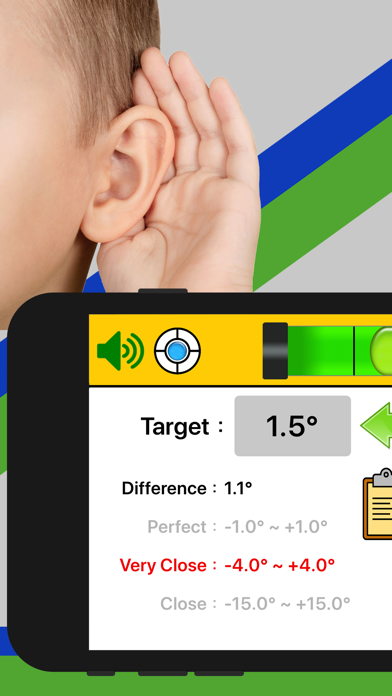
When measuring the angle, you will have a voice prompt for three ranges: close, very close, or perfect. The voice prompt allows you to keep your eyes away from the screen.
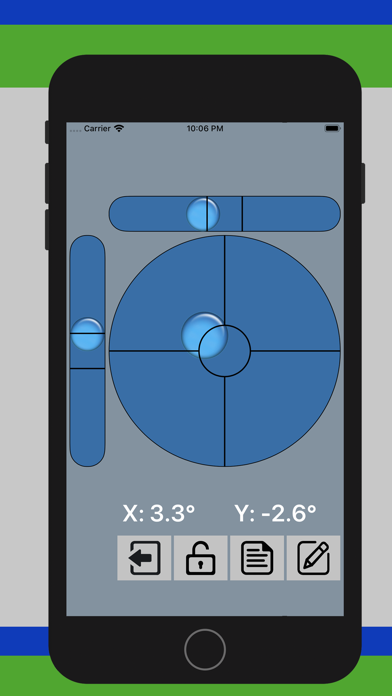
• Displays the angle of tilted surfaces in numbers, showing the difference from the desired angle.
• If the back of your device is not flat (such as a protruding lens or other accessories), you can put the screen face down to measure the angle.
• Can lock the current measurement as the target angle (can use the VOLUME UP button on the device or button on screen to lock the angle).
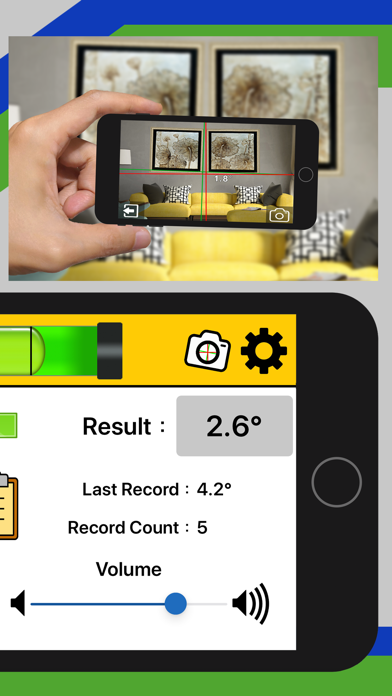
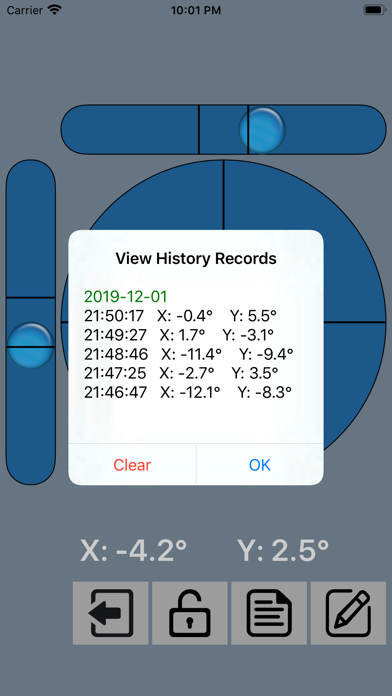
• Can save the current measurement as the history record (can use the VOLUME DOWN button on the device or button on screen to save the record).
• Can save up to 20 history records for your review
• With Calibration function
• Laser Level. You can preview and take photos for leveling by camera, just like laser leveling.
• Can set the degree of error for each applicable angle range
• Can set the measurement frequency (1 second to 3 seconds)
• Optional mute or audible mode
• Easy to use
• Support languages: English, French, German, Portuguese, Russian, Spanish, Japanese, Korean, Traditional Chinese, Simplified Chinese