
iPhone Screenshots
Description
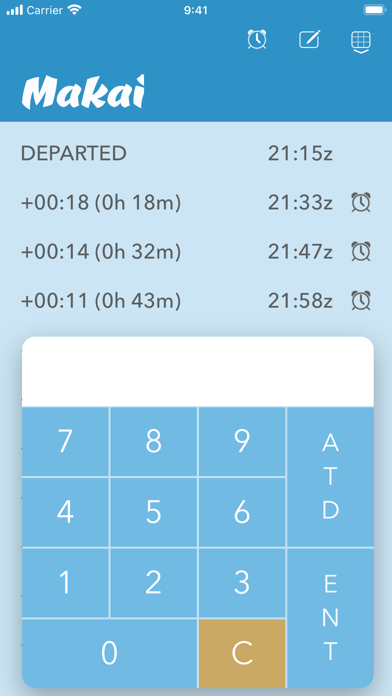
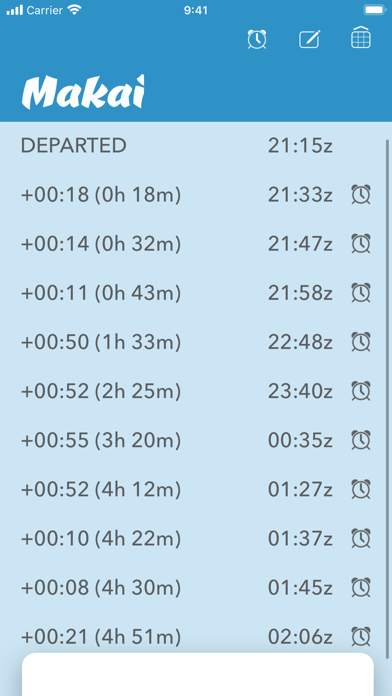
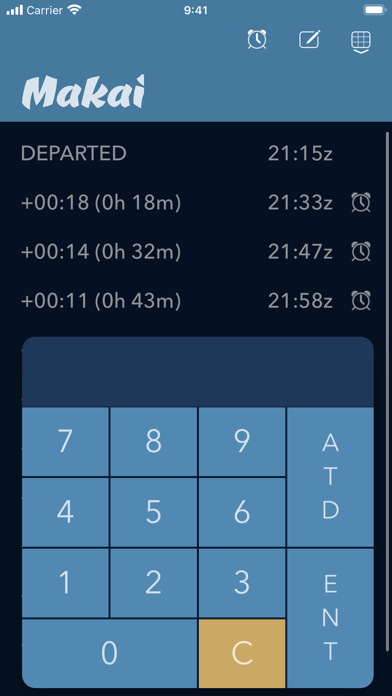
Track flight plan times by entering waypoint enroute times before departure. Compare running totals to verify accuracy. After departure, input actual time off the ground to calculate and display waypoint estimates for log entry.
Simply enter your waypoint enroute times from your flight plan before departure.
Compare the running total time against your flight plan enroute time to verify that your entries are correct.
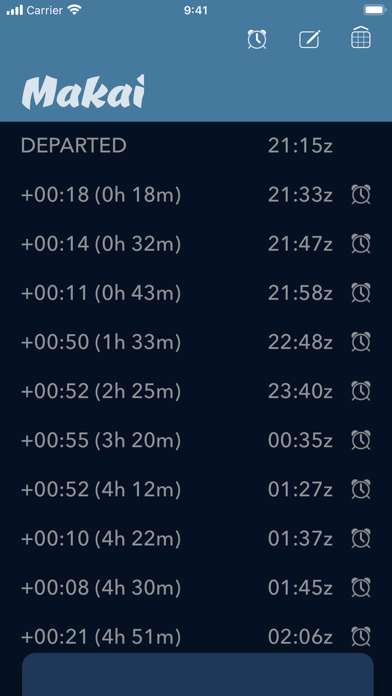
After departure, enter your actual time off the ground and the waypoint estimates will be calculated and presented for easy flight plan log entry.
Gain or lose a few minutes while airborne? You can quickly and easily update your waypoint ETAs while enroute with convenient increment and decrement buttons in the flight time log.
Set alarms for approaching a waypoint ETA, at a waypoint ETA and 10 minutes past a waypoint ETA to remind you to perform notations, plots or any other company requirement. Alarms can be activated or deactivated for any waypoint ETA by selecting the alarm icons on the flight time log.