
iPhone Screenshots



Description
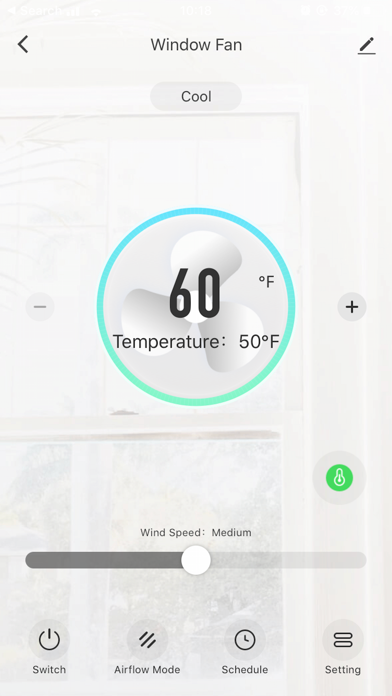
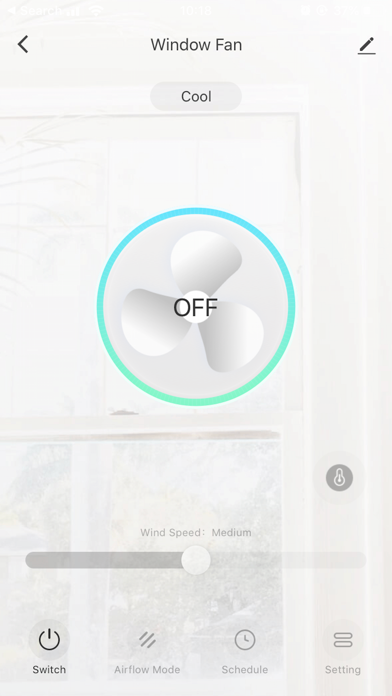
Control window fan operations through smart devices. Turn fans on/off, adjust speeds, set temperature between 60F and 80F, control airflow mode, create schedules for multiple functions, and adjust control panel brightness.
Control your window fan from your smart devices simply by installing the AspenHome app and connecting to your Wi-Fi network. This app offers the following features: • Turn fans on/off• Modify fan speeds• Set temperature (60F~80F),• Control airflow mode• Create schedules to perform multiple functions • Adjust control panel brightness setting