
Mixergy Enterprise Installer
Add tanks, track temps, set heat source
Mixergy Limited
iPhone Screenshots

Description
Manage accounts by adding hot water tanks. Monitor real-time temperature and water levels. Track heating status and set heat sources. Adjust set point temperatures. Control timer functions remotely. Enable or disable timer cables as needed.
The Mixergy Enterprise Installer app assists installers of Mixergy hot water tanks.
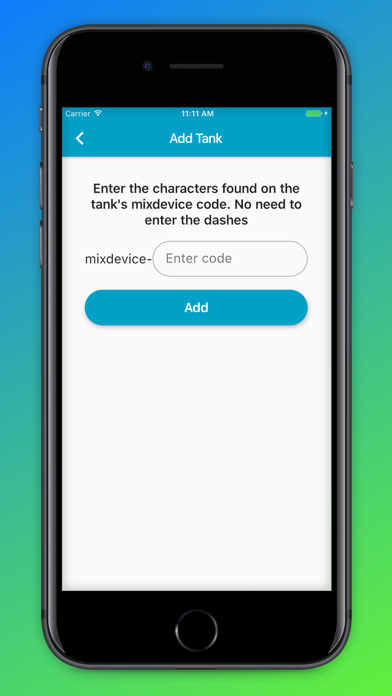
• Add a tank to your enterprise account
• See the current temperatures and amount of hot water in the tank in real time
• See whether the tank is currently heating up or not
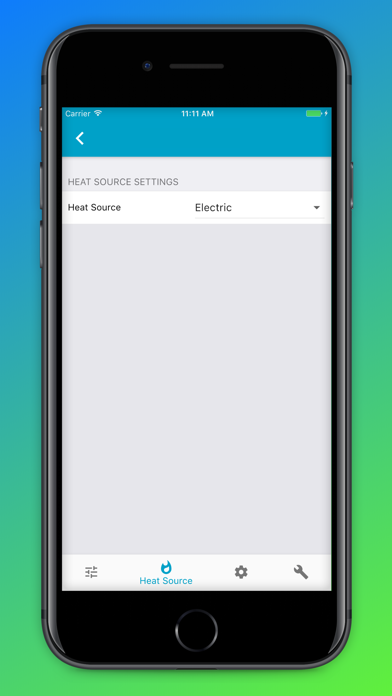
• Set the tank's heat source
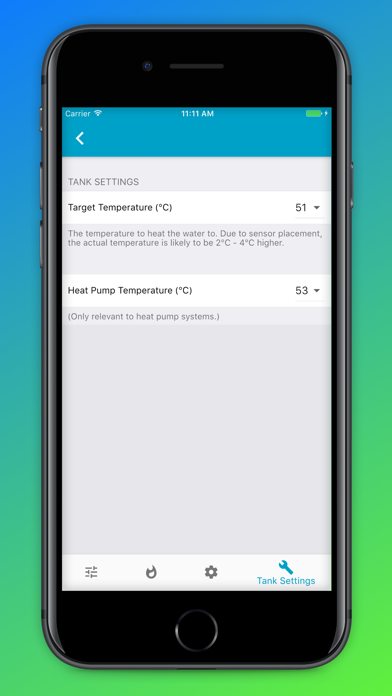
• Set the set point temperature of the water
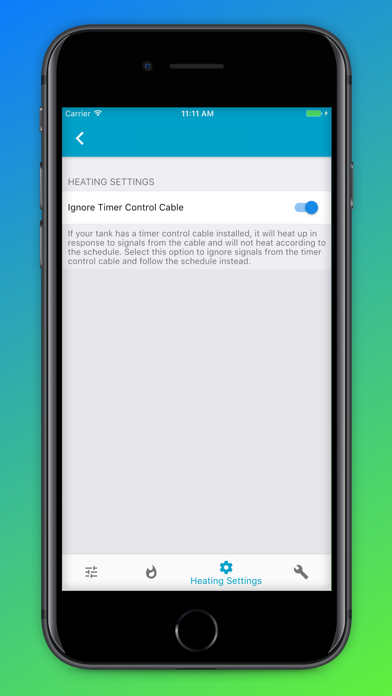
• Enable and disable the timer control cable