iPhone Screenshots
Description
I have a Casio G-Series radio watch, but it is always unable to receive radio waves from time signal station, so I started to write an application to solve this problem.
After some research, I finally wrote this application, which can perfectly simulate the timing signal and happily calibrate the time.
Usage method:
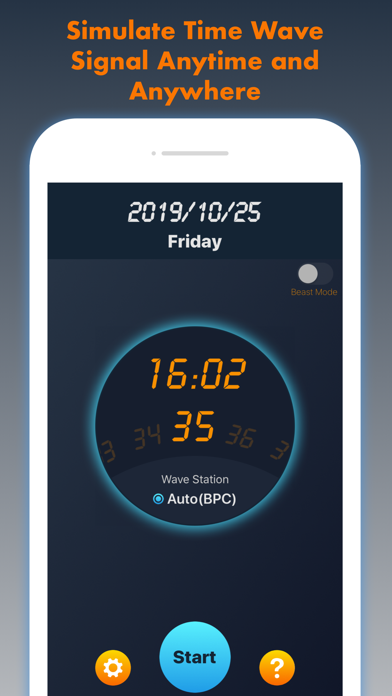
1. Adjust the volume of iPhone / iPad to the maximum.
2. Switch the radio controlled watch / clock to manual wave receiving mode.
3. Click the "start" button.
4. Place the watch / clock near the iPhone / iPad speakers.
5. The synchronization process generally takes 3-10 minutes, please wait patiently.
Matters needing attention:
1. Please try to use the software in a quiet environment to avoid signal interference.
2. The volume of the mobile phone must be adjusted to the maximum. It's too small and the effect is not good.
Characteristic:
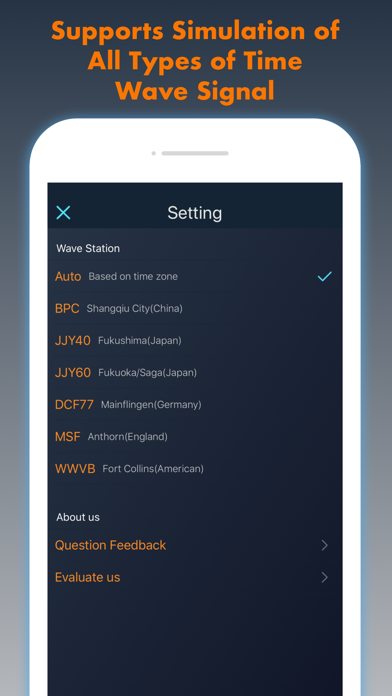
1. Supports simulation of all types of Time Wave Signal:
* China BPC
* USA WWVB
* Japan JJY40 / JJY60
* Germany DCF77
* British MSF
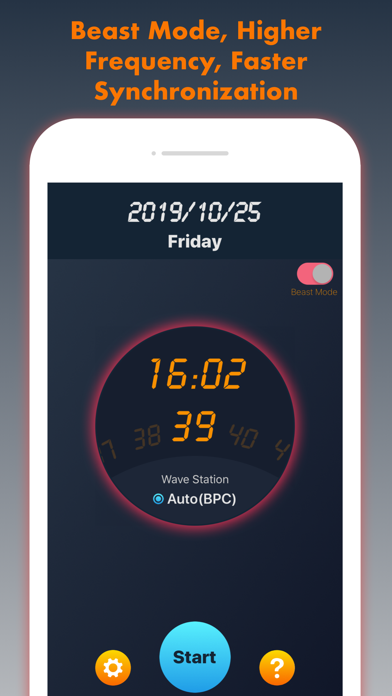
2. The unique "Beast Mode" provides higher frequency simulation signals and faster sync.
Contact information:
Please contact me if you have any use questions
*QQ: 3364918353
*Email: [email protected]