
iPhone Screenshots

Description
KEY FEATURES:
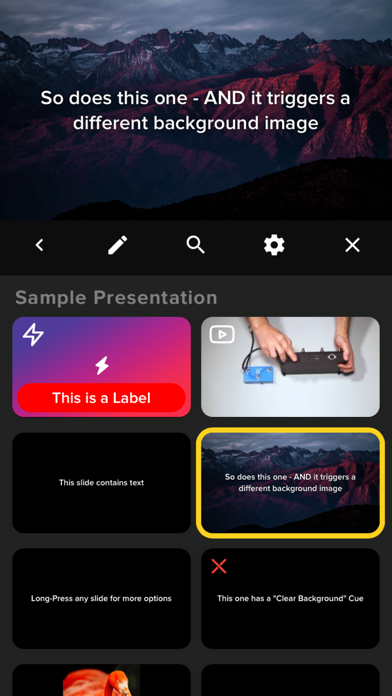
- Control your presentation from your iOS device while presenting fullscreen on an attached display/TV/Projector (via an HDMI/VGA adapter or via AirPlay Mirroring). OR go fullscreen on your device for one-on-one presentations
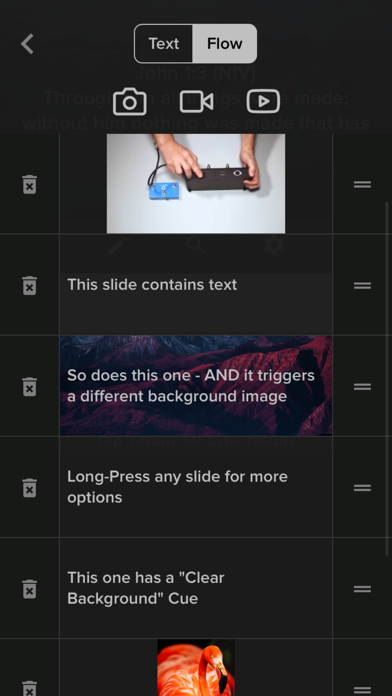
- Non-Linear Control (for when 'Next' and 'Back' aren't enough)
- Organize Presentations into Playlists
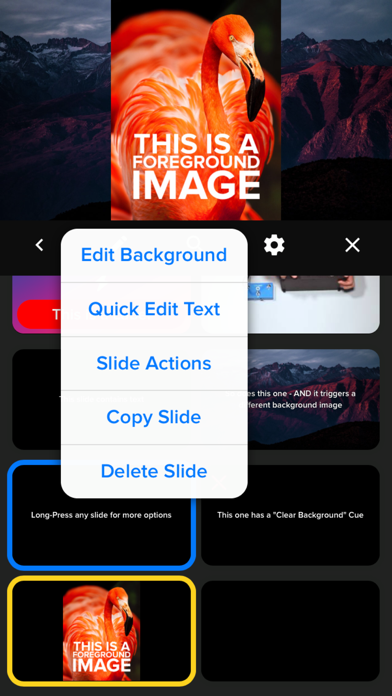
- Independent control over Foregrounds and Backgrounds
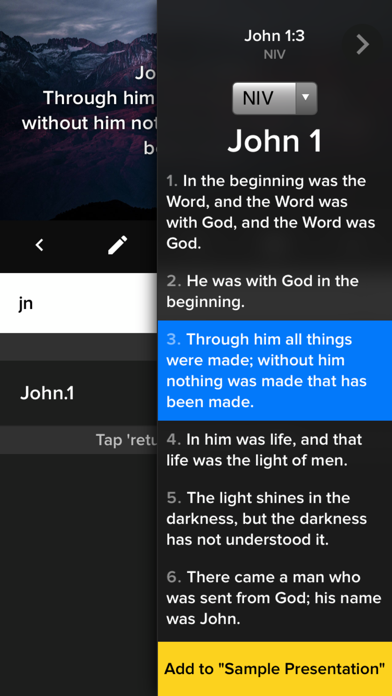
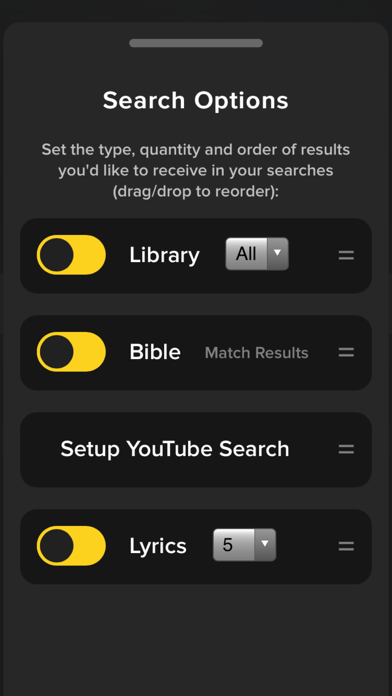
- Search and Import Lyrics and Bible Verses on the fly
- Playback Lyrics/Text, Videos, Images overlayed on background videos/images
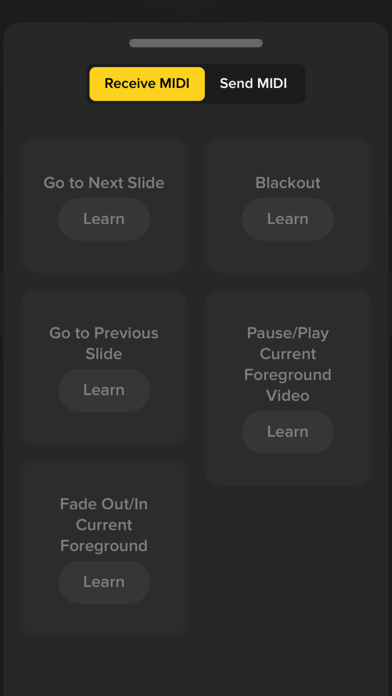
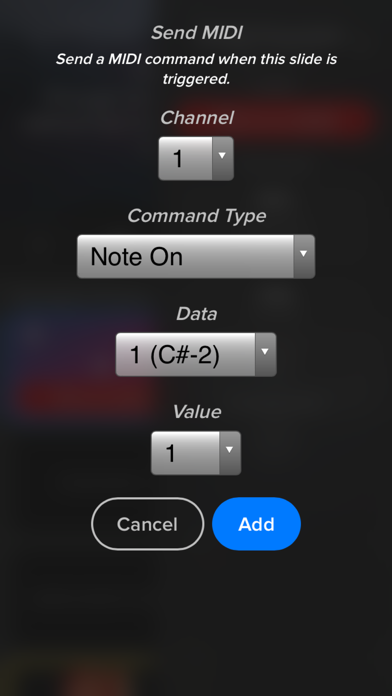
- MIDI I/O: Control your lighting console, trigger slides via Ableton, etc
- OSC (Open Sound Control) Support: Control Slipity via TouchOSC, OSC Pilot, etc.
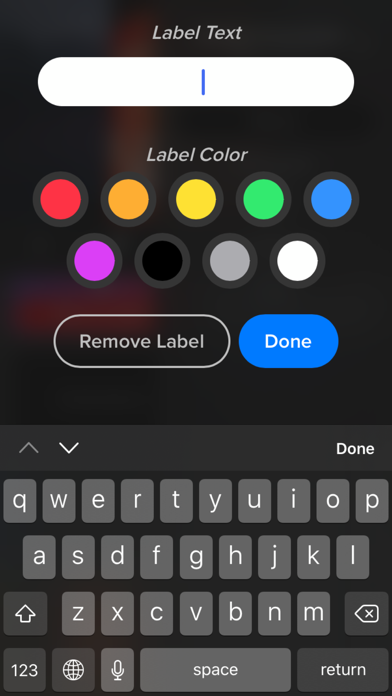
- Attach 'actions' to slides: Labels, MIDI triggers, timers, webhooks (dim the lights in your smarthome via an IFTTT webhook when you trigger a slide in Slipity because, why not?)
- Link your Planning Center account to import Plans
- It's portable! (A multi-media presentation system that probably fits in your pocket)
- It's FREE! Seriously, no ads, no strings attached.
CHURCHES / HOUSES OF WORSHIP:
- Great for Lyric projection during services, Camps, Living Room Worship nights, etc.
- Search and import lyrics and bibles live (on-the-fly) within the app
BANDS:
- Trigger slides/lyrics/media via MIDI from external sources such as Ableton Live or physical MIDI controllers.
- Scale down with minimal equipment
PRODUCTION:
- Automate with MIDI: control your lighting console, trigger IFTTT Webhooks
- Utilize internal timers to trigger a slide at a specific time to keep your program running smoothly
- Stay on budget by using/borrowing iOS devices rather than purchasing or renting expensive equipment