
iPhone Screenshots



Description
ChatCat - AI Chat Assistant for Smarter Conversations
Effortlessly enhance your chats with AI-powered suggestions. Whether you’re responding in a professional context or impressing someone special, ChatCat helps you craft the perfect reply.
===
Key Features:
• Quick, Efficient Replies – Instantly generate context-aware responses to save time.
• Personalized Communication – Charm your way into someone’s heart with thoughtful replies.
• Boost Customer Service – Respond professionally in eCommerce conversations.
===
Examples of AI Chat Responses:
• Health Concerns – Avoid generic replies like "Go to the doctor" with more caring responses.
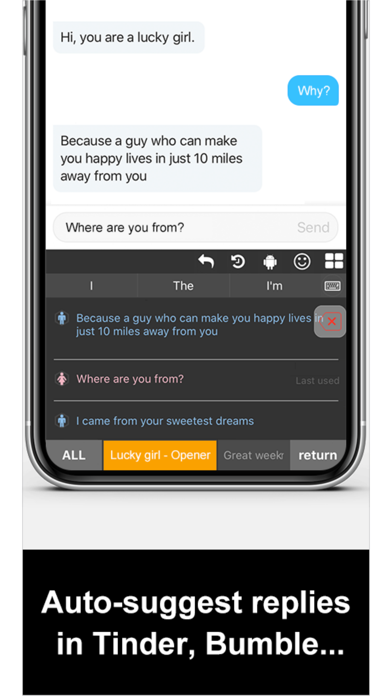
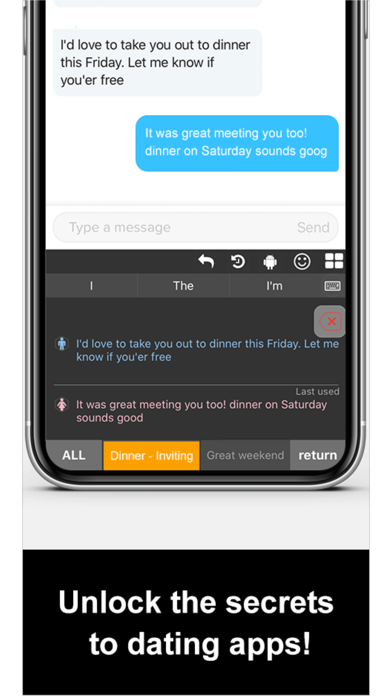
• Dating Tips – Not sure how to talk on Tinder? ChatCat suggests flirty, engaging replies.
• Expressing Gratitude – Show your appreciation in a way that stands out.
===
Smart Reply Features:
• Real-Time Suggestions – ChatCat predicts and suggests replies as you type.
• Contextual Recommendations – Copy a message, and ChatCat will recommend the best reply.
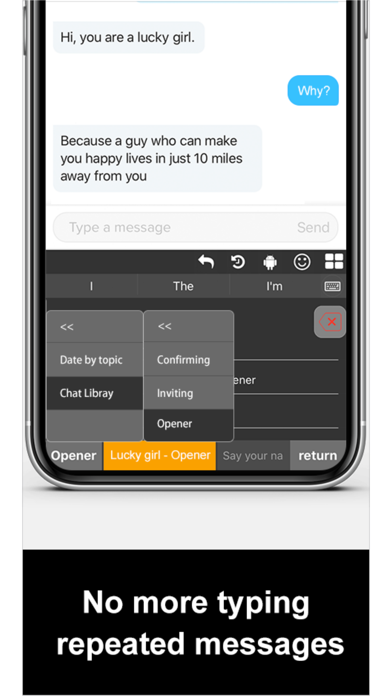
• Phrase Library – Access commonly used phrases for natural responses.
===
Easy Setup Instructions:
Download and launch ChatCat.
Go to: Settings > General > Keyboard > Keyboards > Add New Keyboard > ChatCat.
Enable "Full Access".
Switch to ChatCat for AI-powered replies in any conversation.
===
Upgrade your conversations today with ChatCat - AI Chat Assistant!
===
Terms of Use:
https://puppyguard.app/chatcat-terms