
Business Smart Banking
Edit payments, manage standing orders, pay credit
UniCredit Bank Czech Republic and Slovakia, a.s.
iPhone Screenshots




Description
Manage finances with payment entry, standing order creation, and credit card payments. Activate debit cards and secure access via PIN, fingerprint, or Face ID. Generate one-time login codes for BusinessNet.
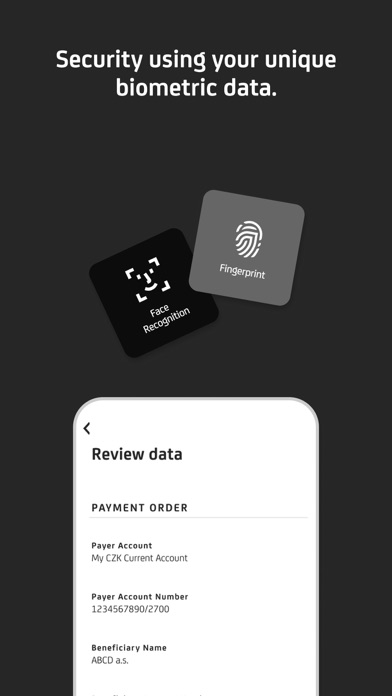
With Business Smart Banking you always have your bank at your fingertips. The application is user-friendly and secure most of all. It enables you to enter payments, create and edit standing orders, pay a credit card, or activate a debit card. The application access as well as payment signatures are protected by your PIN, fingerprint, or Face ID.
Business Smart Banking also includes a Smart Key, which generates a one-time login and login codes for BusinessNet.
But the application can do many more things!
• Learn about what’s going on in your account after you turn on the Push Notification.
• Have you lost a credit or debit card? You can simply temporarily block and unblock the card for free in the app.
• You can also make a payment by scanning a QR code (QR payment).
• In BusinessNet you can use the Payment templates and stored Beneficiaries in the Smart Banking application.
• Get an instant overview of currency rates.
• Account statements, statements for credit cards and other documents can be found in Documents.
• Are you searching for an ATM or UniCredit Bank branch? You can quickly find them in the application.
How to activate the app?
Install the application and ask a banker at UniCredit Bank for activation.