
RemRoku - Smart Remote
Control Roku devices from your phone
Luis Romero
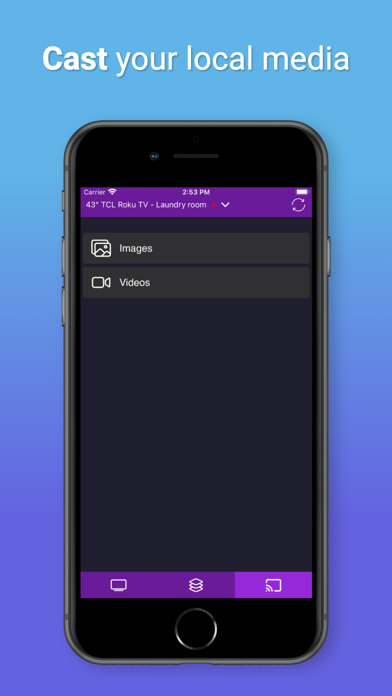
iPhone Screenshots
iPad Screenshots
Description
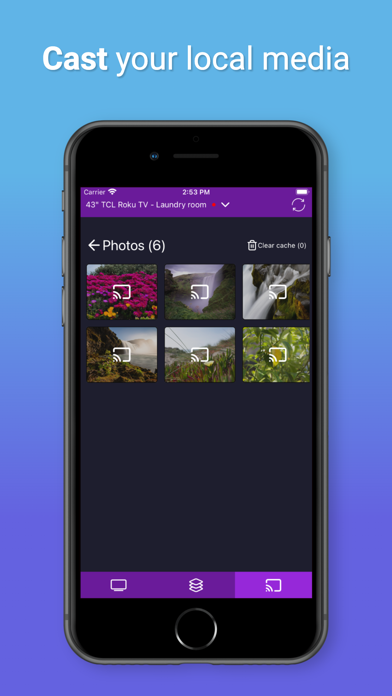
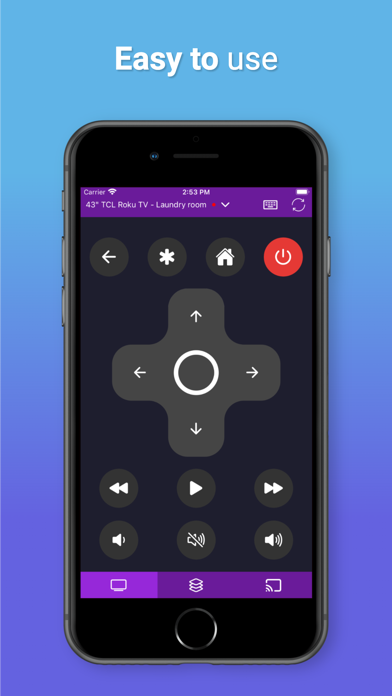
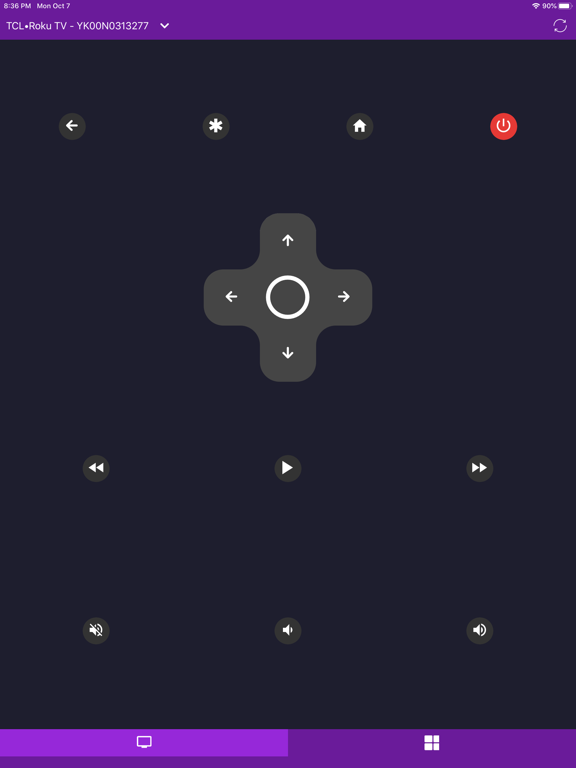
Control Roku devices remotely with this . Scan your network to locate Roku devices. Adjust volume, power on or off, and access TV channels. Navigate using buttons or touchpad. Open favorite channels directly. Supports tablets and multiple devices.
Control all your Roku devices with this app.
Main Features:
- Control your Roku device as another remote
- No Setup, just download and play, scan your local network and find your Roku devices.
- Control your device volume.
- Turn on and off your Roku TV.
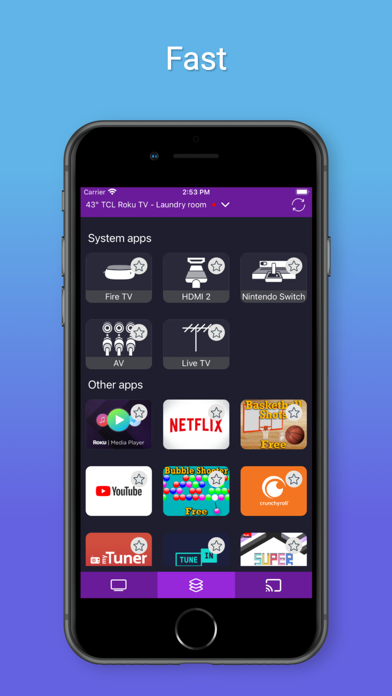
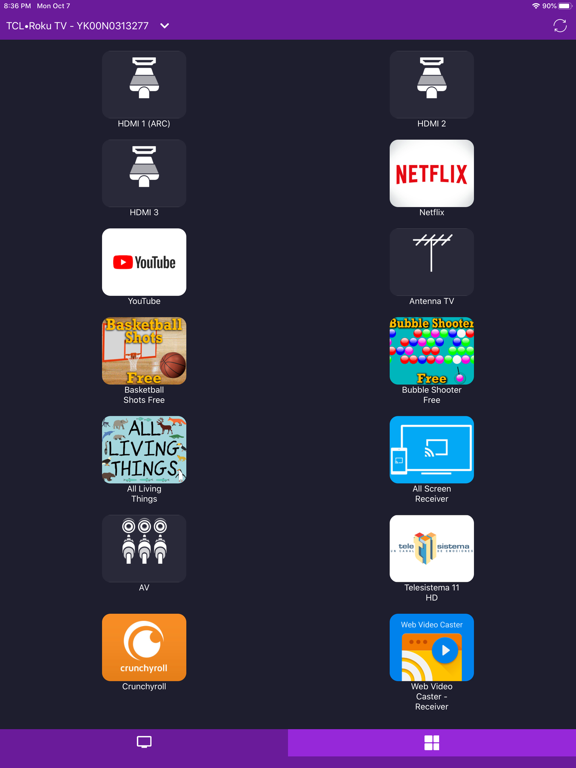
- View all your TV channels and open directly from your phone.
- Navigation using the buttons or touch pad.
- Simple and user-friendly.
- Tablet support.
- Support for multiple devices.
- Favorite channels
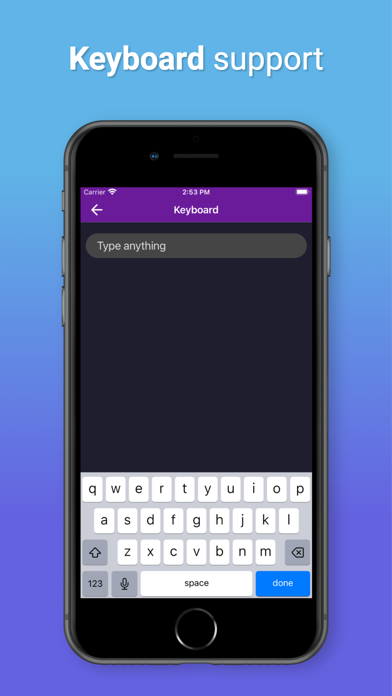
- Keyboard support
RemRoku is compatible with all Roku models:
- Streaming Stick
- Streaming Stick Express
- Streaming Stick Express+
- Streaming Stick Premiere
- Streaming Stick Premiere+
- Streaming Stick Ultra
- Roku TV TCL
- Roku TV Sharp
- Roku TV Insignia
- Roku TV Hisense
- Roku TV RCA
- Roku TV Hitachi
- Roku TV Element
Disclaimer:
- In order to find your Roku devices, your smartphone and Roku device must be in the same network.
- RemRoku is not an affiliated entity of Roku, Inc either an official application product of Roku, Inc.
App information from Apple App Store. RemRoku - Smart Remote and related trademarks belong to Luis Romero.